Appendix 6: MultiTest-x Menu Options Page 7
[1], [3], [3] Using the Control Menu
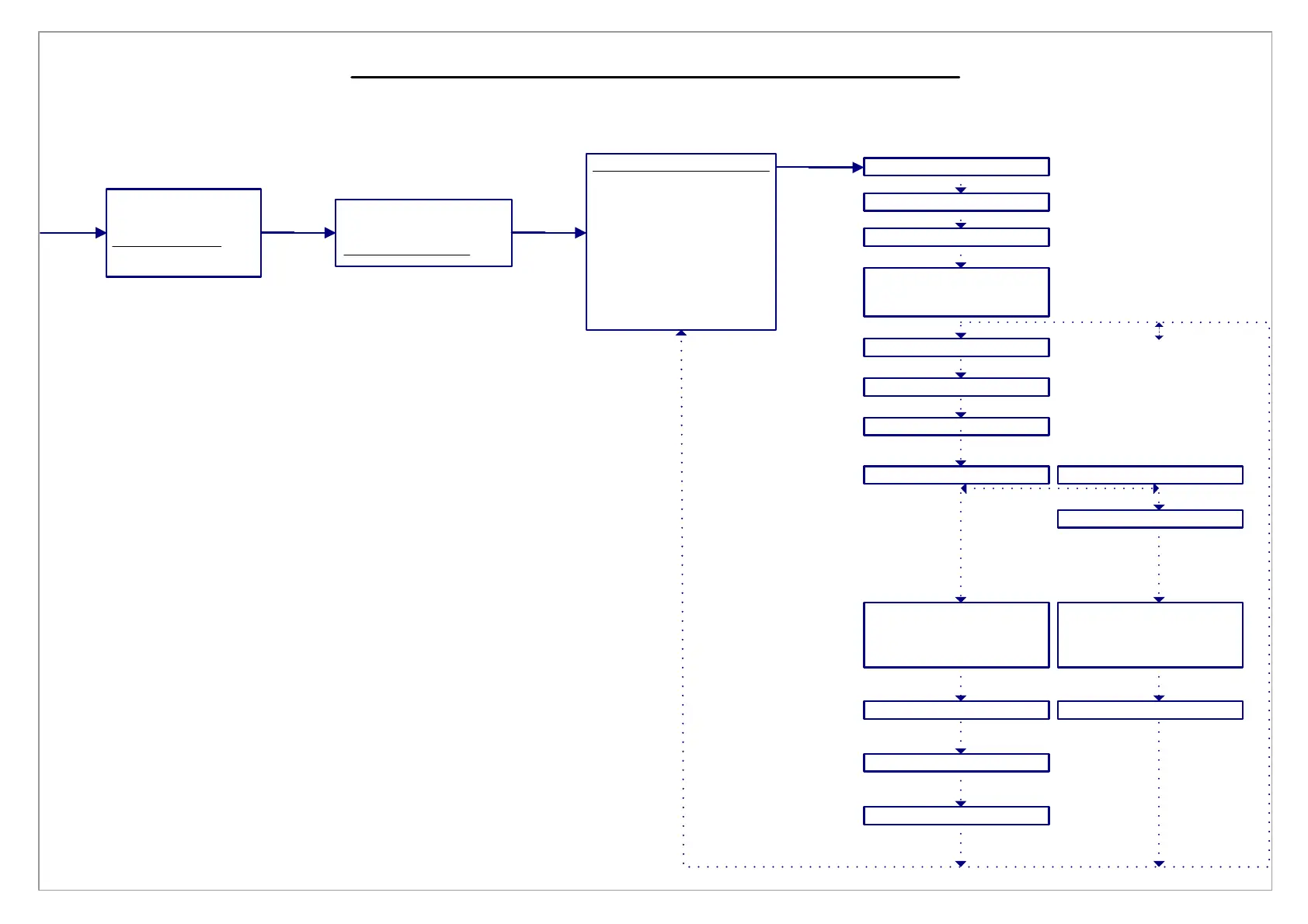
[1], [3], [3], [1] Define T(e)st Profile
Press
[1/Menu]
Press
[1]
No of Cycles(1-999)
Cycle Btwn Seg-OFF
END AmtB(units)
END CH SegB:
SegB(Speed units):
END AmtA(units):
Create SegB?
1)Yes 2)No
SegA (speed units)
END CH SegA:
Type in speed and press [Start/ENT]
Press <1> to toggle between Time, Load, Position. Press [Start/ENT]
Type in the appropriate value and press [Start/ENT]
Press [1] to create next segment
Type in the speed and press [Start/ENT]
Type in the appropriate value and press [Start/ENT]
Cycle Btwn Seg-ON
Press <1> to toggle between Time, Load, Position. Press [Start/ENT]
Press <1> to toggle between OFF and ON and press [Start/ENT]
Type in the number of cycles required
and press [Start/ENT]
Press <1> to toggle between Log Data options
or press [2] to return
to the Control Menu
Log1 on Cyc: 1
SET CYCLIC LOGGING
1)Log Data On Up To
3 User Defined Cyc
ENT)Continue
Log Every X Cycles:
SET CYCLIC LOGGING
1)Log Data Every
X Cycles.
ENT)Continue
Press [Start/ENT]
Type in the number of cycles
and press [Start/ENT]
Press [Start/ENT]
Type in the a value
and press [Start/ENT]
Log2 on Cyc: 1
Log3 on Cyc: 1
Type in the a value
and press [Start/ENT]
Type in the a value
and press [Start/ENT]
1) Procedure 1
2) Print Menu
3) Setup Menu
4) Utilities Menu
Press
[3]
1) Acquisition Menu
2) Analysis Menu
3) Control Menu
Press
[3]
1) Define Tst Profile
2) Dir-TENSION
3) Post Test-STOP
4) Jog Rate v
5) Home Location
6) Home Rate
7) Touch Load
8) Touch Rate
9) Control Gains



 To Next Page