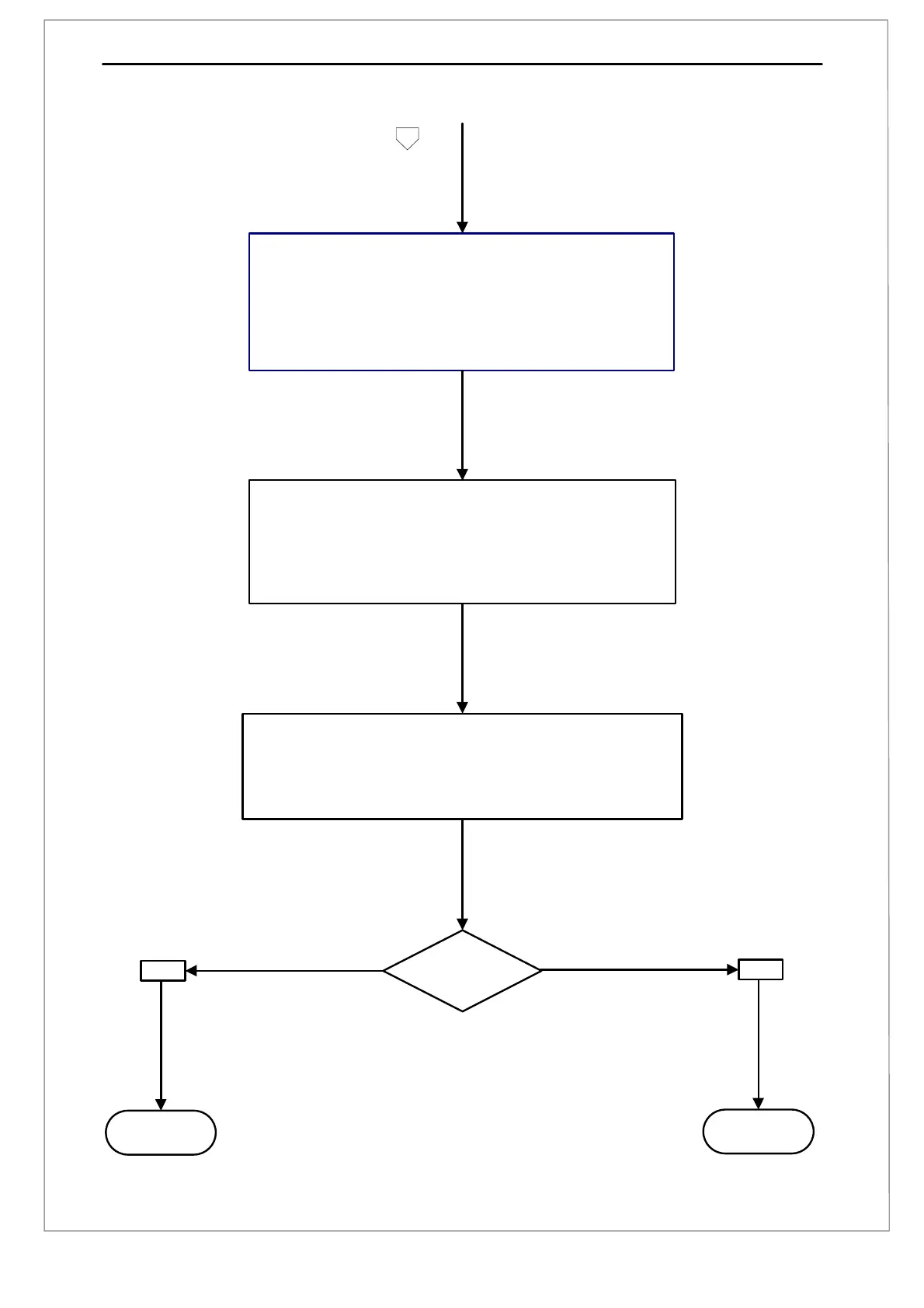
F. Set the Pass/Fail Limits
Set the required tolerance limits using Set Limits [1], [3], [2], [2]
i) Enter the lower limit for the Peak result as 20N. Press [Start/ENT]
ii) Enter the upper limit for the Peak result as 25N. Press [Start/ENT]
iii) Enter the lower limit for the Minimum result as 15N. Press [Start/ENT]
iv) Enter the upper limit of the Minimum result as 20N. Press [Start/ENT]
v) Enter the lower limit of the Average result as 18N. Press [Start/ENT]
vi) Enter the upper limit for the Average result as 22N. Press [Start/ENT]
G. Run the Program
i) At the Main Menu screen press [1] until ‘TUTORIAL-1’ is displayed
ii) Press [Stop/BK SP] to load ‘TUTORIAL-1’ and display the ‘live screen’
iii) Press [(-)/Tare] and [1] to set the load and displacement to zero
iv) Press [Start/ENT] to run ‘TUTORIAL-1’
v) Pull gently on the loadcell and try to keep the reading as close as you
can to ’20 N’ for the next 10 seconds
H. Archiving the Data
Archive the data using the Print Menu [1], [2]
i) Press [1] to download the test results to a PC or datalogger
ii) Press [2] to download the XY Data to a PC or datalogger
iii) Press [3] to download the Procedure ‘TUTORIAL1’ to a PC or datalogger
iv) Press [4] to download calibration information to a PC or datalogger
J.FINISH
I.
Refine the Test
Appendix 6: MultiTest-x Program Development Page 2
NO
YES
A. START



 To Next Page