EasyManua.ls Logo

Medion LIFE E11909 - User Manual

Medion LIFE E11909
82 pages
Print Icon
To Next Page IconTo Next Page
Loading...
User Manual
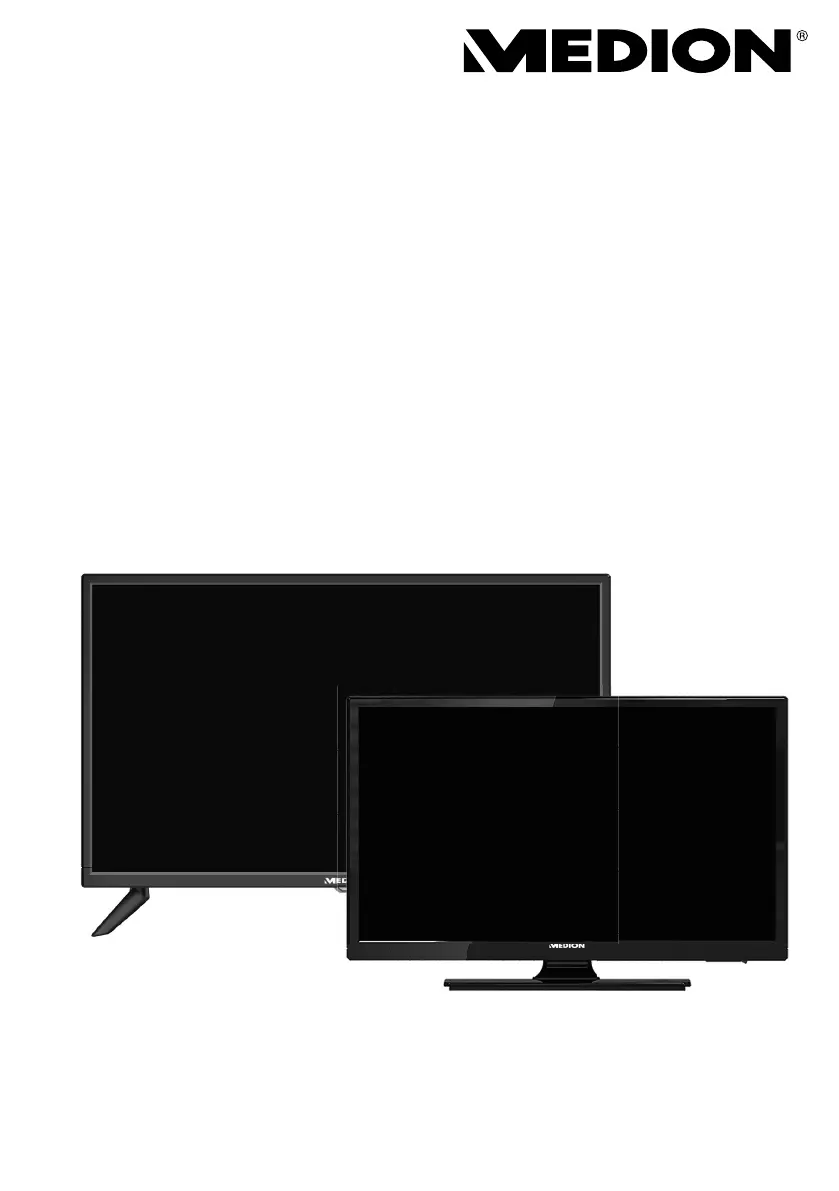
E11916 (MD 20058) / E11909 (MD 20059) / E12417 (MD 20087) / E12418 (MD 20088)
LCD-TV
MEDION® LIFE®

Table of Contents

Other manuals for Medion LIFE E11909

Questions and Answers

  • J
    Jessica AguirreSep 12, 2025
    What to do if Medion TV disc won't start?
    • R
      reyesbradleySep 12, 2025
      If the disc won't start on your Medion TV, even after pressing PLAY, or if it starts and stops immediately, ensure the disc is inserted with the label side facing to the rear. Check if the disc is damaged by trying another disc. If the disc is dirty, clean it carefully, wiping it from the centre to the edge with a soft, dry cloth. For DVDs, ensure it has the correct regional code (2). If condensation has formed inside the device, leave the player for one to two hours to dry off.
  • N
    natashacampbellSep 14, 2025
    Why is the picture pixelated on my Medion TV?
    • L
      Lori GarciaSep 14, 2025
      If your Medion TV picture is pixelated, it might be due to interference from cars, trains, power lines, or neon lights. Additionally, interference between the antenna and power cables could be the cause; try positioning the cables further apart.

Summary

Safety Instructions

Operating Safety Precautions

Provides essential safety guidelines for using the television.

Set-up Location Guidance

Guidance on choosing an appropriate and safe place for the TV.

Safety When Connecting

Crucial safety precautions related to connecting the TV to power.

Power Supply Safety

Detailed safety advice for connecting the device to the mains.

Handling Batteries Safely

Safety guidelines for the proper use and disposal of batteries.

Device Overview

Front Panel Controls

Identifies buttons and indicators on the front of the TV.

Rear Panel Connections

Details all input and output ports located on the back of the TV.

Remote Control Functions

Explains the purpose and operation of each button on the remote.

Getting Started

Connecting the Antenna

Instructions for connecting terrestrial or cable TV antennas.

Connecting the Mains Adapter

Procedure for safely connecting the TV to the power outlet.

Powering the TV On and Off

How to switch the television between on and standby modes.

First-Time Channel Installation

Guide for initial setup and automatic channel scanning.

Tuning Setup: Cable and Antenna

Configuration options for tuning channels via cable or antenna.

Tuning Setup: Satellite

Configuration options for tuning channels via satellite dish.

Multimedia Connections

HDMI Connection

Guide for connecting devices via HDMI for high-quality video and audio.

USB Connection

How to connect USB storage devices for media playback.

Operation

Channel Selection and Management

Methods for changing channels and managing favorites.

Selecting Input Sources

Guide to choosing between different input signals (TV, HDMI, USB, etc.).

EPG Programme Guide

Troubleshooting

Common Problems and Solutions

Troubleshooting guide for common issues like no picture, sound, or poor reception.

LCD TV Pixel Faults

Explanation of pixel defect classifications and standards.

Technical Specifications

Service and Support Information

Medion LIFE E11909 Specifications

General IconGeneral
BrandMedion
ModelLIFE E11909
CategoryLCD TV
LanguageEnglish

Related product manuals