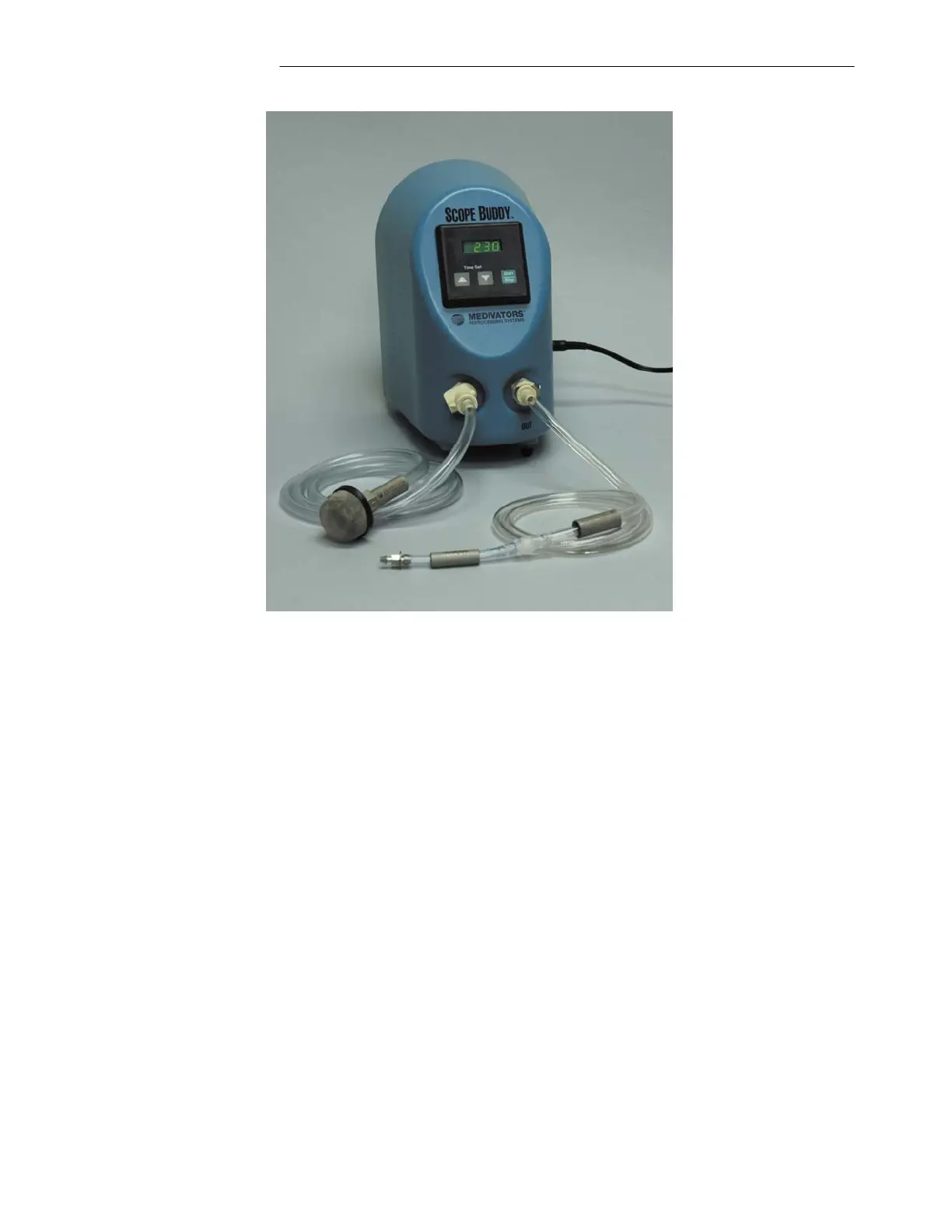
SCOPE BUDDY USER/SERVICE MANUAL
32
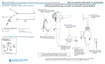
Figure 17 Universal Cleaning Adapter with Flow Verification Tube
5. Using the SCOPE BUDDY front panel arrow keys, set the timer display to one (1) minute.
6. To prime the device, select the “START/STOP” button to begin fluid delivery. Watch until all air has
been purged through the device and a steady column of water is exiting the flow verification tube.
7. Press “START/STOP” button to halt fluid flow.
Performing a Flow Validation Test:
1. Place the open end of the pre-primed Flow Verification Tube into an empty graduated cylinder.
2. Using the SCOPE BUDDY front panel arrow keys, set the timer display to ten (10) seconds.
3. Press the “START/STOP” button to begin the test and the timer display will now begin counting down.
Water will begin flowing into the graduated cylinder.
4. Once the timer counts down to zero, fluid flow will stop and a five-second audible tone will be heard.
During this time, the timer display will flash all zeros and then remain with a zero display providing an
indication that the cycle is complete.
5. Remove the Flow Verification Tube from the graduated cylinder and read the volume of fluid dispensed
into the cylinder. Be sure to read the graduated cylinder directly from the side to avoid parallax, and
also read the cylinder from the bottom of the water meniscus. The dispensed volume should be greater
than or equal to 100 ml’s.
Sco
e Budd
Unit
Universal Cleaning Adapter
with Flow Verification Tube
Fluid Intake Line



 To Next Page