4-23
Switching HV on/off
Once you have selected the appropriate test profile from the main menu and selected
Enter to open it, you are prompted to activate the high voltage.
Switch HV on using the illuminated HV on button (6).
Afterwards a note appears on
the display notifying that the red illuminated HV off button (7)
HV off.
If the operator stops a running test using the HV off
button, the following system
message appears as soon as the system is fully discharged (indicated by the
symbol):
An permanent test (timer = 0 minutes) can only be interrupted using the HV off
(if no breakdown occurs).
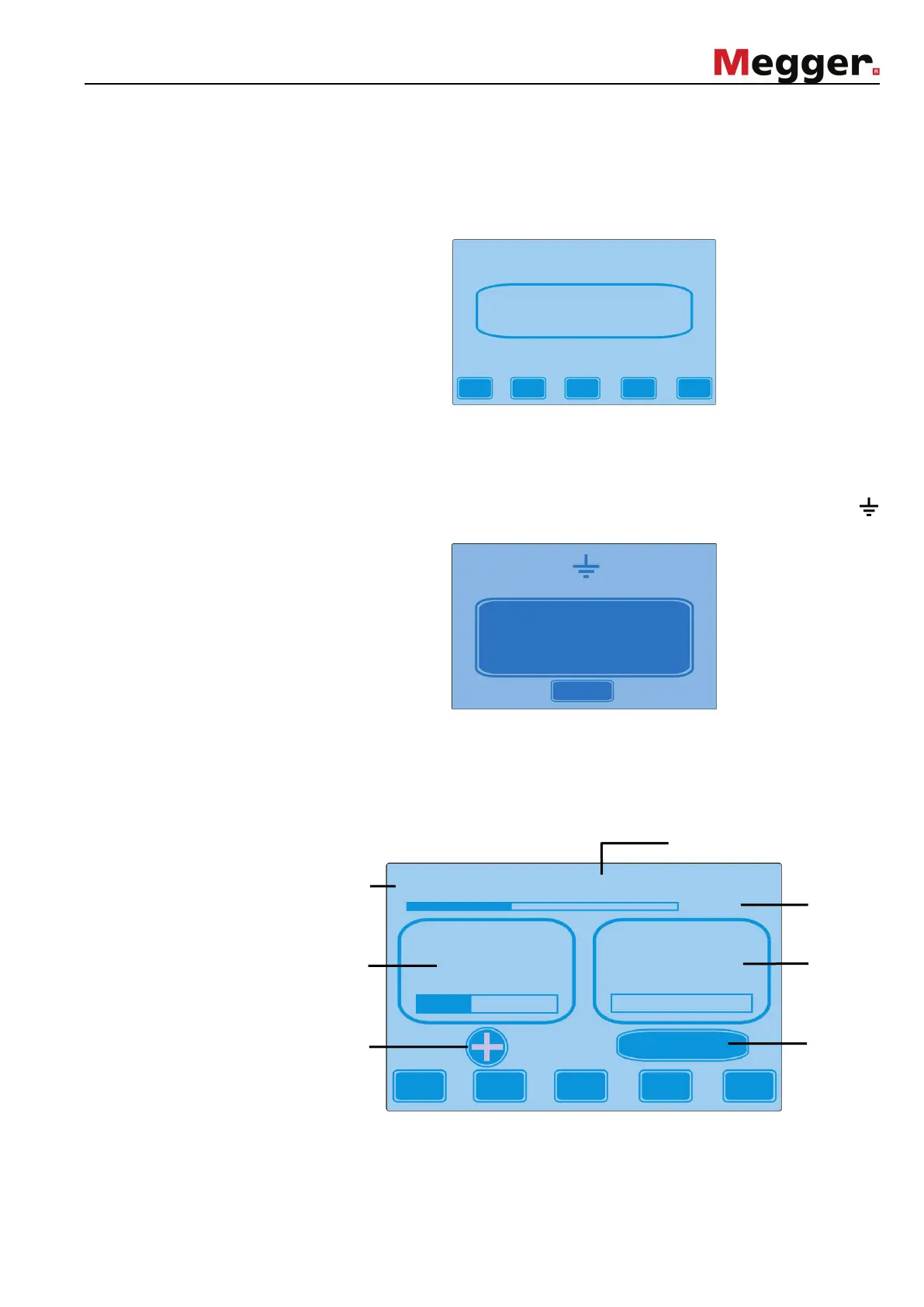
Test screen layout After HV is switched on, the display s
hows the test screen which represents all
relevant test parameters in depending on the chosen test profile:
* The respective numeric values for maximum deflection are shown on both of the bar graphs
The test voltage can be adjusted during the test using the ▼ und ▲
does not apply for tests with given parameters adopted from a system card.
HV – On
Push green button
Esc
Test terminated
clear
AC test 1
8,0kV 0,0mA
f = 0,1 Hz
Test voltage
with
voltag
the test v
Name of the chosen
test profile
Progress bar
test duration
20 kV
10 mA



 To Next Page