M
AVTMTTR330 Rev 3 March 2010
4
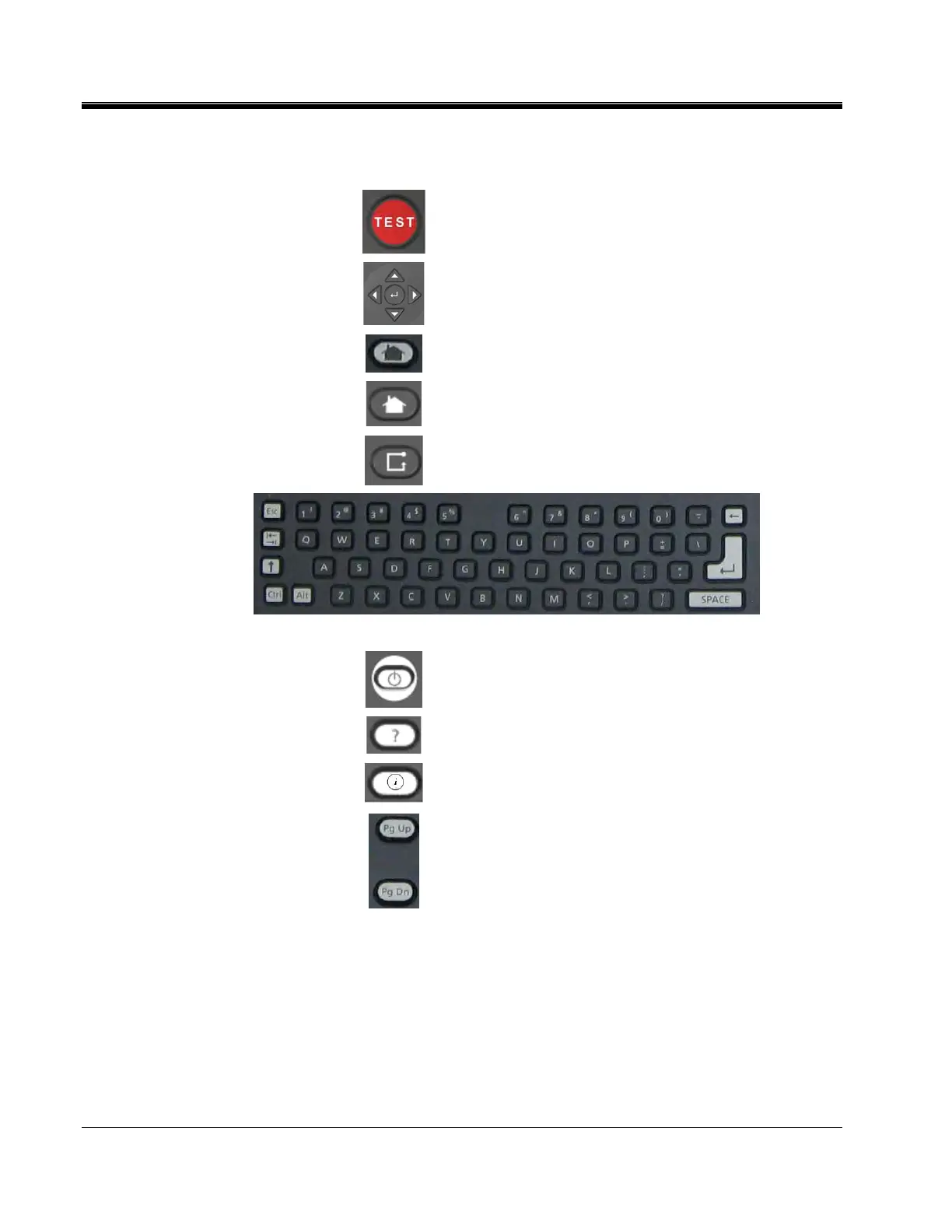
User Interface Panel
Test Button:
Initiates and Terminates Testing
Navigation Keys:
Use Arrow keys to highlight a desired Selection. Use
Enter button (in center) to Activate the Selection.
Home Key:
Toggles HOME Action Icons
Zone Key:
Allows User to select Active area of the screen.
Keypad:
Key board for entering notes and data.
Power Suspend:
Prepares the Instrument for Shutdown. A message will
indicate when Input Power can be safely removed (not
used on some models).
Help Function:
Provides on screen Help to assist operator.
Information Key:
Provides on screen information to assist operator.
Page Up/Down Keys:
Pages up or down as appropriate for the displayed
screen.
Figure 1-2. User Interface Panel



 To Next Page