TTR Series PowerDB Lite User Manual
AVTMTTR330 Rev 3 March 2010
49
Using PowerDB Lite
1. Home
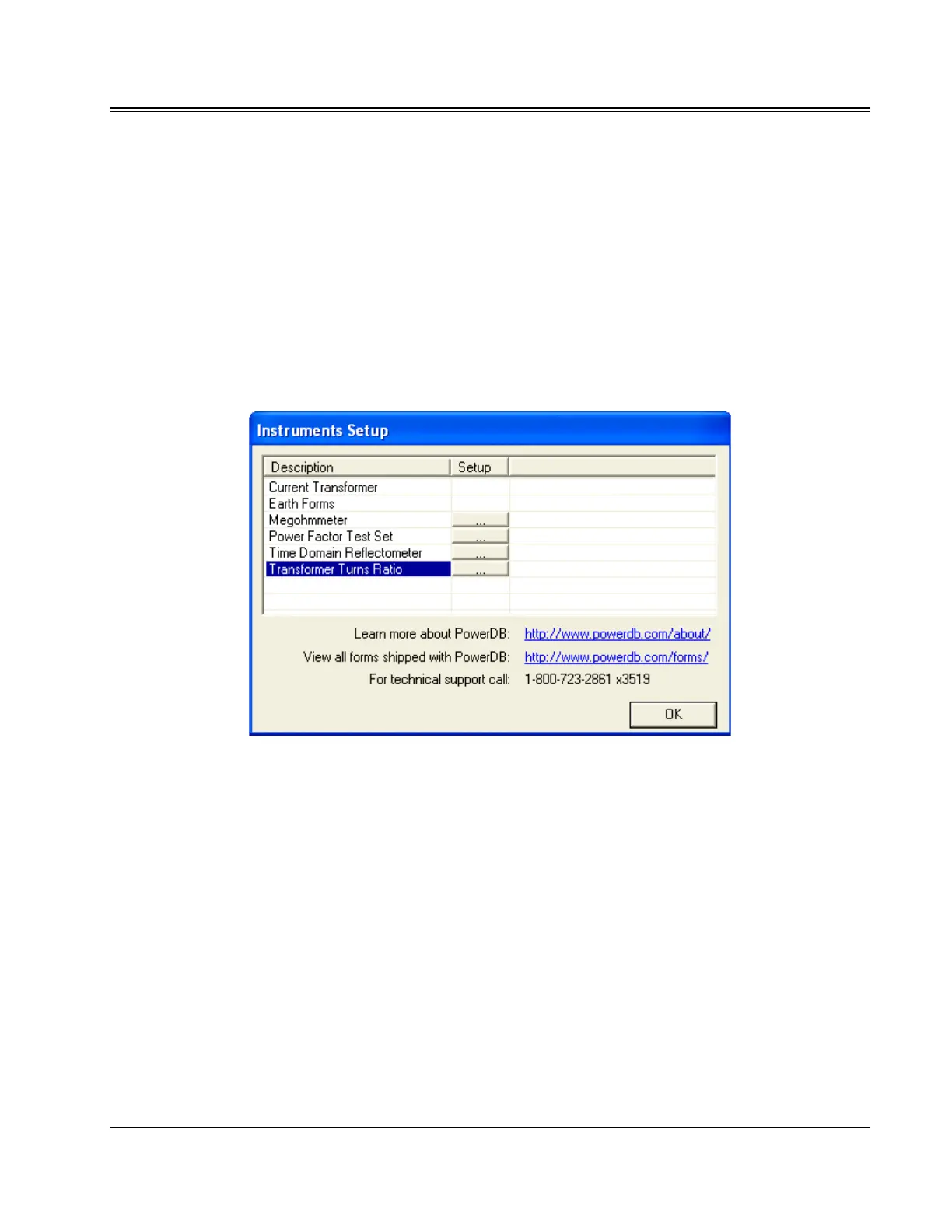
1. Select your Instrument from the Instrument Setup screen.
a. You can always view the Instrument Setup screen from the Tools
menu or F3.
b. Select the appropriate row in the Description column.
Then click the “...” button in the Setup column.
c. The TTR 300/310 only uses serial communicate, do not check ‘Use
Ethernet’ if you are using a TTR 300 or TTR 310. Select the
appropriate communication settings on the Serial Device
Configuration screen. Use the Refresh button to find any ports that
may have not been connected at the startup of PowerDB Lite. If you
are using a USB serial port and do not know the port assigned to it
perform the following:
1. Remove the USB serial adapter.
2. Press Refresh.
3. Click on the port drop down and record the options.
4. Plug the adapter back in.
5. Press refresh.
6. Select the port that was not in the original list.



 To Next Page