BL1448GE ZP-BL16E TM1700-SERIES
55
4 CABA LOCAL
6] Select all desired transducers or press the
“Toggle All” button to select all transducers
from the list.
7] Press the “Import” button to import selected
transducers. To abort, press the “Exit” but-
ton.
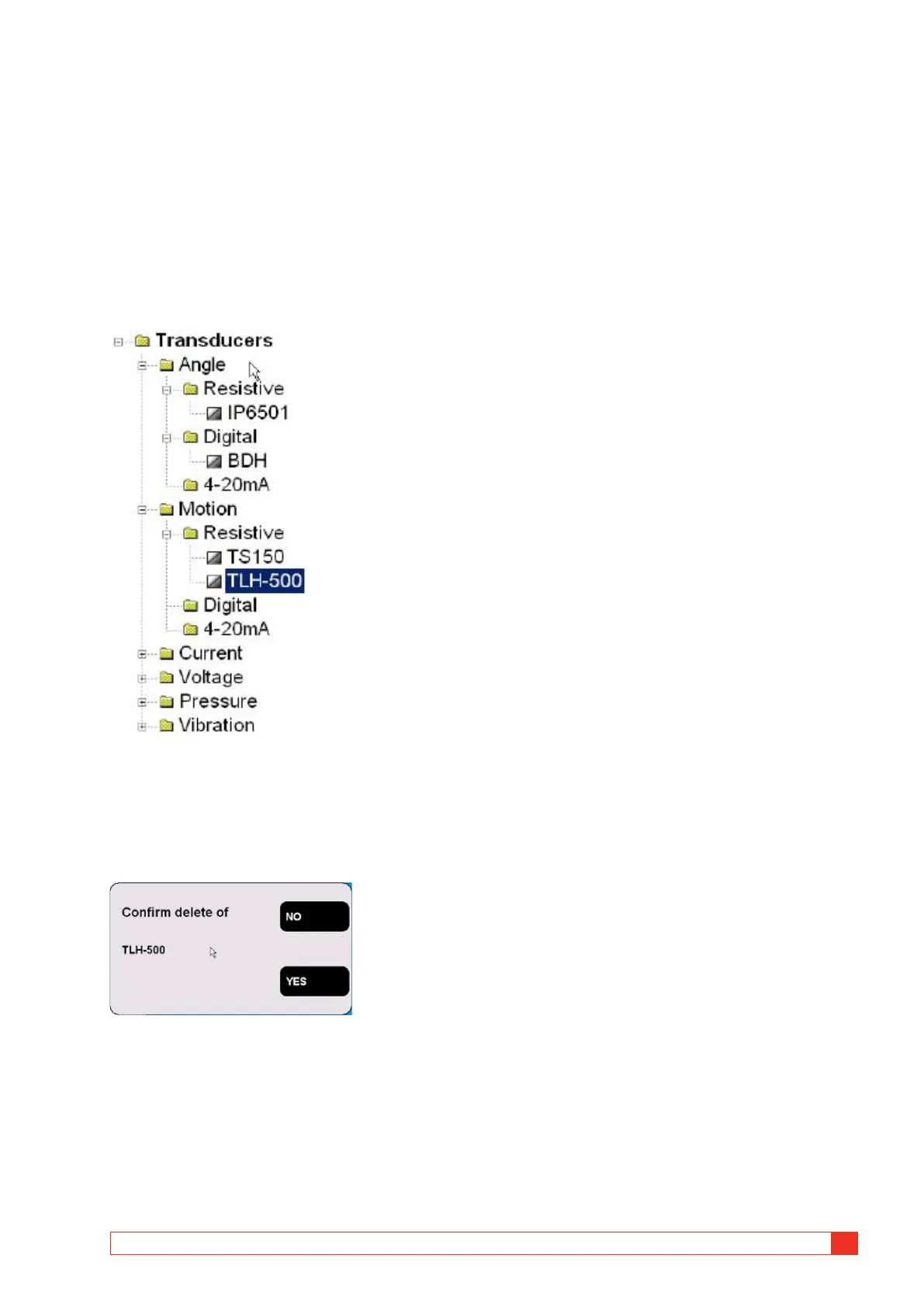
Delete transducer
1]
Navigate to the transducer you want to
delete.
2] Press the “Delete” button.
3] Confirm deletion by pressing the “Yes” but-
ton.
Recalibrate transducer
1]
Navigate to the transducer you want to
recalibrate.
2] Press the “RECALIBRATE” button.
3] Enter new calibration values (screens are the
same as when defining new transducer).
4] Press the “Calibrate” button.
5] Press the “BACK” button to finish.
6] Confirm the “Do you want to save changes?”
message by pressing the “Yes” button.



 To Next Page