10 Settings
57
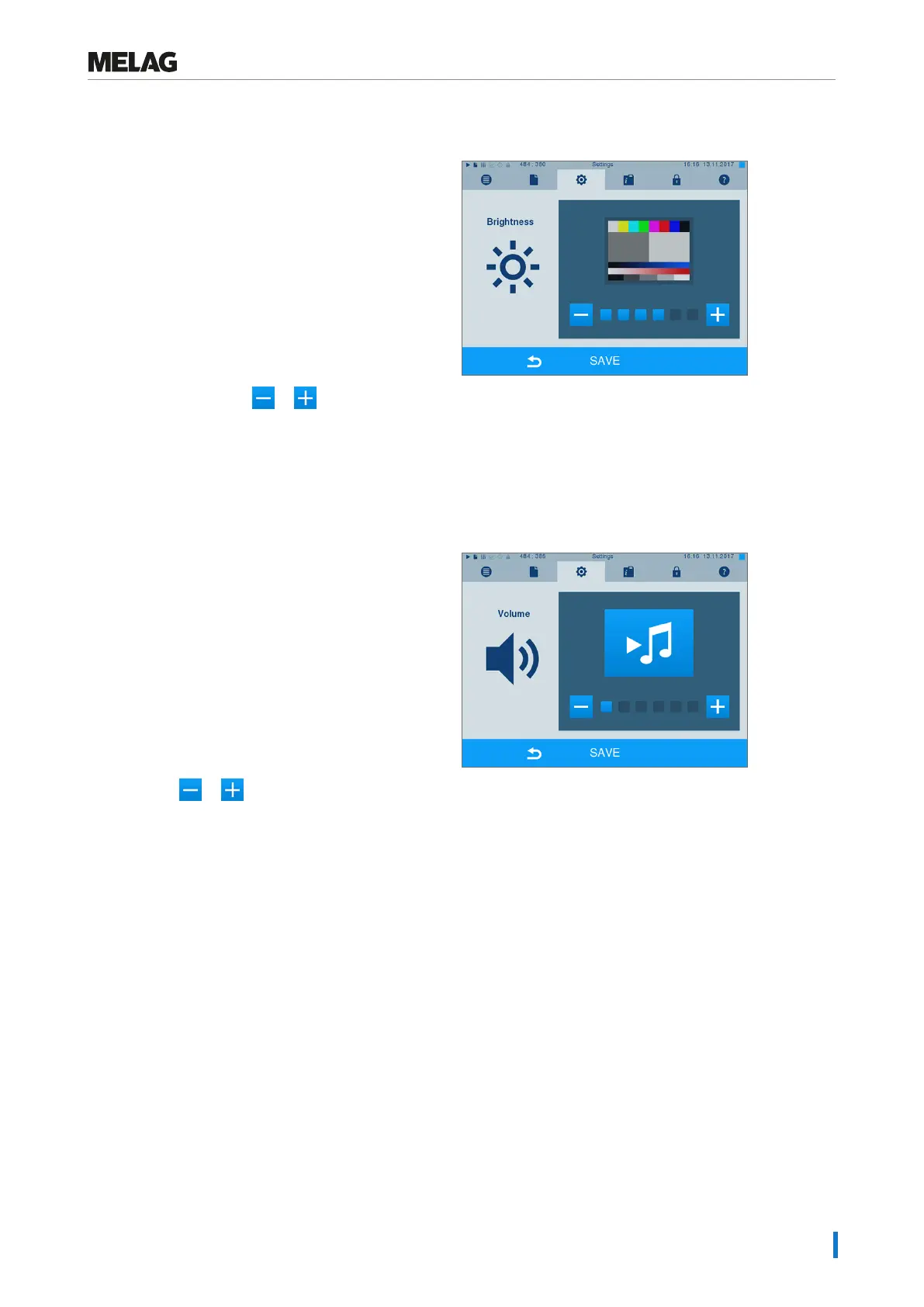
Brightness
1. Select menu Settings > Brightness. The display
switches to the settings window.
2. Press the pushbutton or to adjust the
brightness and contrast on the display.
3. Accept all the settings with SAVE and then leave
the menu.
Volume
1. Select menu Settings > Volume. The display
switches to the settings window.
2. Press the or pushbutton to adjust the
volume.
3. Accept all the settings with SAVE and then leave
the menu.












 To Next Page