10 Settings
58
View
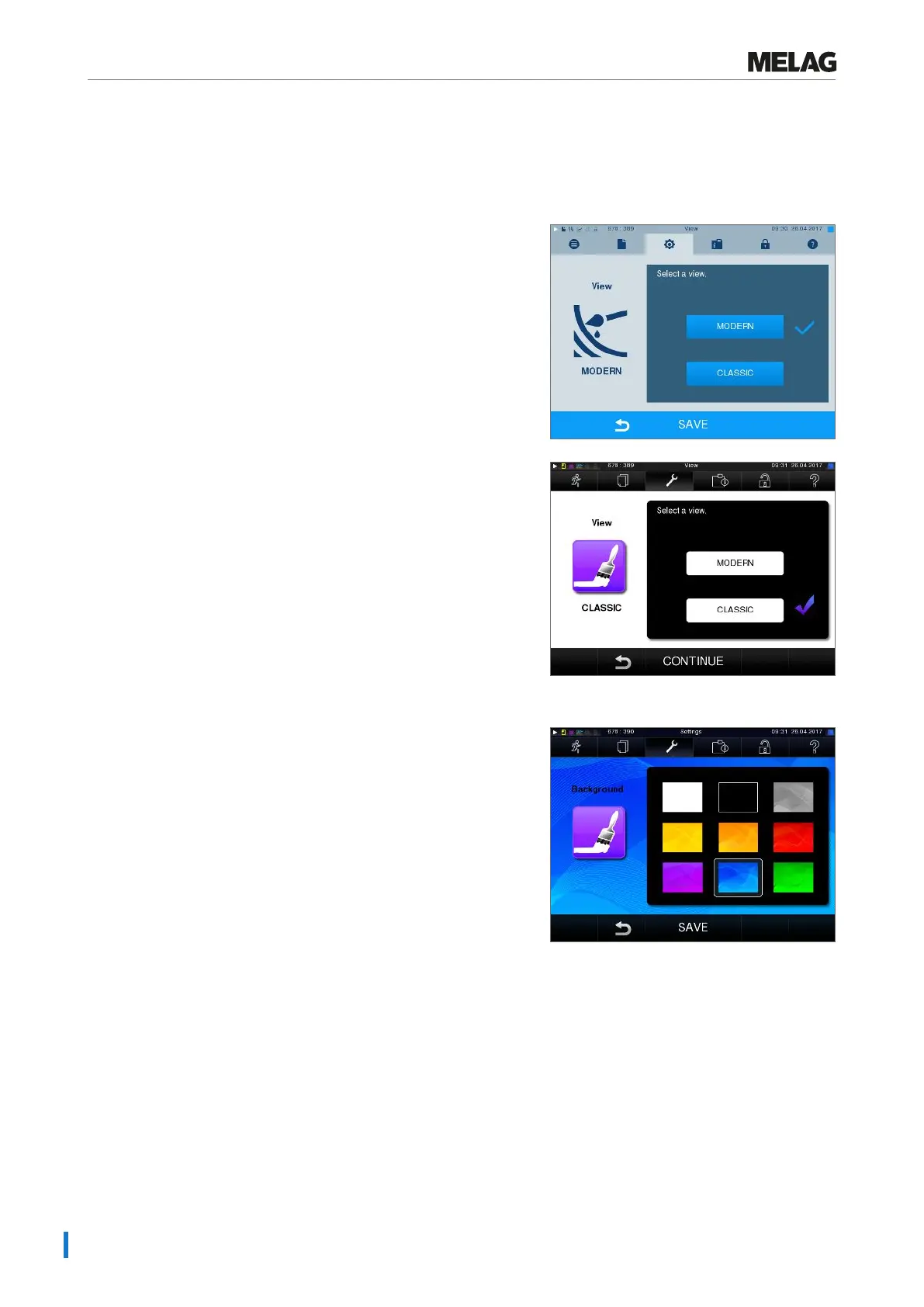
You can choose between classic and modern view.
Switching from MODERN to CLASSIC
1. Select theSettings >View menu. The display
switches to the settings window.
2. Press the CLASSIC button. The design changes
immediately.
3. Press CONTINUE.
4. Tap on a colour box to change the background colour,
e.g. blue. The background colour changes
immediately and the white frame around the colour
box shows which colour has just been selected.
5. Confirm the settings with SAVE. The display
changes automatically to theSettings menu.












 To Next Page