Installation
Rev 2.2
54Mellanox Technologies
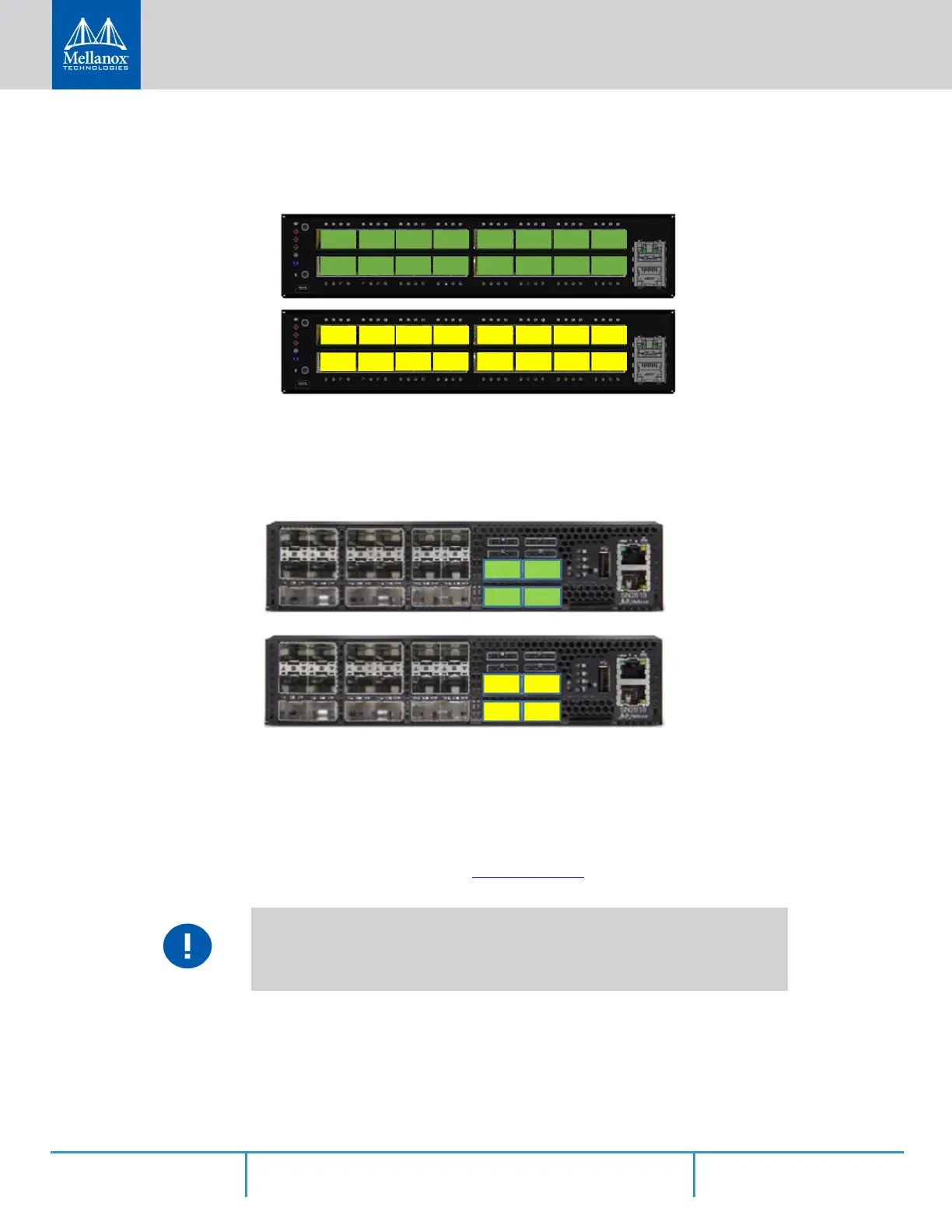
2.6.1.5 SN2100 Splitting Options
Figure 51: SN2100 Splitting Options
2.6.1.6 SN2010 Splitting Options
2.7 Initial Power On
Each system’s input voltage is specified in the “Specifications” chapter. The power cords should
be standard 3-wire AC power cords including a safety ground and rated for 15A or higher.
Step 1. Plug in the first power cable.
Step 2. Plug in the second power cable.
Step 3. Wait for the System Status LED to turn green.
The system platform will automatically power on when AC power is applied. There is
no power system. Check all boards, power supplies, and fan tray modules for proper
insertion before plugging in a power cable.
All QSFP28 ports are splittable. Each port can be split to 4xSFP28 (10/25G) or 2xQSFP28
(50G) ports. There are no blocking requirements.
All QSFP28 ports are splittable. Each port can be split to 4xSFP28 (10/25G) or 2xQS-
FP28(50G) ports each. There are no blocking requirements.



 To Next Page
 Loading...







