Interfaces
Rev 2.2
76Mellanox Technologies
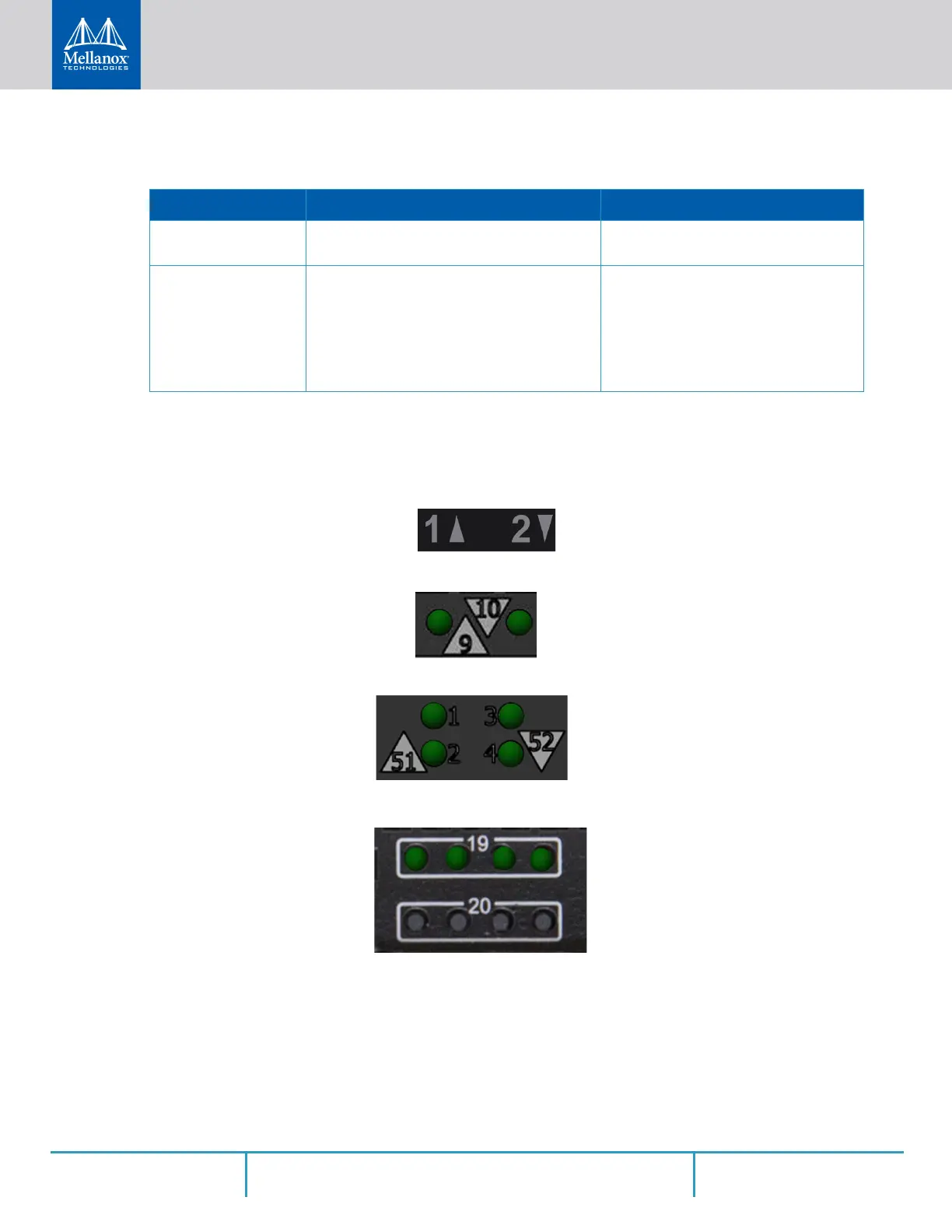
3.2.1.6 Port LEDs
Figure 75: SN2740 Port LEDs
Figure 76: SN2410 SFP28 Port LEDs
Figure 77: SN2410 QSFP28 Port LEDs
Figure 78: SN2010 QSFP Port LEDs
Table 22 - Bad Port LED Assignments
LED Configuration Description Action Required
Off No symbol errors have been received in last
few seconds (normal condition).
N/A
Flashing Amber Error, one or more ports have received sym-
bol errors.
Possible causes are:
• Bad cable
• Bad connection
• Bad connector
Check symbol error counters on the
system UI to identify the ports.
Replace the cable on these ports.



 To Next Page
 Loading...







