Interfaces
Rev 2.2
77Mellanox Technologies
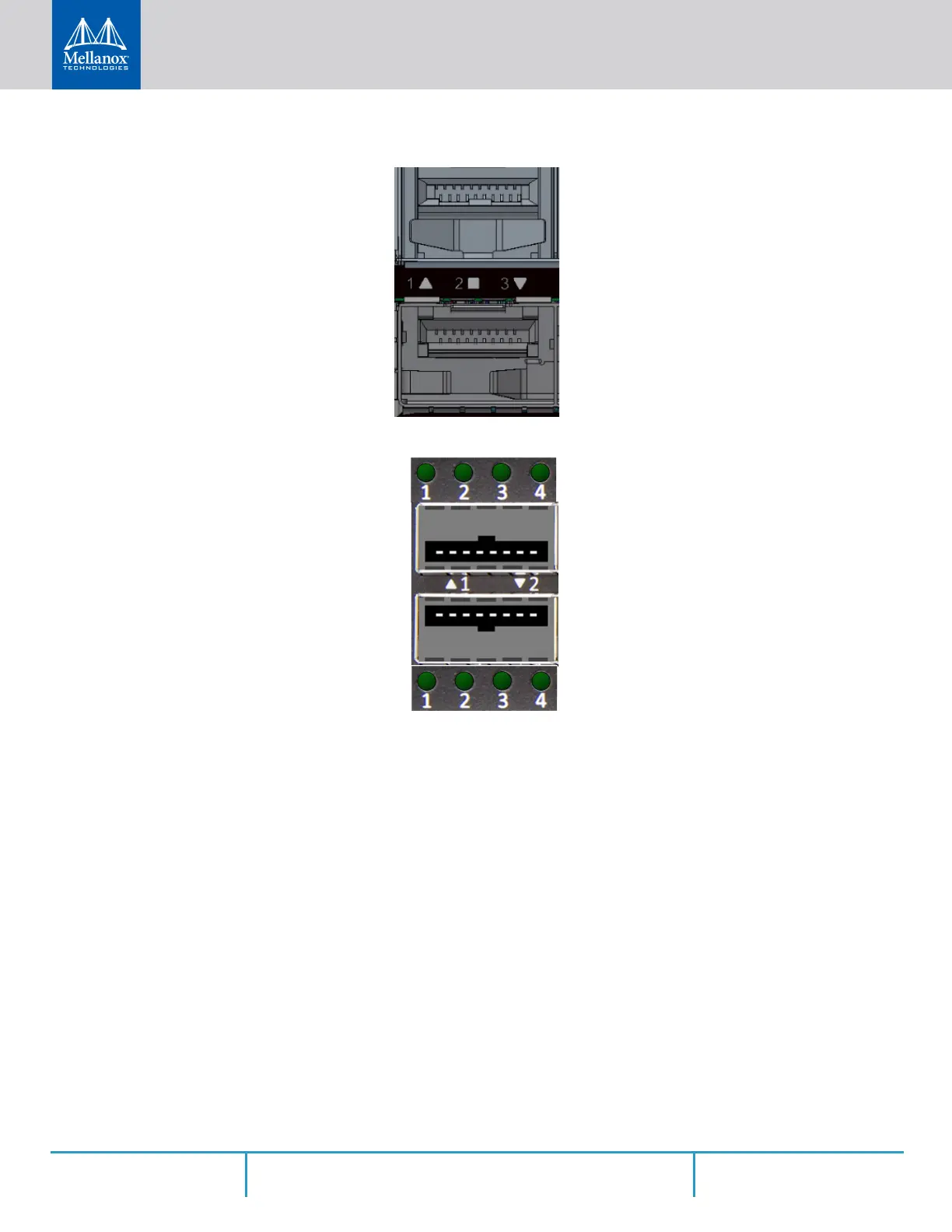
Figure 79: SN201Port LEDs
Figure 80: SN2100 Port LEDs
In the SN2410 systems, the status of each pair of adjacent QSFP28 ports is indicated by four
LEDs, as shown in the picture above:
• While the bottom LEDs signify the port status in regular condition, the upper LEDs
operate only when the port is split.
• When one port is split to two, a connection of 100GbE can be utilized in its adjacent
port.
• When one port is split to four, it adjacent port is canceled.
• If the ports run at a 100GbE/40GbE speed each, the two lower LEDs (2 and 4) will light
green.
• If the ports run at a 50GbE speed each, the left LEDs (1 and 2) will light green for the
upper port, and the right LEDs (3 and 4) will light green for the lower port.
• If the ports run at a 25GbE/10GbE speed each, all LEDs may light green, according to
the selected lane.



 To Next Page
 Loading...







