15
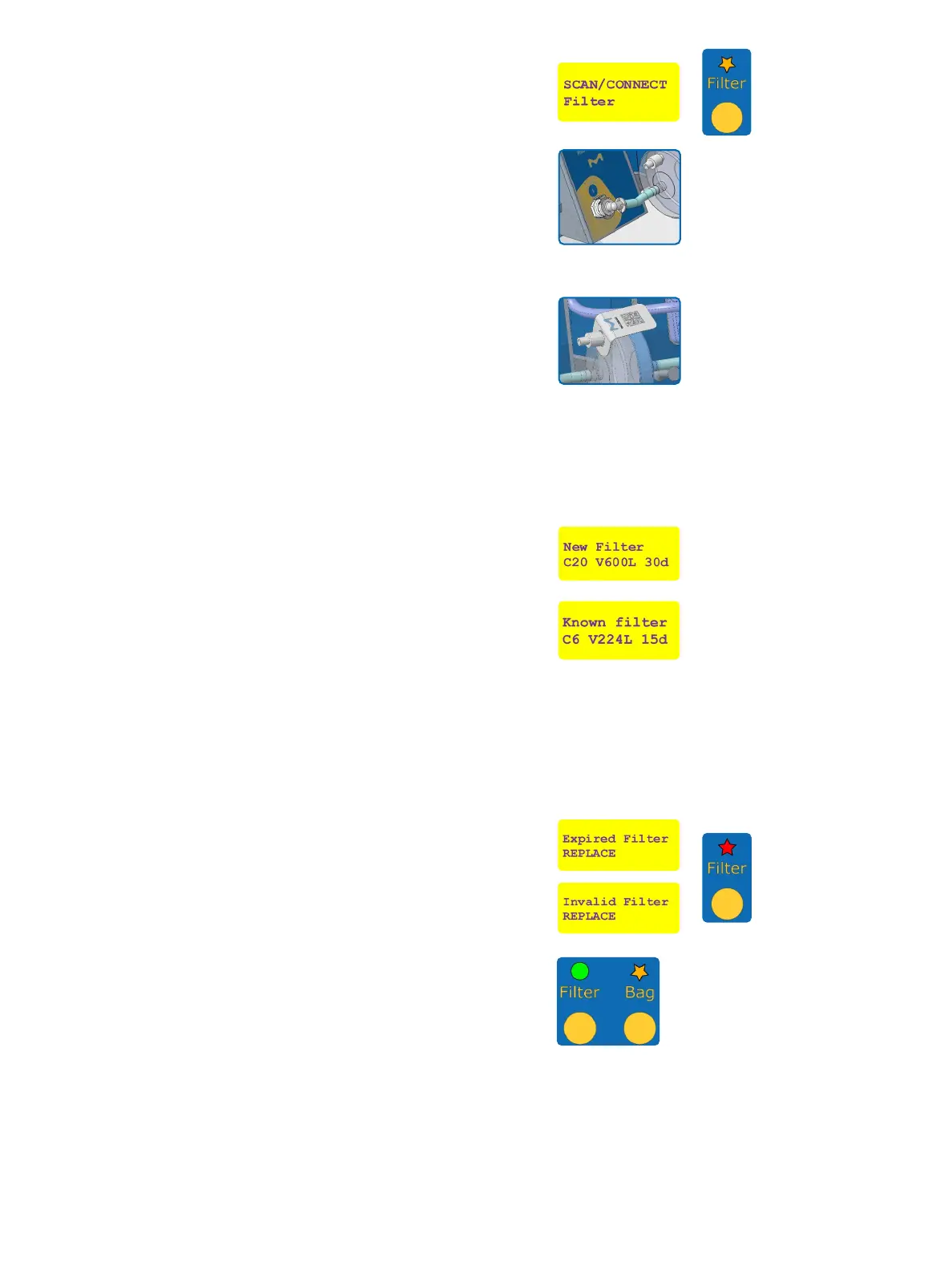
After initialization of the pump and valve actuator, the
instrument requests to connect the lter. The “Filter”
LED on the control panel of the dispensing unit will blink
orange to indicate that an action is ongoing with the lter.
Remove the protective blue cap on the inlet extremity of
the ReadyStream
®
lter and connect it to the outlet of the
preparation unit (step 1). A “click” sound signals that the
connector is correctly inserted.
Keep the orange cap on the outlet of the lter to
prevent accidental contamination of the outlet.
Make sure the O-ring on the lter connector
remains in place during the connection.
In case the tubing is crushed, press with your
nger to re-open it.
Using the barcode reader, scan the data matrix on the
ReadyStream
®
lter’s set label.
In case of a new lter, the maximal number of connections
to media bags (e.g. C20), the maximum volume of
water (e.g. V600 Liters), and lifetime (e.g. 30 days) are
displayed. This information is stored in the instrument.
If the lter has been previously used on the same system,
the number of remaining connections to media bags (e.g.
C6 connections), the remaining volume of water (e.g.
V224 Liters), and remaining lifetime (e.g. 15 days) are
displayed.
• Always use the same lter set on the same
ReadyStream
®
instrument.
• Please ensure the remaining volume and
lifetime will be sucient for using the media
bag to be connected to the lter.
If the shelf life, lifetime in use, maximal volume, or
number of connections of the lter is exceeded, or
if a wrong item is scanned, an error message will be
displayed, and the “Filter” LED will blink red for 3 seconds
to indicate the error. Then the user is again prompted to
scan and connect a lter.
When an authorized lter is scanned, the “Filter” LED
turns green and the user is then prompted to connect the
media bag. The “Bag” LED blinks orange to indicate that
an action is ongoing with the media bag.
Tear open the outer packaging by using the easy opening
feature to remove the media bag from the aluminum bag.
Do not use scissors to open the outer packaging.
Place the media bag on the top of the ReadyStream
®
media preparation unit, with the product label facing
upwards. When using ReadyStream
®
media bag
Granucult
®
BPW 100 L, extend the plastic tray at the back
on the instrument (Figure 2, T1).
!
!
!


 To Next Page