18
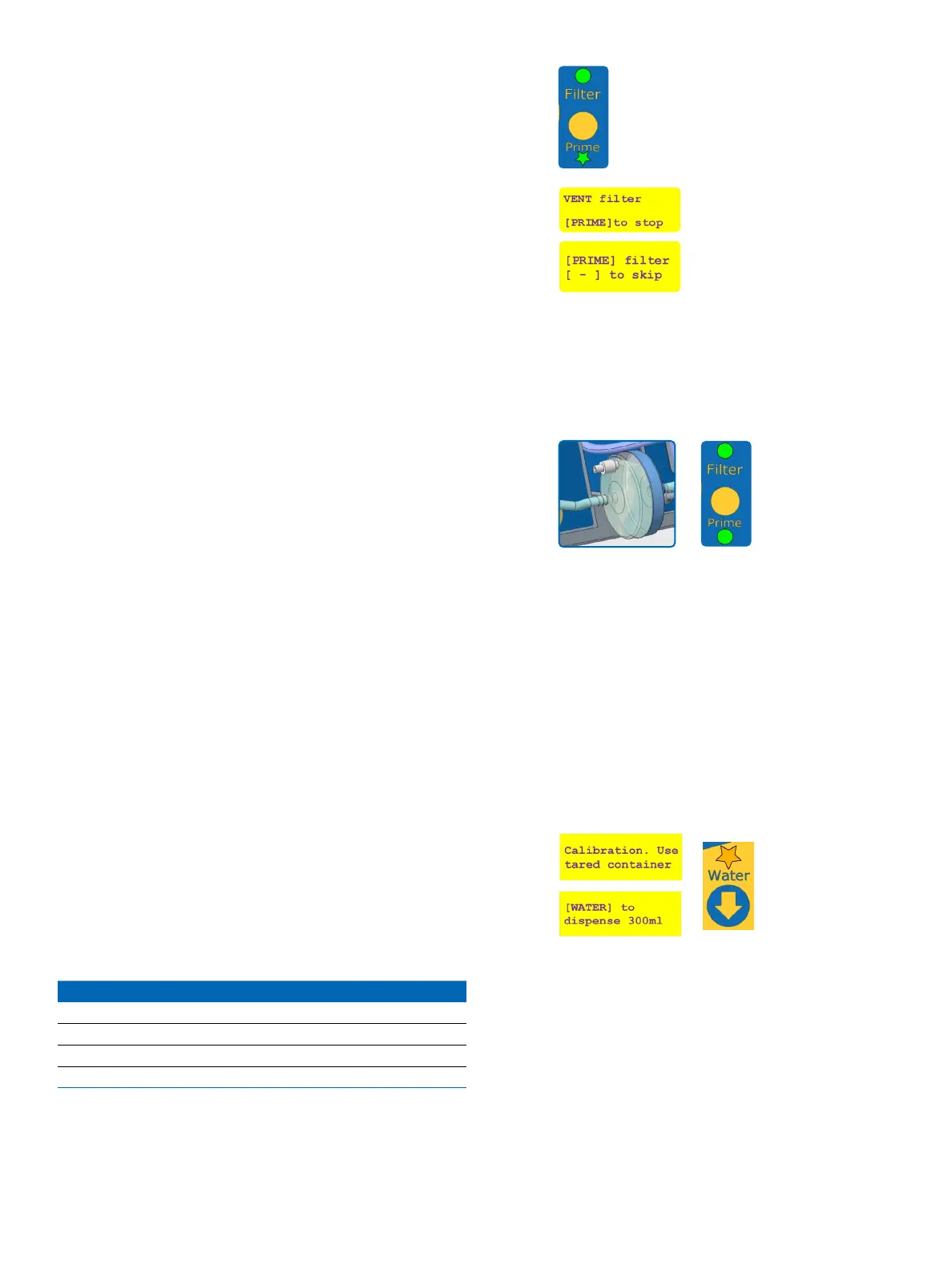
While the unit is dispensing water, the “Prime” LED will
blink green.
Once completed the user can stop the priming process
by pressing [PRIME], else the pump will automatically
stop after a few seconds.
The user will then be asked whether to continue the
priming process or to press the [-] button to move on
to the next step. Skip priming only when no air bubbles
are expelled from the instrument to the lter, and the
lter is lled at least at 95% with water.
Even if the [PRIME] button is pressed to stop
dispensing, the system will remain in the
priming mode until at least 100 mL of water
has ushed the lter.
For ecient priming, the ow rate is changing
several time during the priming process.
When re-using a lter, or re-connecting a
lter attached to a media bag previously
tted to the instrument, perform 5 priming
cycles to ush the lter and tubing with about
1 liter.
After priming, the “Prime” LED is solid green to indicate
that the instrument is ready for reconstituting the
media bag.
In case of emergency, press [CANCEL] to stop
the priming process.
When connecting to a water loop for the
rst time, or when pumping from a water
container, several priming steps may be
required to purge all air from the inlet water
tubing, the instrument, and the lter.
Water pump owmeter calibration
The owmeter calibration process is necessary every
500 L or 7 days. For more frequent calibration, do a
long press on the [WATER] button after the priming to
enter the owmeter calibration mode.
This calibration is performed at four ow rates and
volumes to ensure accuracy:
Calibration step Water volume (mL) Flow rate (L/min)
1 300 0.5
2 300 1
3 500 1.5
4 750 2
!
!


 To Next Page