24
Using a preset program
Four dierent preset programs are pre-installed in the
instrument.
By factory setting, the default presets are:
• Preset #1: 90 mL, 1 x concentration, no heating,
priority to speed (2 L/min)
• Preset #2: 100 mL, 1 x concentration, no heating,
priority to speed (2 L/min)
• Preset #3: 225 mL, 1 x concentration, no heating,
priority to speed (2 L/min)
• Preset #4: 3375 mL, 1 x concentration, 37 °C,
priority to temperature
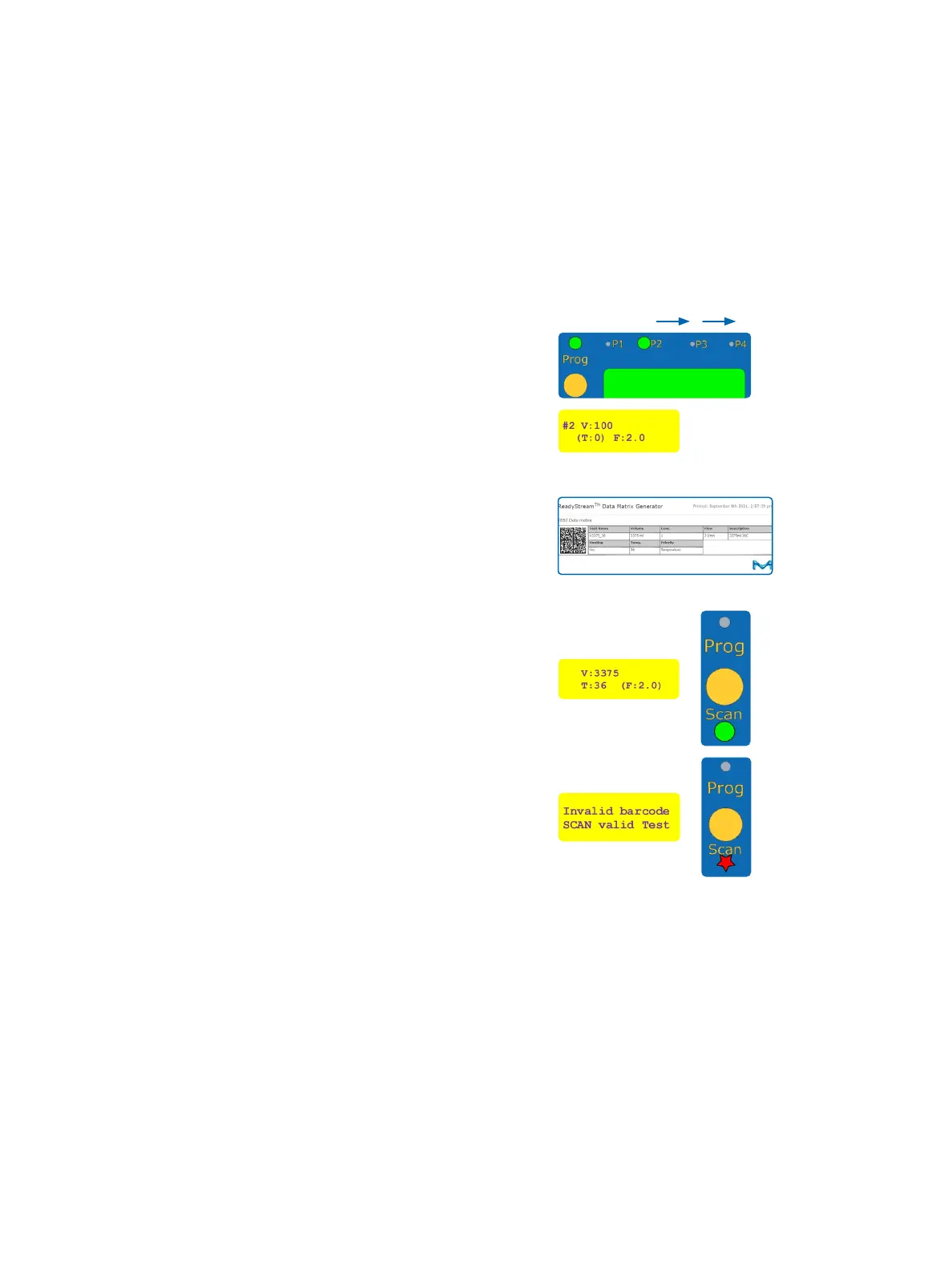
Press the [PROG] button to move from one preset to
another. The LED corresponding to the selected preset
will turn green and the respective parameters are
displayed.
The system is ready to dispense media or water.
Scanning a test data matrix
The parameters can also be set by scanning a specic
data matrix. (see data sheet: ReadyStream
®
creating
custom data matrix codes and section: Common test
data matrices on page 30).
When scanning a test data matrix, the corresponding
“Scan” LED turns green and the respective parameters
are displayed.
The test name recorded in the data matrix and the
other parameters (volume, temperature, concentration,
ow rate) will be displayed.
The system is ready to dispense media or water.
An error message is displayed and the “Scan” LED ashes
for 3 seconds if the instrument cannot recognize the
scanned barcode.


 To Next Page