29
Tracking consumables usage
The ReadyStream
®
system can track several
parameters, including the volume of water ltered by
the lter set and the volume of media dispensed from
the reconstituted bag, as well as the lifespan of both
consumables.
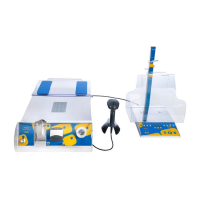
The user can access this information by scanning the
data matrix on the consumables’ labels during either
the setup phase or during routine usage when the
system is not dispensing.
Tracking media bag usage
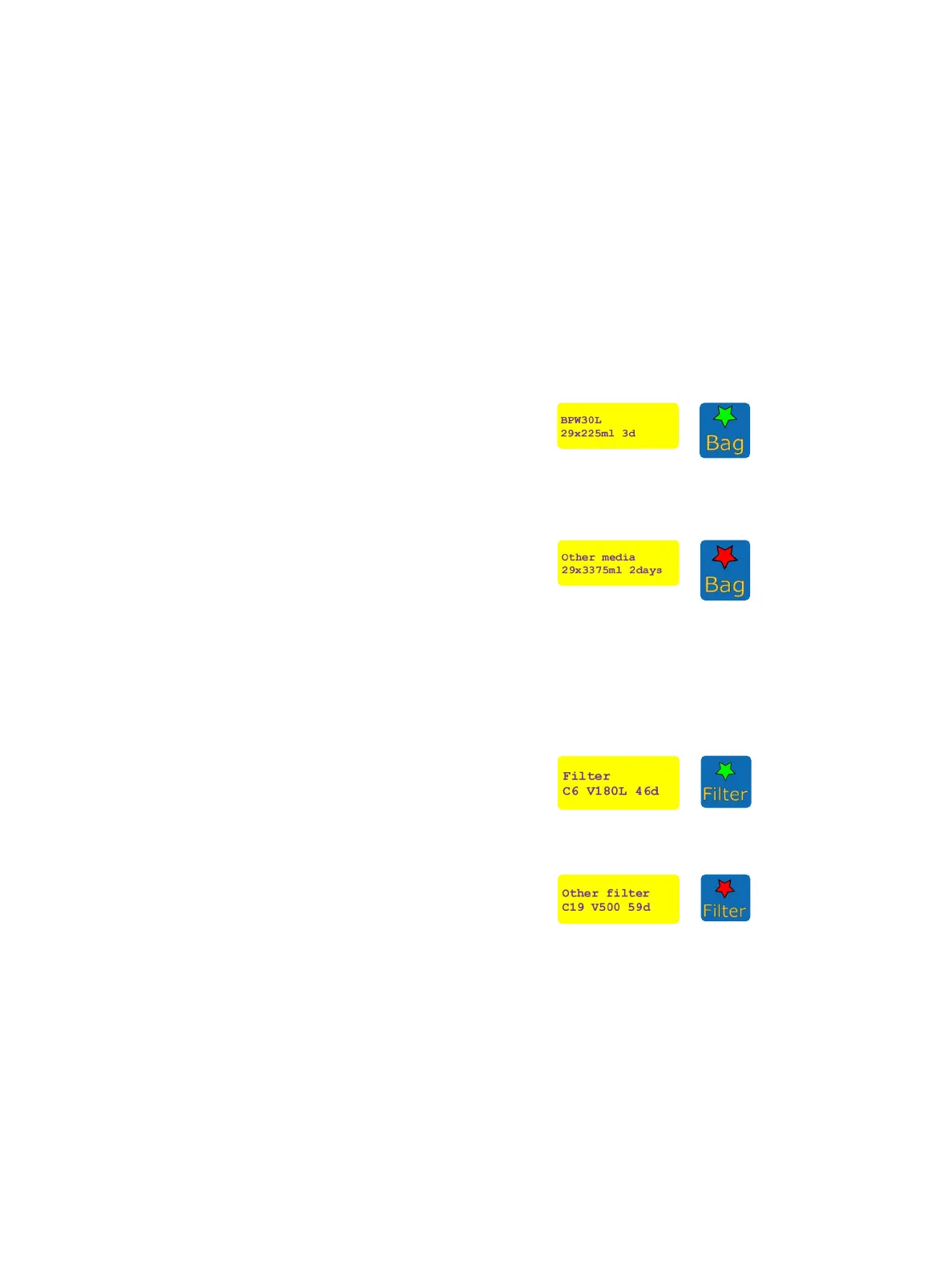
By scanning the label of the media bag currently used,
the “Bag” LED will ash green and the bag information
will be displayed.
The display indicates the remaining media volume and
the expected number of tests that can be performed
with the active test protocol, plus the remaining lifespan
of the reconstituted bag (for example 20 dispensations
of 3375 mL each within 3 days). After 5 seconds the
bag information is cleared, and the current dispensing
parameters are displayed again.
When scanning the label of a media bag other than the
one currently used with the instrument, the “Bag” LED
will ash in red and “Other media” will be displayed on
the screen. The information from this media bag will not
be stored in the system.
Filter set usage tracking
By scanning the lter label, the “Filter” LED will ash
green and the lter-related information will be displayed.
The display indicates the remaining number of connections
to new bags, ltration volume, and lifespan.
After 5 seconds the lter information is cleared, and the
current dispensing parameters are displayed again.
When scanning the label from a lter other than the one
currently used with the instrument, the “Filter” LED will
ash in red and “Other lter” will be displayed on the
screen.
The information from this lter will not be stored in the
system.


 To Next Page