19
!
!
Make sure that the container has a capacity of
at least 750 mL and does not create splashes
as that may impact the measured volume.
The water from calibration steps 3 and 4 will
be warm.
Strictly follow instructions on the screen.
Failure to do so may aect system
performance.
Use a balance of sucient resolution with
respect to the weight.
For each calibration:
• Tare the container on a balance for weighing.
• Place the container under the dispenser.
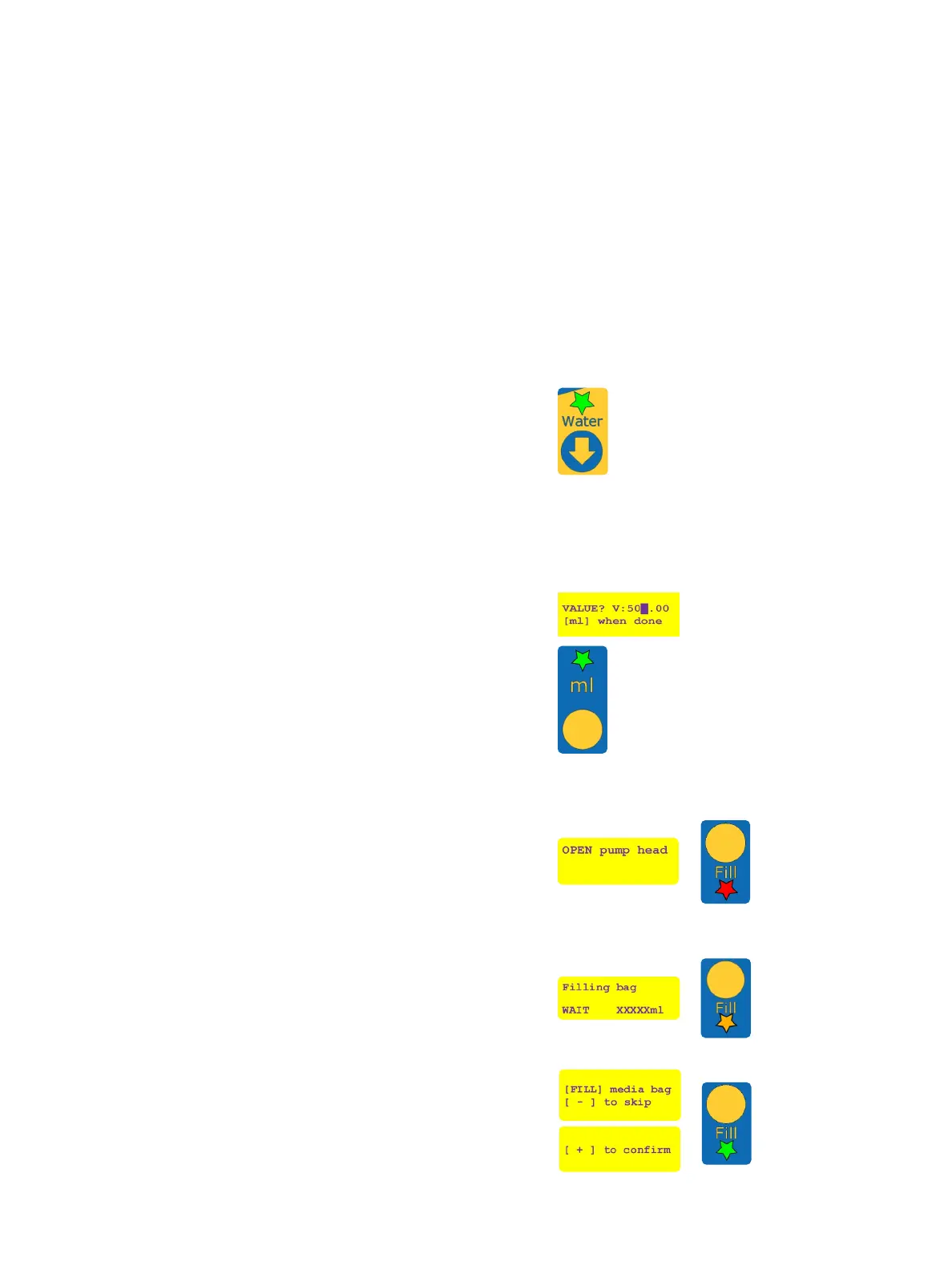
• Press [WATER] to dispense the expected volume. The
“Water” LED will ash green during the process.
• Weight the container with the dispensed volume
when nished.
• Enter the measured volume on the dispensing unit
control panel.
The “mL” LED ashes green.
The calibration value can be adjusted using the [+] or
[–] buttons. Press the [DECIMAL] button to highlight
the digit to modify. When properly set, modication is
stored by pressing [mL].
Reconstitution of the media bag
concentrated stock
The dry media bag needs to be rehydrated to convert
the dry media into concentrated stock before further
use. The peristaltic pump head must remain open during
this lling step.
• If the pump head is closed, the “Fill” LED will blink
red and the user is requested to open the pump
head.
• If the pump head is open, the “Fill” LED will blink
orange and the user is prompted to press [FILL] to
reconstitute the media stock.
If the media bag was previously lled on
another ReadyStream
®
instrument press [-] to
skip lling. Filling a media bag twice will lead
to leakage and a wrong concentration of the
media bag stock.


 To Next Page