26
Press [MEDIA] to dispense media according to the
displayed parameters of your sample. The system
will determine the volume of concentrated media and
the volume of water to be dispensed to achieve the
determined nal volume at the nal concentration.
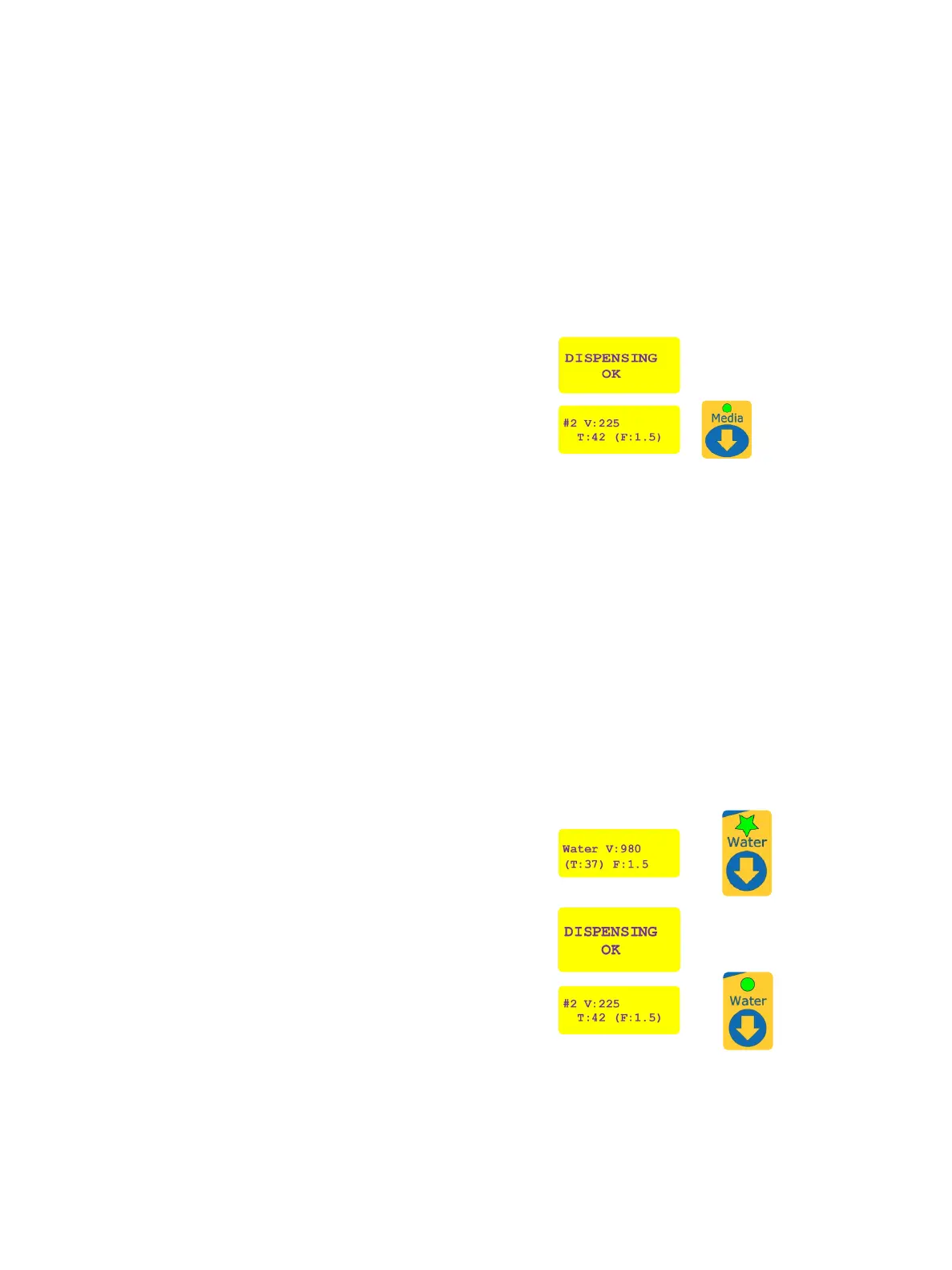
During the dispensing step, the “Media” LED will blink
green, and the remaining quantity of nal media to
be dispensed as well as the current ow rate or water
temperature will be displayed.
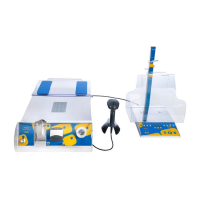
The height of the dispensing holder can be adjusted on
the stand to accommodate for the bag holders and bag
sizes. Standard positions for the standard and large
bag holders are marked by yellow tags. The height may
need to be adjusted to limit splashing, depending on
the test bag size and position in the holder.
A message is displayed to indicate that dispensing is
over, and that the test container can be removed.
After 5 seconds, the “Media” LED turns back to solid
green and the program parameters are displayed.
The system is ready for further dispensing.
Make sure to homogenize the test bag or
container contents before incubation or
further use because:
- The system will dispense rst a mix of water
and media, then nish with the remaining
volume of water only.
- In heating mode, the system will
compensate for the media bag temperature.
At the end of the day, switch o the dispensing unit by
pressing the ON/OFF button.
Dispensing water
It is also possible to dispense water using the same
process as for media distribution. To do so press
[WATER] to dispense water only according to the
displayed parameters. The “Water” LED will blink green
during the dispensing process, and the remaining
volume of water to be dispensed and the current
temperature or ow rate are displayed.
A message is displayed indicating that dispensing is
over. The test container can be removed.
After 5 seconds, the “Water” LED will turn back to solid
green and the program parameters are displayed.
The system is now ready for a further dispensing.
!


 To Next Page