02
Chapter 1 Introduction
Chapter 1 Introduction
1.1 Product Overview
Complying with the powerful 802.11ac standard, MR30G delivers blazing fast Wi-Fi
speeds up to 1200 Mbps. Choose the 300 Mbps (2.4 GHz) for internet surng, email,
and social media or 867 Mbps (5 GHz) for bandwidth-intensive tasks like HD streaming
and gaming.†
1.2 Product Appearance
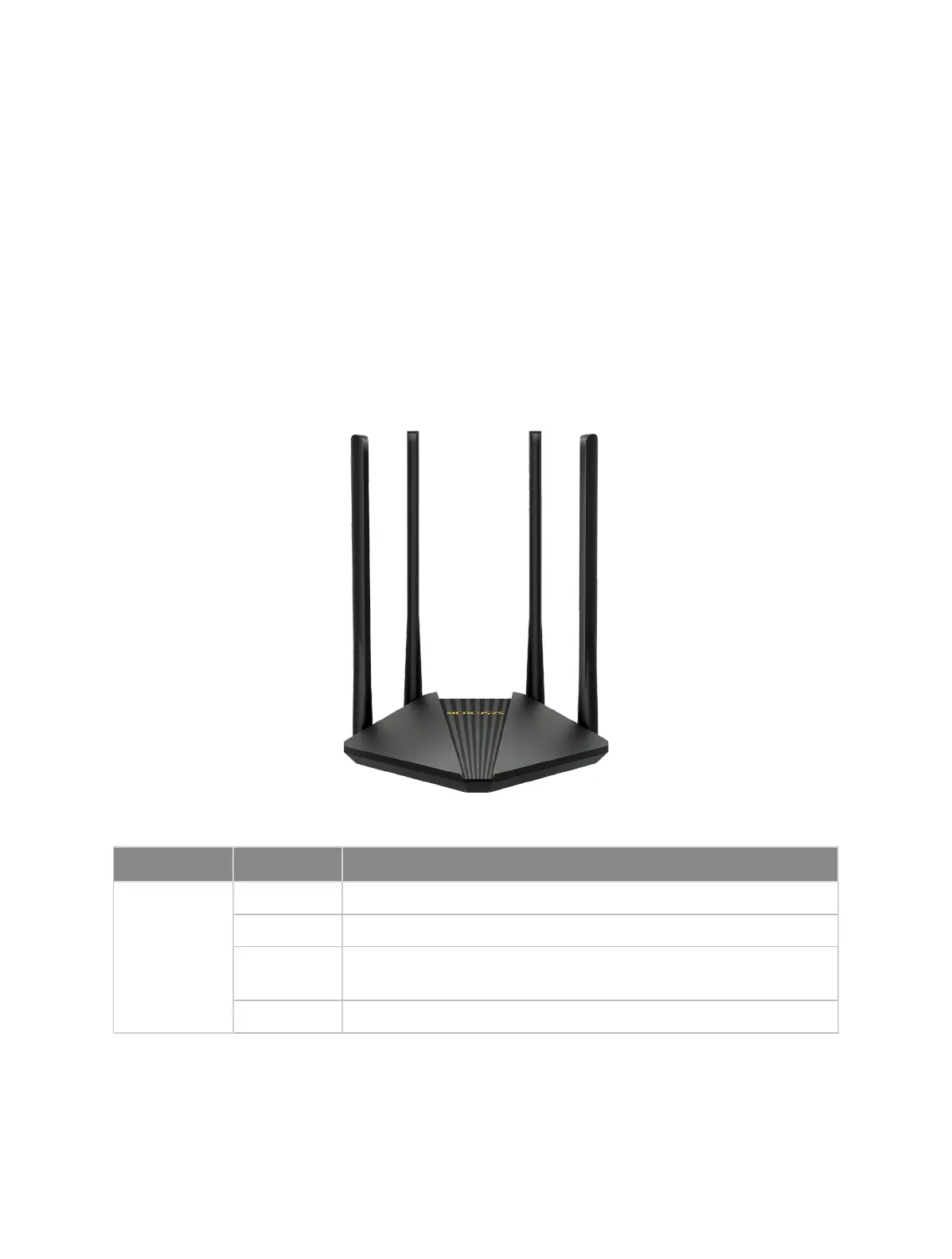
1. 2. 1 The Front Panel
The router’s status LED is located on the top.
Name Status Indication
SYS
Off Power is off.
Solid Orange The router is functioning normally but the wireless networks are disabled
Flashing
Flashing quickly: The WPS connection is in progress
Flashing slowly: The router is starting up or upgrading.
Solid Green The router is functioning normally and the wireless networks are enabled.



 To Next Page