29
Chapter 4 Congure the Router in Wireless Router Mode
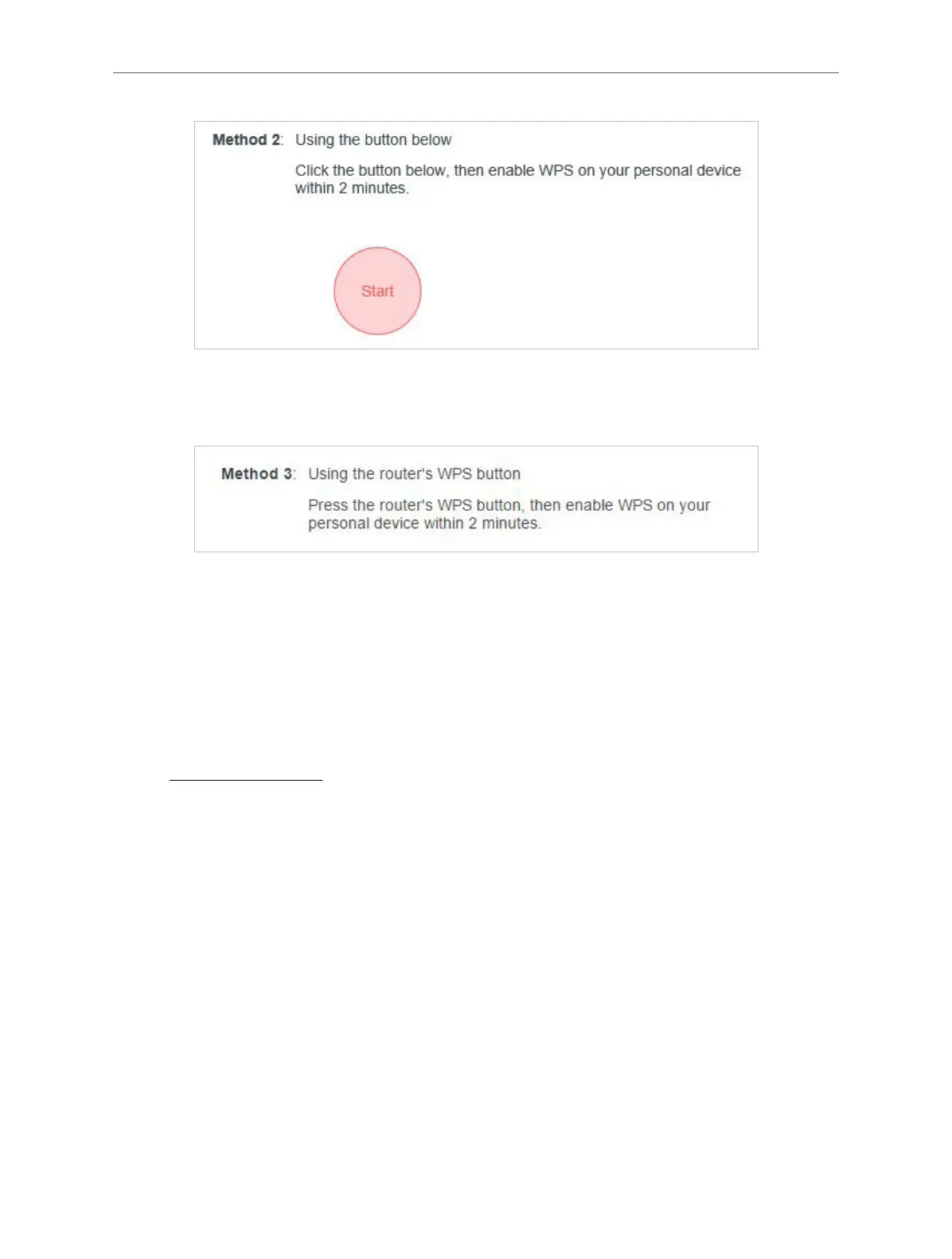
Method 3: Using the WPS Button on the Router
Press the router’s WPS button. Within two minutes, enable WPS on your personal device.
4. 3. 5. WDS
WDS (Wireless Distribution System) Bridging feature allows you to bridge a router with an
access point to extend the wireless network coverage.
Note:
• WDS bridging only requires configuration on the extended router;
• WDS bridging function can be enabled either in 2.4GHz frequency or 5GHz frequency. The WDS function can work at only
one of the bands at one time.
1. Visit http://mwlogin.net, and log in with the password you set for the router.
2. Configure the router’s LAN IP.
1 ) Go to Advanced > Network > LAN.
2 ) Set the LAN IP to be in the same subnet as the access point/router to be bridged. (For
example, if your access point’s LAN IP is 192.168.0.1, you can set this router’s LAN IP to an
address from 192.168.0.2 to 192.168.0.254.)
3 ) Save the settings.
3. Configure WDS Bridging.
1 ) Go to Advanced > Wireless > WDS.
2 ) Enable WDS Bridging either in 2.4GHz frequency or 5GHz frequency.



 To Next Page