45
Chapter 4 Congure the Router in Wireless Router Mode
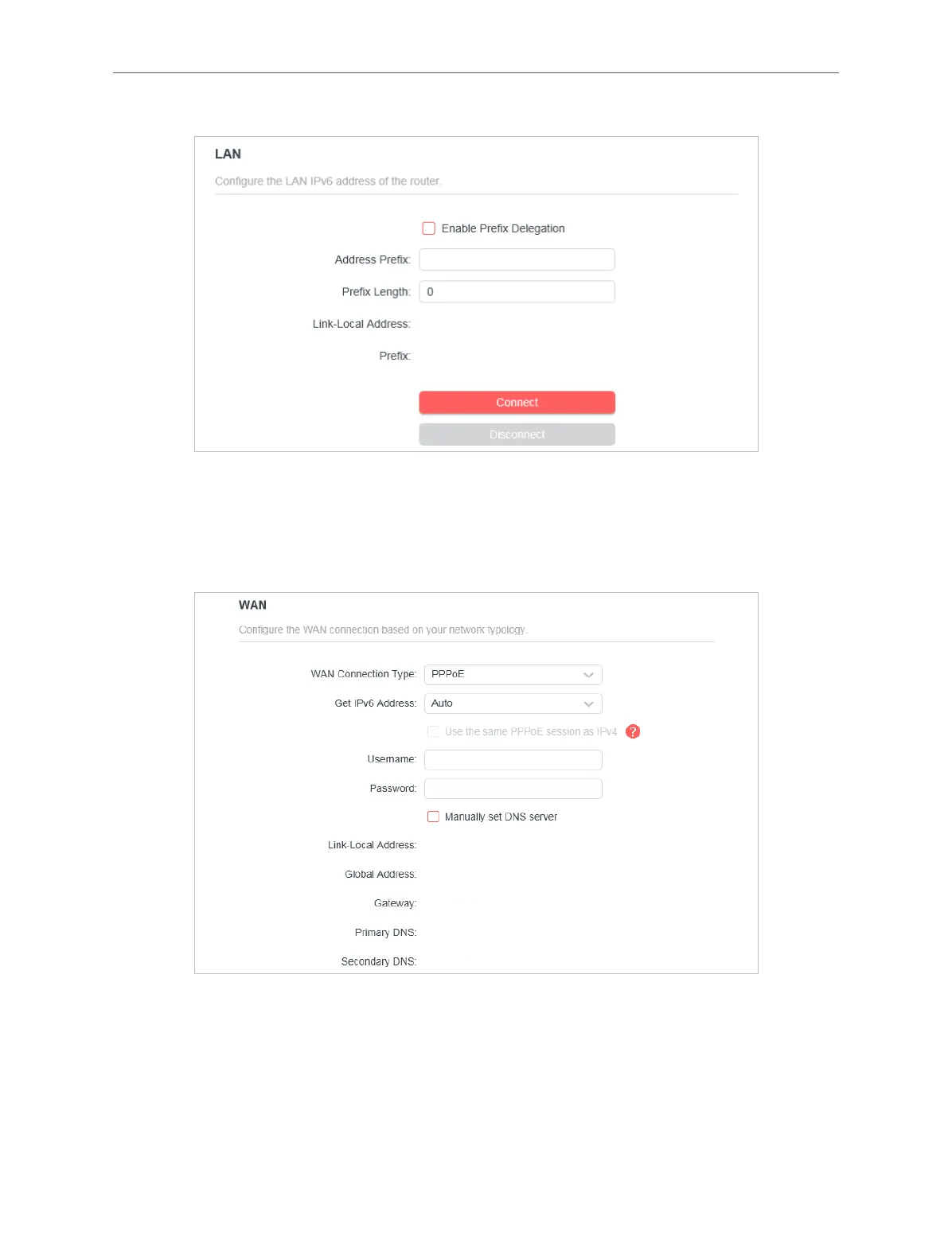
2 ) Configure the LAN settings. Fill in Address Prefix provided by your ISP.
3 ) Click SAVE.
• PPPoE: Select this type if your ISP uses PPPoEv6, and provides a username and
password.
1 ) Configure the WAN settings.
2 ) Configure the LAN settings. Fill in Address Prefix provided by your ISP.



 To Next Page