94
Enter Setup
Metapace S-2 Hardware Manual
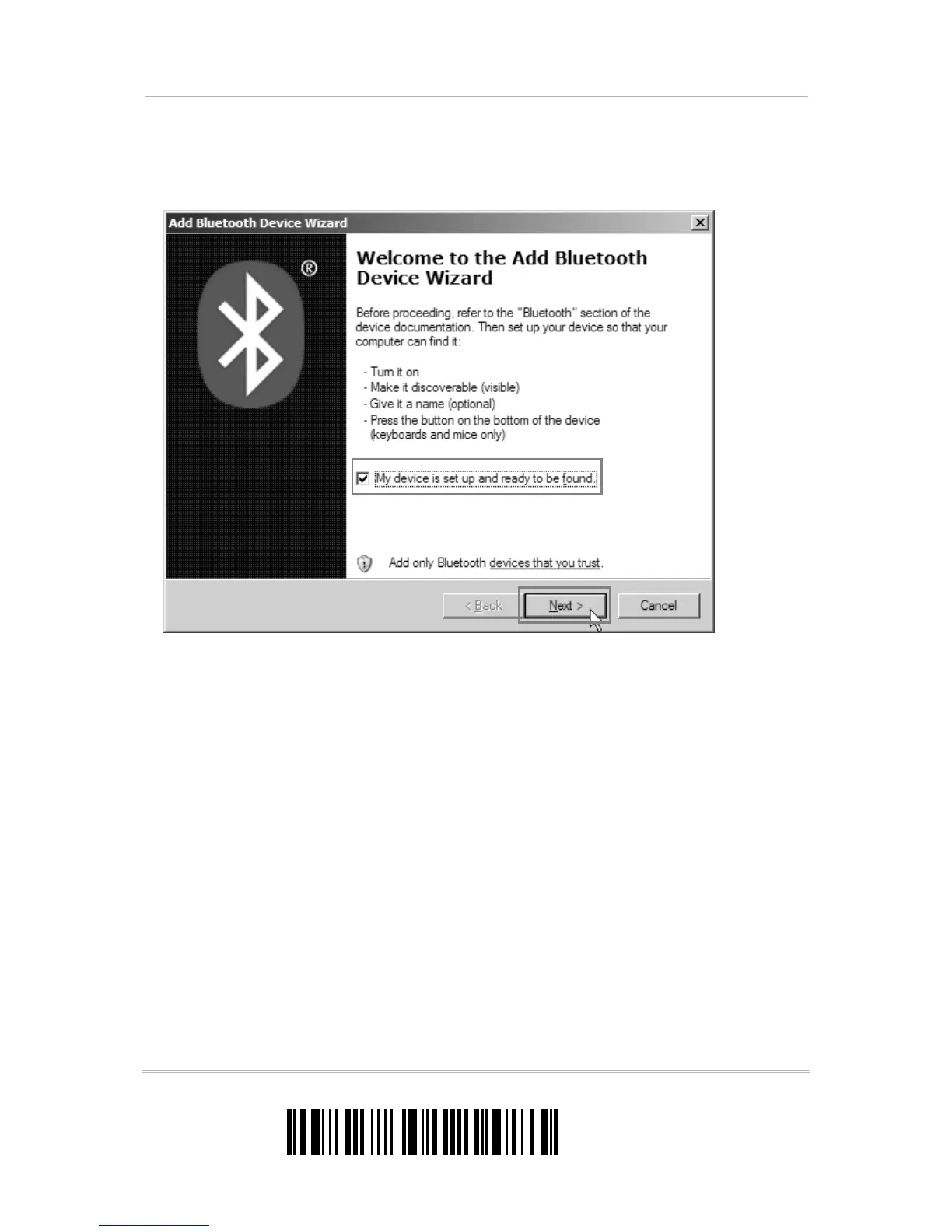
4. Turn on the scanner with correct WPAN settings, such as select BT SPP or BT HID, broadcasting
enabled, authentication enabled, and PIN code specified, etc. Select the check box of [My
device is set up and ready to be found] on your computer.
5. Click [Next].



 To Next Page