198
Enter Setup
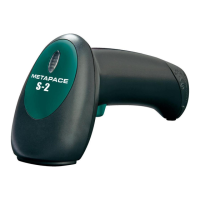
Metapace S-2 Hardware Manual
ENTERING PIN CODE FOR AUTHENTICATION
USE PRESET PIN
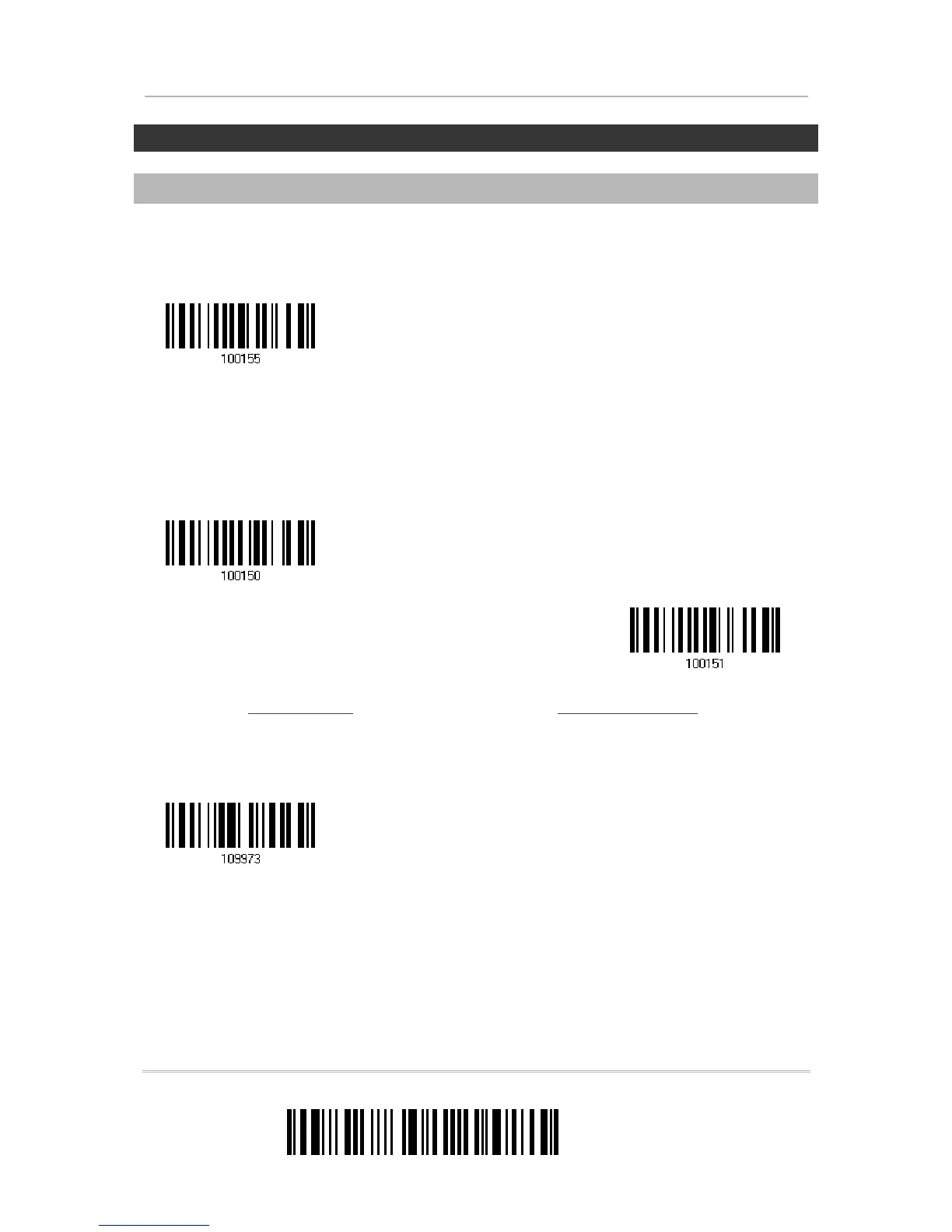
1) In the configuration mode, read the label below to use a preset PIN for
authentication.
2) Read one of the labels to specify the PIN code, in decimal or hexadecimal.
By default, the PIN code is set to “0000”. Maximum 16 characters are allowed.
3) Read the “Decimal Value” label on page 195 or the “Hexadecimal Value” label on page
196 for the desired digits or character string.
Read the “Clear PIN Code” label first if you need to re-input the PIN code.
4) Read the “Validate” label to complete this setting.
Use preset PIN
Clear PIN Code
Enter PIN Code
in Hexadecimal …
Enter PIN Code


 To Next Page