158
Enter Setup
Metapace S-2 Hardware Manual
5.7 REMOVAL OF SPECIAL CHARACTER
You can only specify 1 character, but it will remove every matching character
encountered from the starting position of barcode data until a different character is met.
For example, if it is configured to remove the character “0” (hex value is “30”), one or
more zeros will be stripped off the barcode data “012345” and “00012345”. However, for
barcode data “010333”, only the first zero will be stripped off.
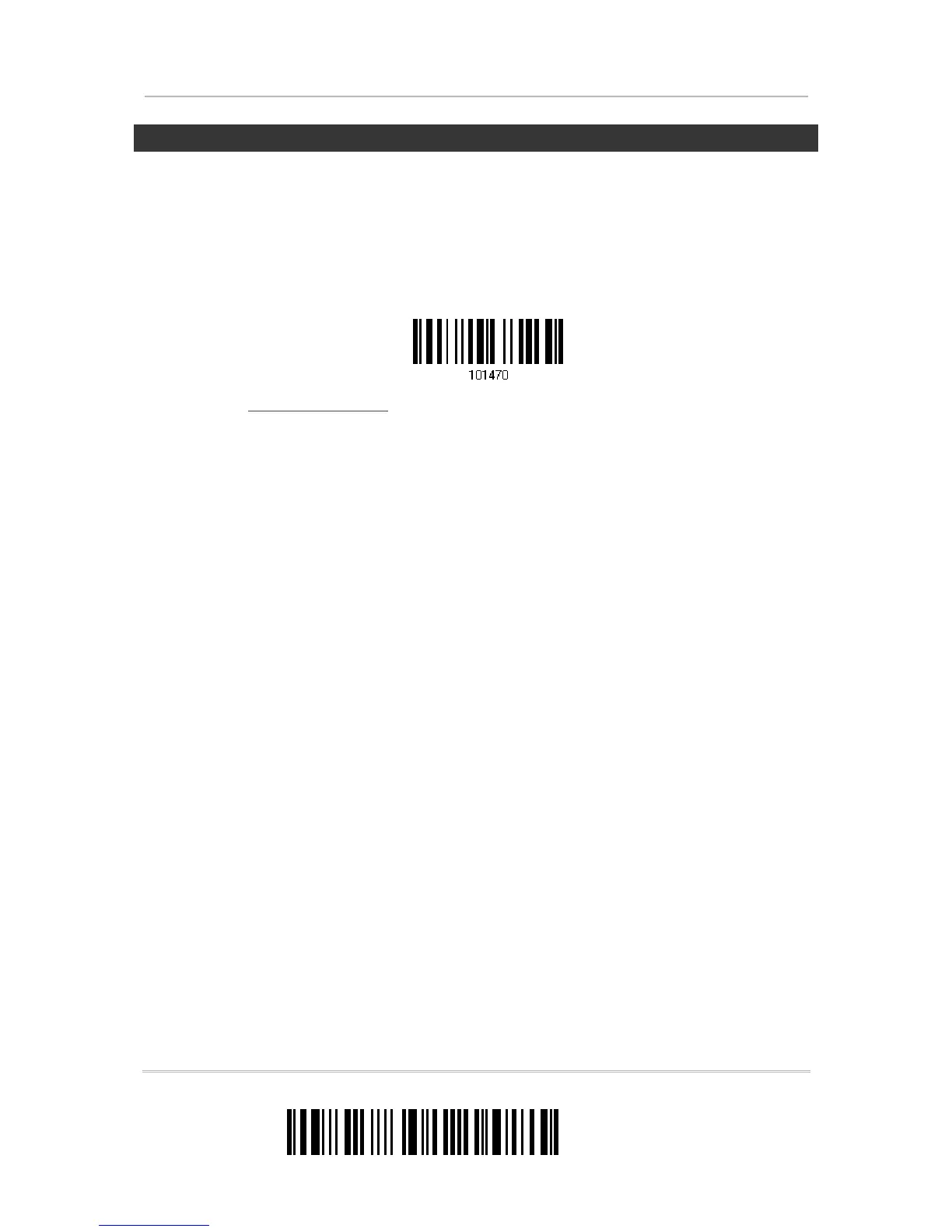
1) Read the label below to remove the specified character.
2) Read the “
Hexadecimal Value” label on page 196 for the desired character.
For example, read “3” and “0” for the scanner to remove the character “0”.
3) Read the “Validate” label to complete this setting.
Remove Special Character


 To Next Page