UPC-A J A A A E
MSI V V D P M
Plessey W W E Q P
Telepen Z --- --- --- ---
5.4.2 CHANGE CODE ID
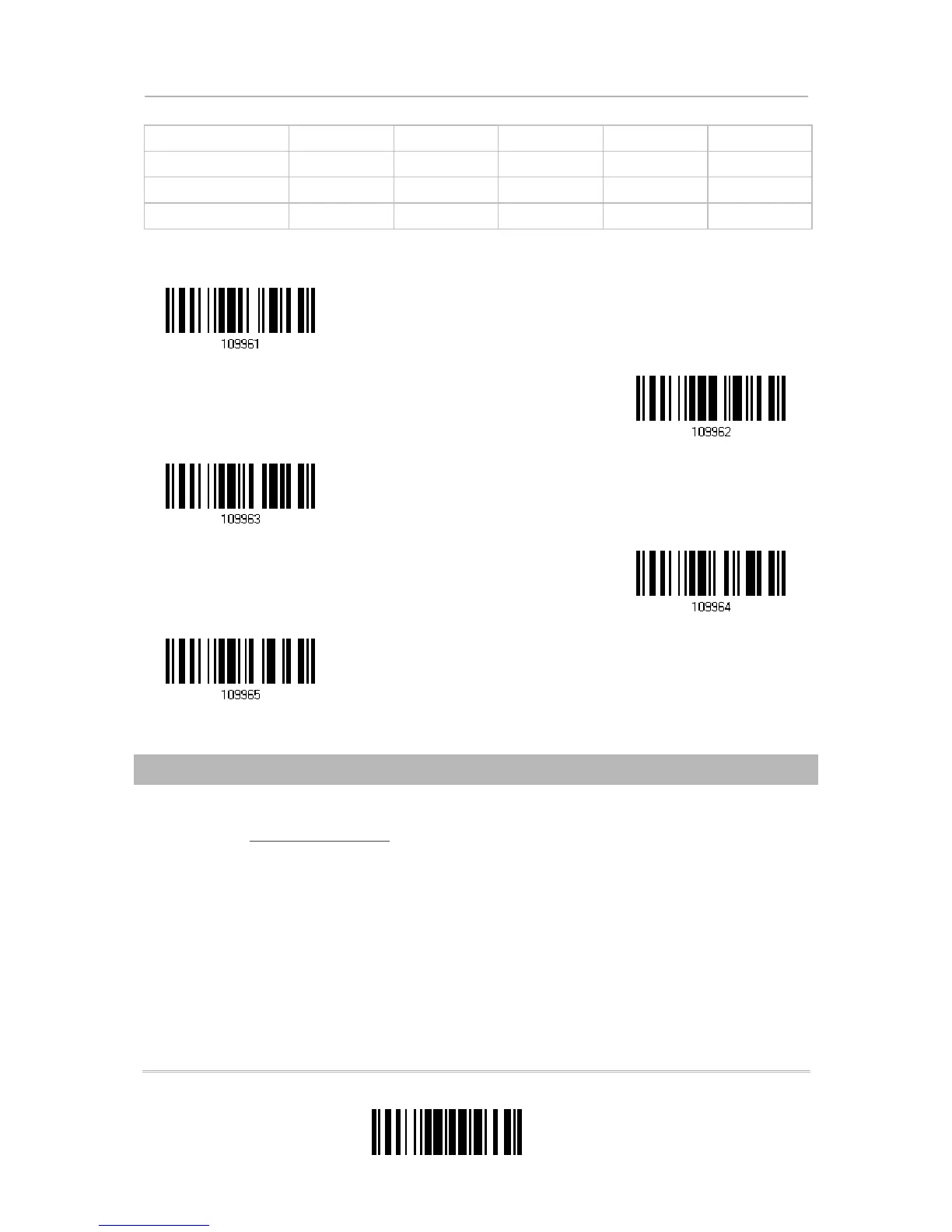
1) Read the label of a specific symbology below to change its code ID.
2) Read the “
Hexadecimal Value” label on page 196 for the desired character string. For
example, read “4” and “4” for applying the character [D] for Code ID.
3) Read the “Validate” label to complete this setting.
Apply Code ID Set 1



 To Next Page