2.4 KEYBOARD WEDGE VIA THE CRADLE
The Y cable allows you to connect the scanner via the cradle to the keyboard input port
of PC and you may join the keyboard as well. The scanned data will be transmitted to the
host keyboard port as if it is manually entered via the keyboard. For example, run a text
editor on your computer to receive the data.
Keyboard Wedge Settings
Defaults
Keyboard Type PCAT (US)
Alphabets Layout Normal
Digits Layout Normal
Capital Lock Type Normal
Capital Lock State Off
Alphabets Transmission Case-sensitive
Digits Transmission Alphanumeric keypad
Alternate Composing No
Inter-Character Delay 0 (ms)
Inter-Function Delay 0 (ms)
Send “NR” to Host Disable
Laptop Support Disable
2.4.1 ACTIVATE KEYBOARD WEDGE & SELECT KEYBOARD TYPE
When Keyboard Wedge interface is activated, you will have to select a keyboard type to
complete this setting.
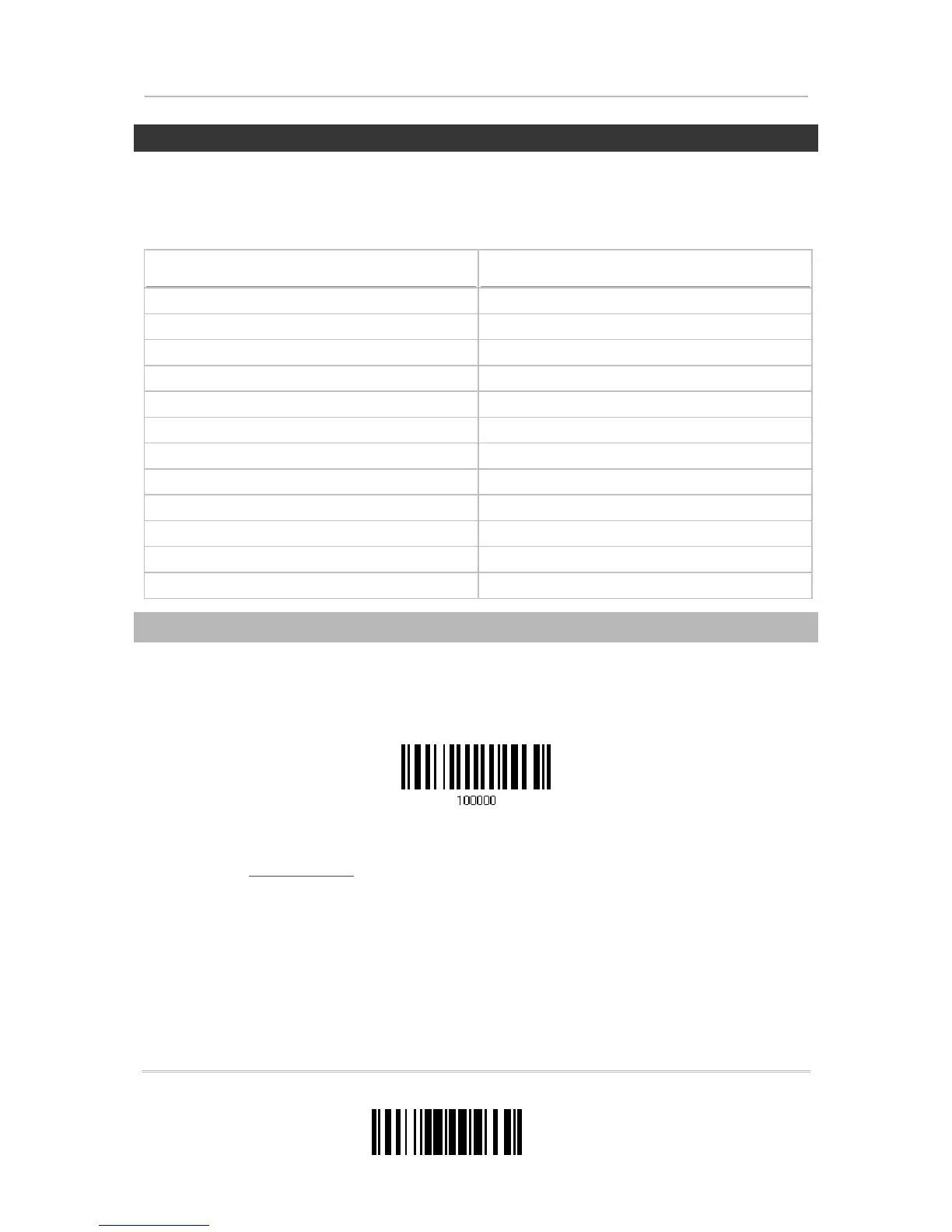
1) Read this label above to activate Keyboard Wedge and select a keyboard type.
2) Read the “
Decimal Value” label on page 195. Refer to the table below for the number
of desired keyboard type.
3) Read the “Validate” label on the same page to complete this setting.
Activate & Select Keyboard Type


 To Next Page