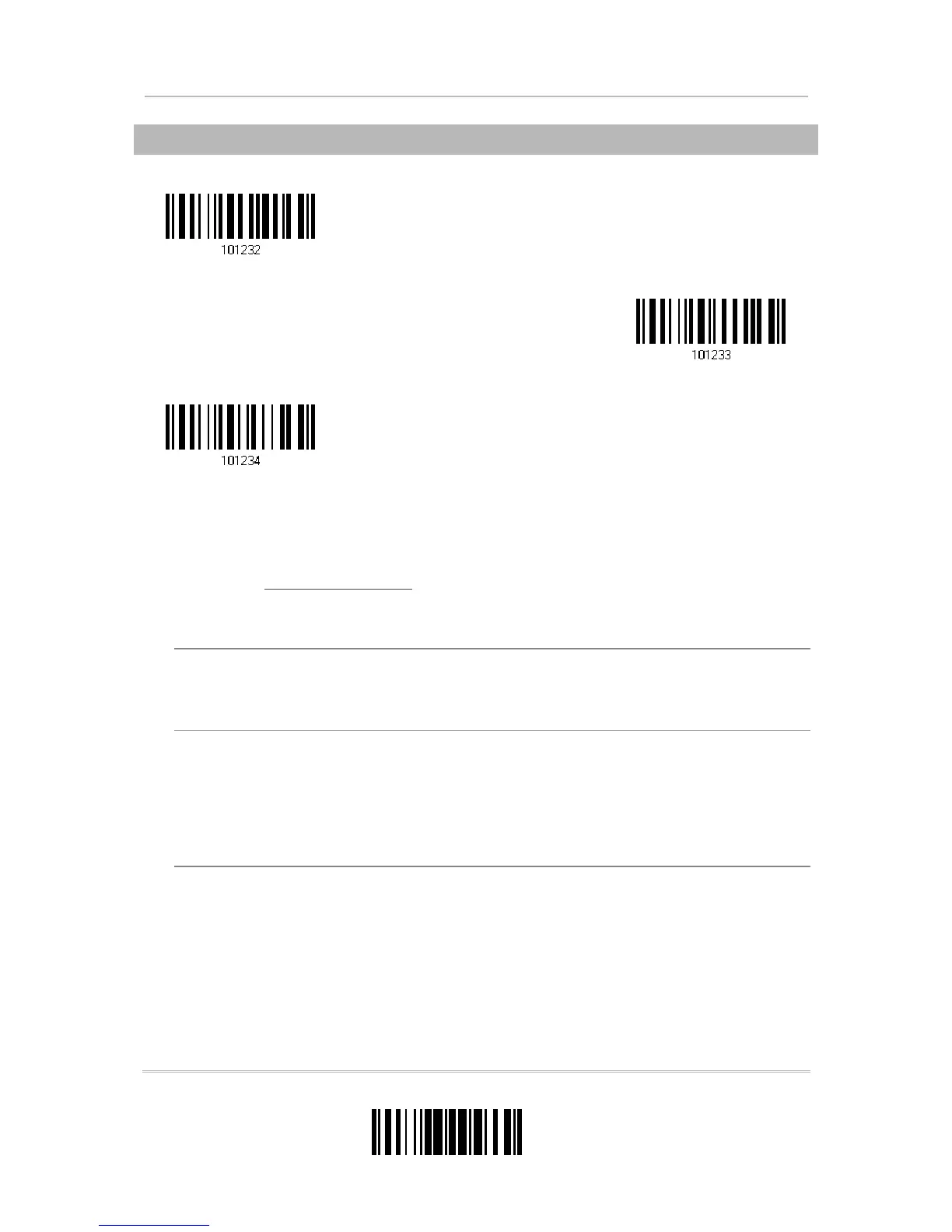
5.2.1 SELECT A SET FOR CHARACTER SUBSTITUTION
1) Read the label above to enable character substitution by set.
For example, have the scanner read the “Set 1” label to configure the first set of
character substitution. The scanner will respond with one short beep, high tone, to
indicate more setup labels are required.
2) Read the “
Hexadecimal Value” label on page 196 for the desired character
substitution. For example,
KEY TYPE = NORMAL
Read “3”, “0”, “2”, and “D” to replace the character “0” with a dash “-”.
Read “3”, “0”, “2”, “D”, “3”, and “0” to replace the character “0” with a dash “-0”.
KEY TYPE = SCAN CODE
If you want to replace the character “0” with “a” (= “1C” on the scan code table):
1. Read “3” and “0”.
2. Read the “Scan Code” label.
3. Read “1” and “C”.
KEY TYPE = NORMAL + KEY STATUS = SHIFT
If you want to replace the character “0” with “!” (= “Shift” + “1” on keyboard):
1. Read “3” and “0”.
2. Read the “Add Shift” label.
3. Read “3” and “1”.
3) Read the “Validate” label to complete this setting. (The defined set or sets will be
applied to all symbologies by default.)
Configure Set 1


 To Next Page