WP4C 7 COMPUTER INTERFACE
!
1 stop bit
!
Flow control set to none
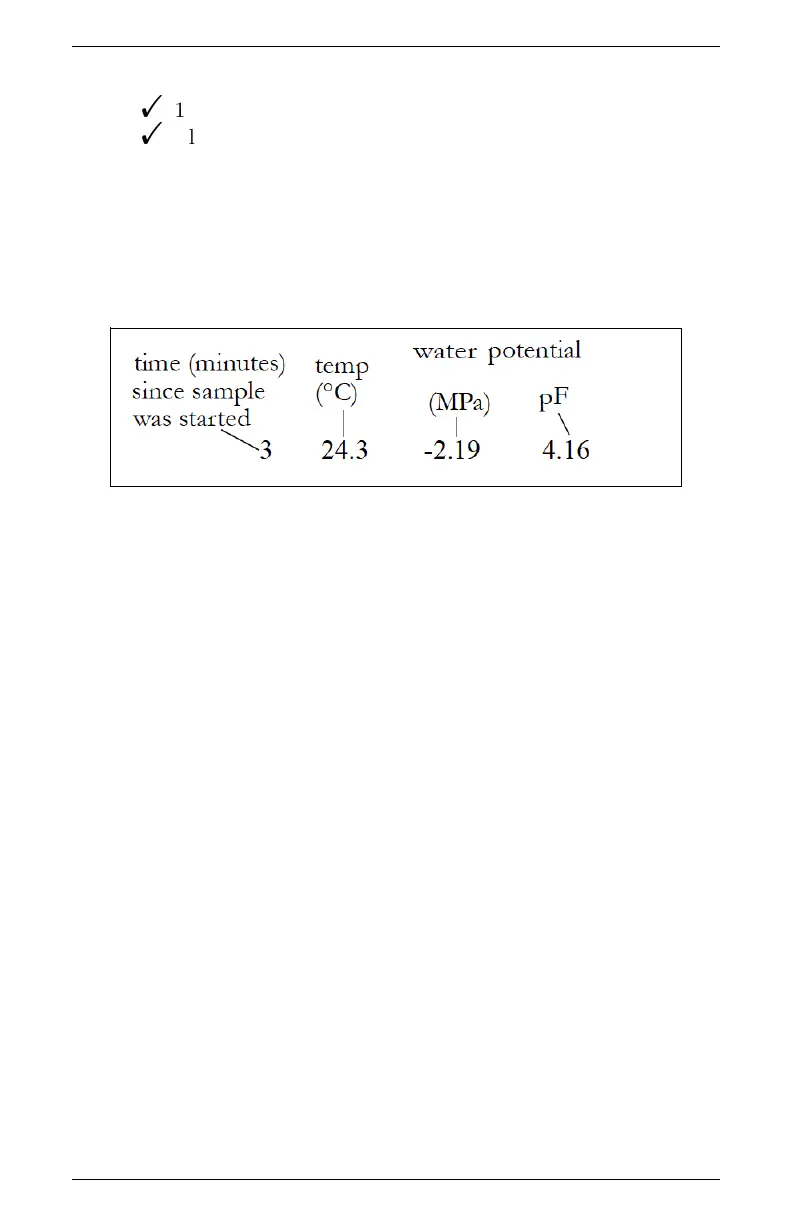
After successfully connecting the WP4C to your computer and upon
completion of a water activity reading, the data will be displayed in
the terminal program in the format as follows: measurement time
(minutes), sample temperature, and water potential (in both Mega-
Pascals and pF). Figure 9 shows a sample return.
Figure 9: Sample Data Return
29



 To Next Page