17
AQUALAB VSA
SUMMARY SCREEN
This selection allows you to view your stored measurements. The up/down arrows move you
through the stored data with the most recent measurements at the top of the table. You may
also press the left and right arrows to page quickly through the data. While on the Summary
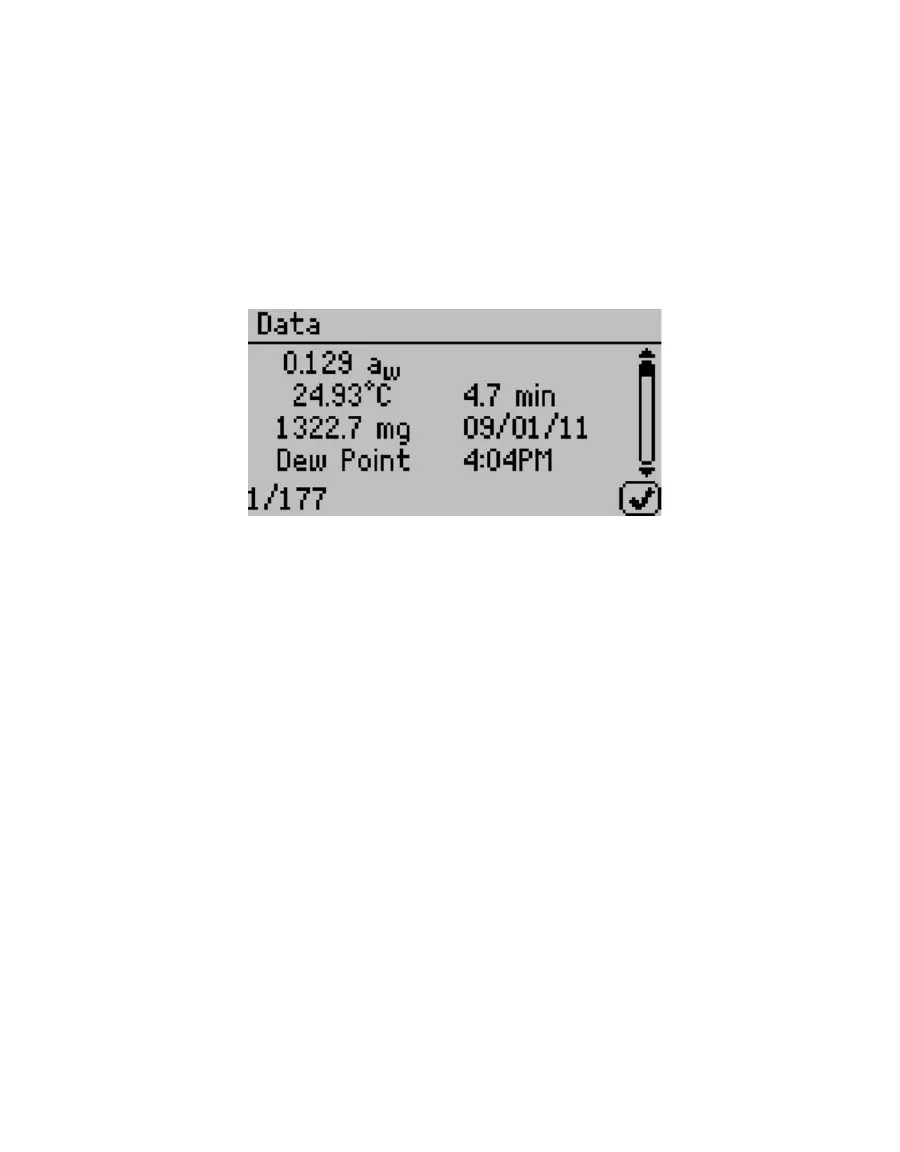
screen, press the Enter button on a highlighted reading to get detailed information on the
reading in the Data screen.
The information shown is the water activity of the sample, the temperature, the test time,
the user who ran the test (if setup), the date of the reading, the sensor used, the time of the
reading, and the sequence number of the stored reading.
Figure 18 Data tab
2.4.4.2 DELETE
Selecting this option deletes all of the information currently stored in the instrument.
NOTE: You are not able to recover deleted data so make sure you have backed up your data to the computer using the
Moisture Analysis Toolkit software package prior to deleting the data from the instrument.



 To Next Page