2.4. Tutorial
794 Basic Titrino
14
If you have a printer connected, you probably wish to have the curve and a result report
printed out automatically at the end of a titration.
To install a printer, see page 150.
Print reports
4 x <DEF>
<ENTER>
6 x <SELECT>
<;>
9 x <SELECT>
<ENTER>
<QUIT>
• Press <DEF> repeatedly until the display shows:
• Press <ENTER> to move to the definition of reports.
• With <SELECT> you select the individual repot
blocks. Use a ";" as delimiter between the report
blocks to print more than one block. If you wish to
print out a curve and a full result report, enter
"curve;full".
• Confirm the entry with <ENTER> and quit the inquir-
ies with <QUIT>.
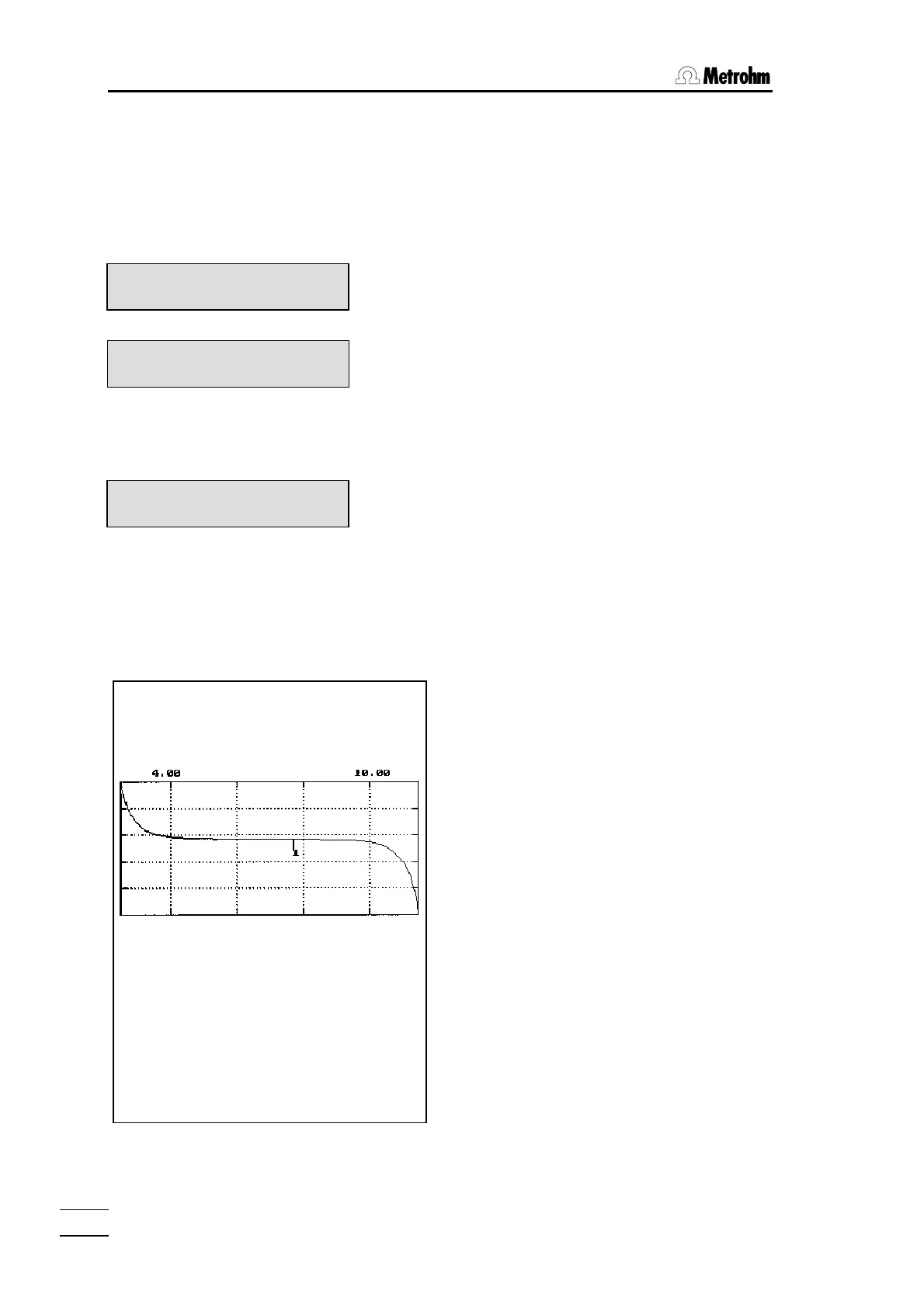
Now print your reports by pressing <PRINT><REPORTS><ENTER>. Your printout will
look like the following:
Identification of the report type (cu=curve)
Start volume, mode and method name
Scaling of curve axis
Identification of the report type (fr=full report)
Device type with identification and program version
Initial pH, mode and method name
Volume and pH value of EP1
Calculated result
def
>report
report:
report:curve;full
'cu
794 Titrino 01102 794.0010
date 2002-01-03 time 17:34 1
start V 0.000 ml DET pH ********
1.0 ml/div dpH=2.0/div
−−−−−−−−−−−−−−−−
'fr
794 Titrino 01102 794.0010
date 2002-01-03 time 17:34 1
pH(init) 2.88 DET pH ********
smpl size 2 ml
EP1 2.083 ml 7.64
RS1 3.80 g/l
manual stop
−−−−−−−−−−−−−−−−














 To Next Page