■■■■■■■■■■■■■■■■■■■■■■
3 Installation
892 Professional Rancimat
■■■■■■■■
23
3
Replacing the fuses
■ Carefully remove the defective fuses from the fuse holder and
replace them with two new slow-acting 4 A fuses:
4
Inserting the fuse holder
■ Push the fuse holder back into the instrument until it latches into
place.
3.3.3 Switching the instrument on and off
The 892 Professional Rancimat is switched on and off using the power
switch (2-3). The instrument display is switched on when the instrument is
switched on.
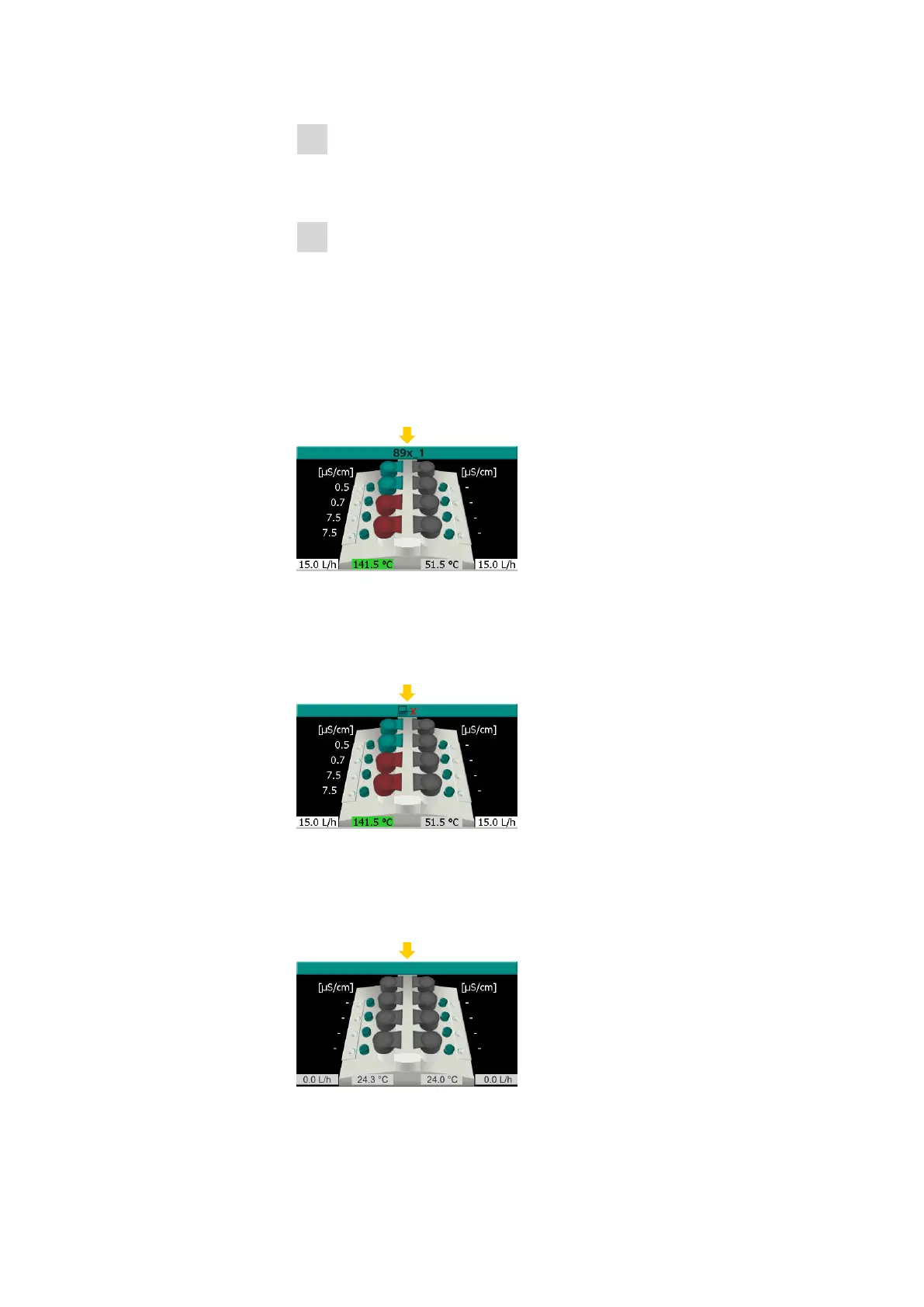
Figure 11
Instrument display with instrument name
The instrument 892 Professional Rancimat has been recognized by the
StabNet computer program and the instrument name entered has been
transmitted.
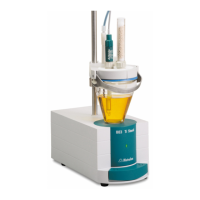
Figure 12
Instrument display with "no connection" symbol
The USB connection between the instrument 892 Professional Rancimat
and the computer has been interrupted and the corresponding symbol is
displayed.
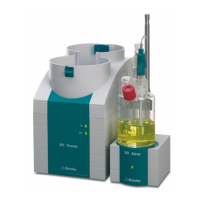
Figure 13
Instrument display without instrument name and symbol











 To Next Page