3.6 Initial configuration
■■■■■■■■■■■■■■■■■■■■■■
18
■■■■■■■■
912/913/914 Meter
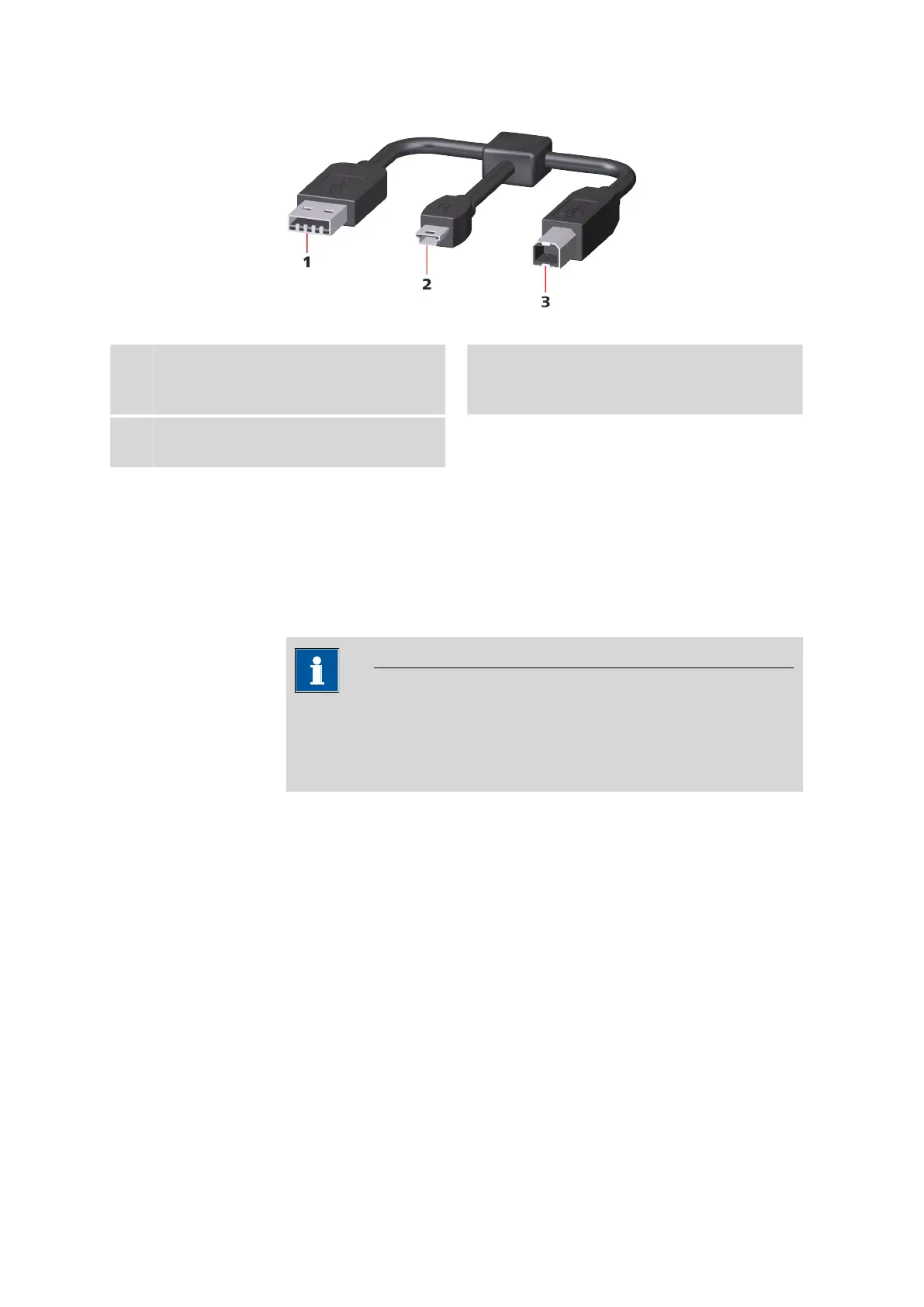
Figure 7 USB Y cable
1
USB type A
Power supply unit connector for energy sup-
ply.
2
USB type B mini
Instrument connector 912/913/914
Meter.
3
USB type B
Printer connector.
3.6 Initial configuration
The steps for switching the instrument on and off are described in the
Operation chapter (see chapter 4.1, page 21).
3.6.1 Setting the Language
NOTICE
"Language" factory setting
English is set in the language settings on instruments delivered ex
works.
The following languages are available on the instrument:
■ German
■ English
■ Spanish
■ French
■ Portuguese
■ Chinese












 To Next Page