4.2 Displays
■■■■■■■■■■■■■■■■■■■■■■
22
■■■■■■■■
912/913/914 Meter
NOTICE
Active dialog field
The actively selected dialog field is always displayed with the Metrohm
green contrast color.
In this case, the entry point for the Menu menu structures is selected.
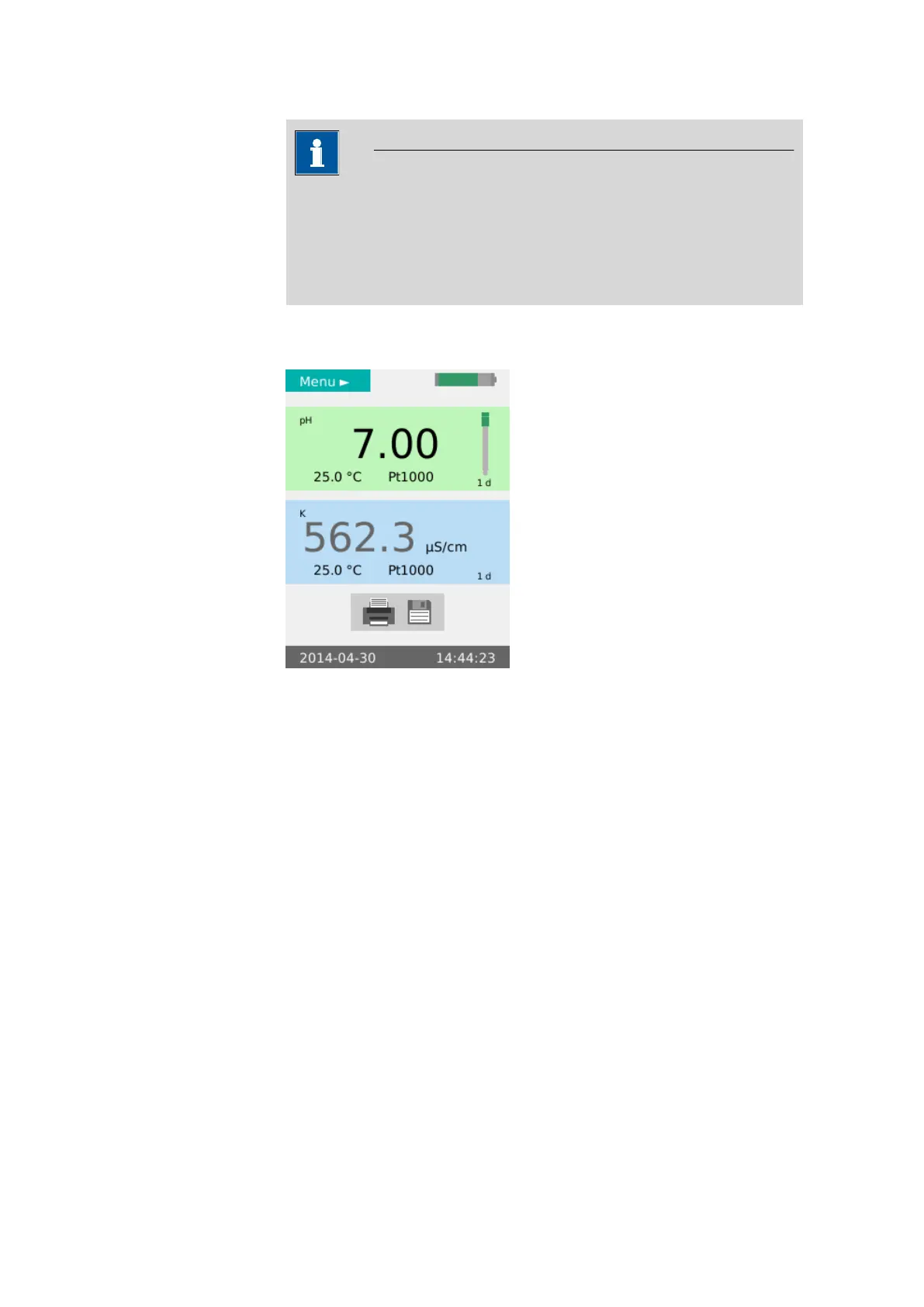
Main dialog The main dialog (example: both measuring channels displayed) is the nor-
mal status after the instrument has been switched on.
Figure 8 View - Main dialog
Menu dialog The menu dialog is used for navigating through the functional structures.
Menu lines with an arrow contain another, deeper structure with further
dialogs.












 To Next Page