■■■■■■■■■■■■■■■■■■■■■■
6 Troubleshooting
912/913/914 Meter
■■■■■■■■
75
CAUTION
User data
The user data will be irreversibly deleted.
During the startup of the instrument, the following key combination can
be used for resetting the instrument (instrument reset):
+
Afterwards, a message will be displayed saying that the user data has
been deleted.
6.4 Messages
The instruments notify you of possible errors or operation problems with
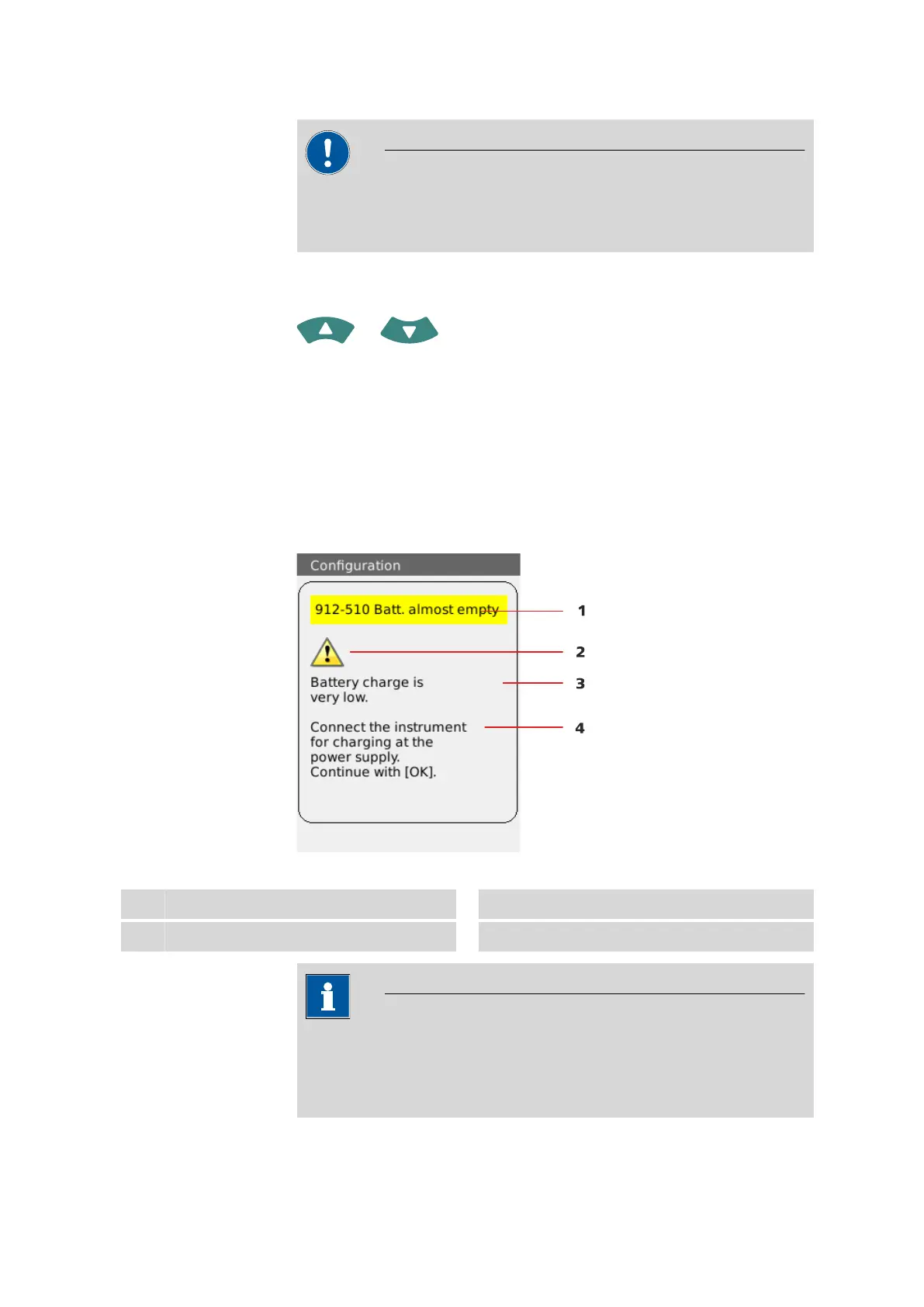
various specific messages. A message as shown in the following example
will appear on the current display:
Figure 19
Example of a message
1
Message number and message
2
Symbol
3
Message text
4
Remedy
NOTICE
Message number
Each message contains a message number in the top left-hand corner.
Please indicate this number in the case of queries or complaints.












 To Next Page