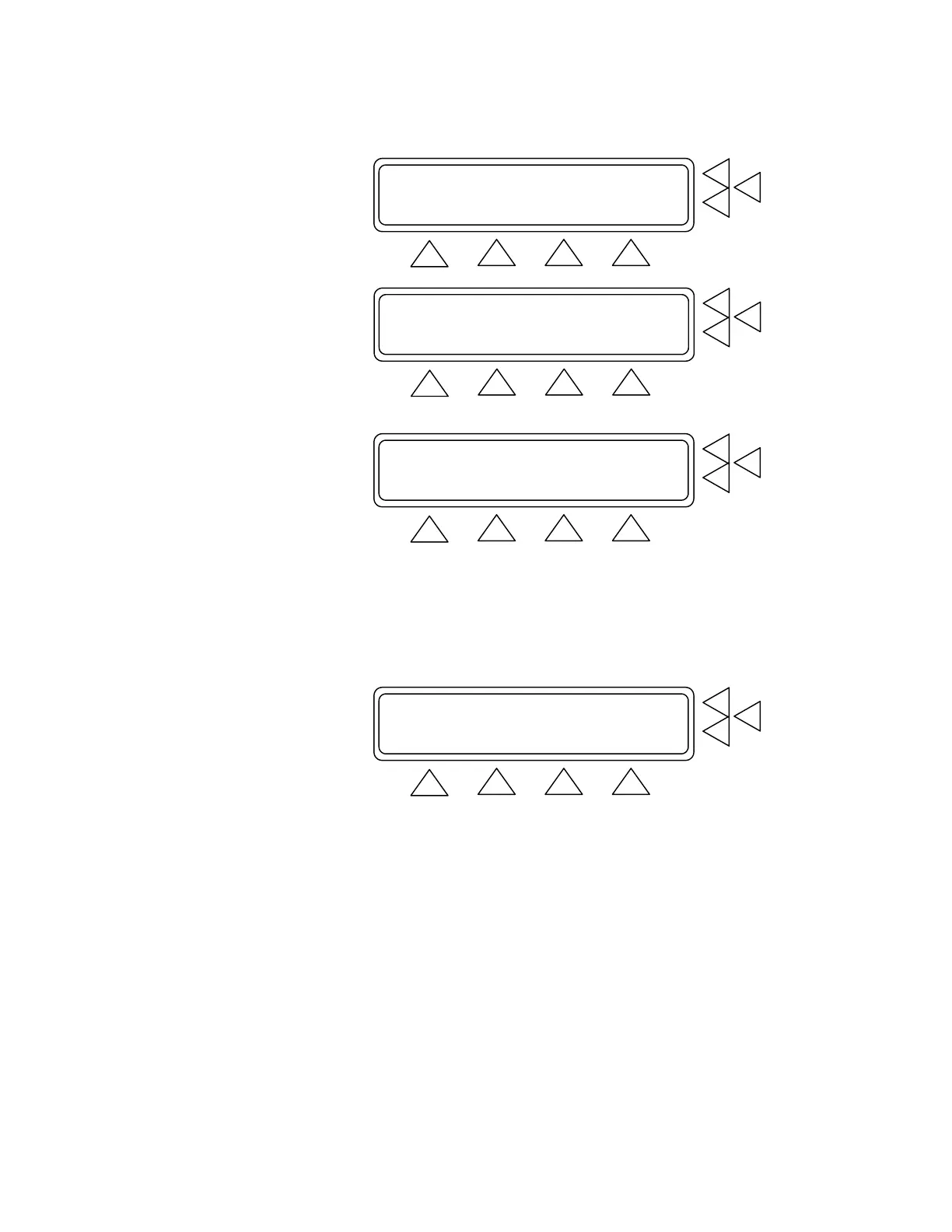
Equipment Code : ......................> F7
Leak Test .............................> F6
BP Test ...............................> F5
MORE SET UP
F1 F2 F3 F4
Measure Cuff Volume ...................> F7
Adult Preset Simulations...............> F6
Neonate Preset Simulations.............> F5
MORE GO BACK START MAIN MENU
F1 F2 F3 F4
60/30 (40) HR:80 BPM PP:2.00 mmHg.> F7
80/48 (58) HR:80 BPM PP:2.00 mmHg.> F6
100/65 (77) HR:80 BPM PP:2.00 mmHg.> F5
MORE GO BACK START MAIN MENU
F1 F2 F3 F4
The screen changes when the test is started (see below). The top line
of the screen specifies the settings for the test, and includes the preset
diastolic/systolic pressures, mean arterial pressure (MAP), heart rate
(HR), pulse pressure (PP), and what arrhythmia simulation is used (if
any).
60/30 (40) HR: 80 PP:2.00 Off F7
Manometer: 0 mmHg Peak: 0 mmHg F6
Time : 0 sec PRINT....> F5
GO BACK MOTION MAIN MENU
F1 F2 F3 F4
The second and third lines display test readings for the manometer
and peak pressure in millimeters of mercury (mmHg), and the infla-
tion time in seconds.
In this test screen’s menu press:
• GO BACK (F2) to return to the BP Test Index Screen.
• MOTION (F3) to initiate a motion/tremor artifact in the testing.
This is to test exactly how a BP monitor responds to calibrated
levels of motion and tremor.
• MAIN MENU (F4) to return to Main Menu Screen 1.
• PRINT (F5) if you want to print the test results. This advances
you to the Print Screen.
4-7


 To Next Page