• MAIN MENU (F4) to return to Main Menu 1.
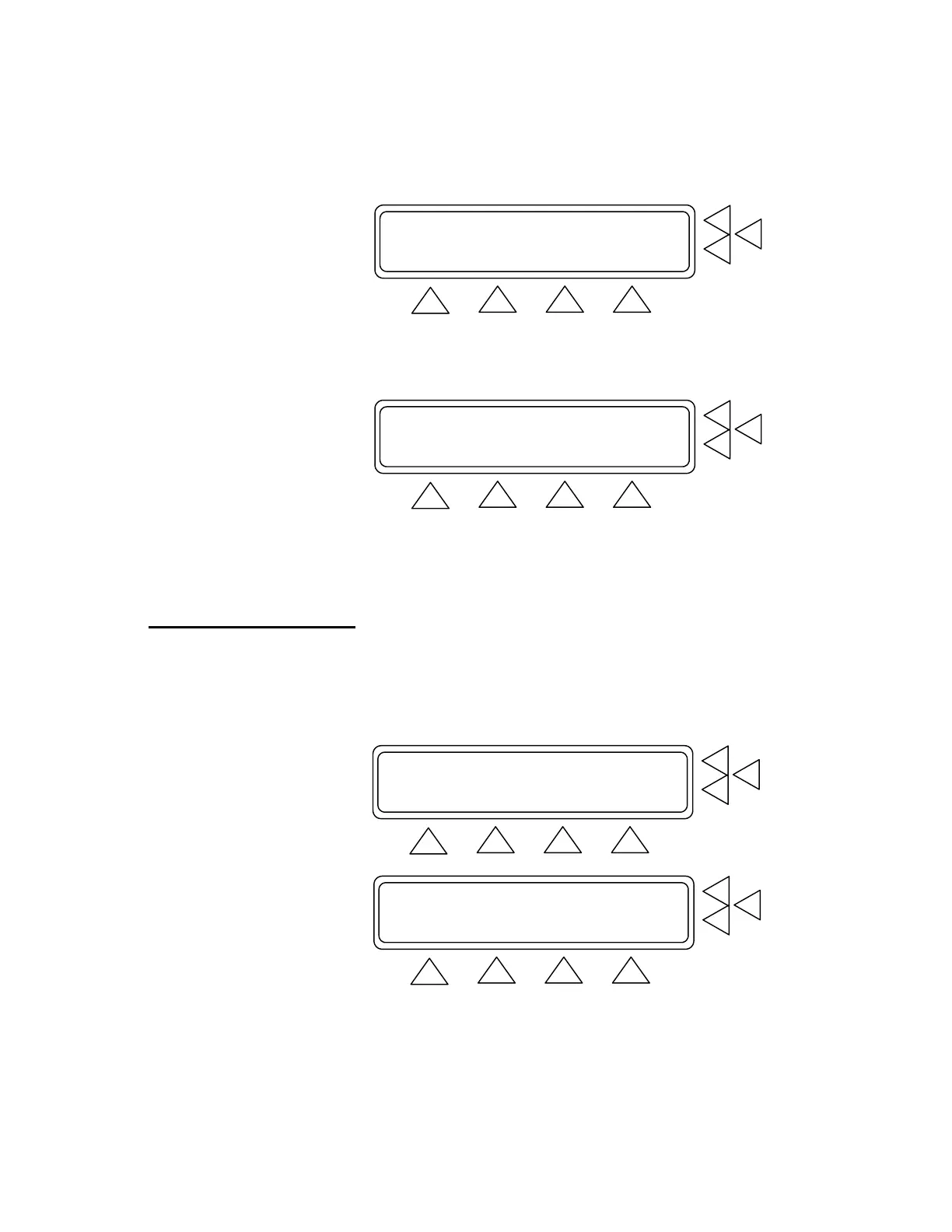
Manometer: 0 mmHg ZERO PRESSURE.> F7
Peak: 0 mmHg RESET PEAK ...> F6
PRINT ........> F5
INFLATE SET UP MAIN MENU
F1 F2 F3 F4
5. Press INFLATE (F2). The menu changes and DEFLATE (F2)
becomes active (see below). Wait until the inflation stops. When
the test results are shown, press DEFLATE.
Manometer: 0 mmHg ZERO PRESSURE.> F7
Peak: 0 mmHg RESET PEAK ...> F6
PRINT ........> F5
DEFLATE SET UP MAIN MENU
F1 F2 F3 F4
6. To reset the manometer and peak values to 0 mmHg, press ZERO
PRESSURE (F7) and RESET PEAK (F6). Note that this also
resets the time to zero.
7. If you want to print the test results, press PRINT (F5) to advance
to the Print Screen.
5.3 Manometer
This test will let you select a pressure in mmHg and maintain it.
1. Advance to Main Menu Screen 2. From this screen press Ma-
nometer (F6). This advances you to the test screen.
Equipment Code : ......................> F7
Leak Test .............................> F6
BP Test ...............................> F5
MORE SET UP
F1 F2 F3 F4
Over-Pressure Cut-Off Test ............> F7
Manometer .............................> F6
Print header/footer ...................> F5
GO BACK SET UP
F1 F2 F3 F4
5-4


 To Next Page