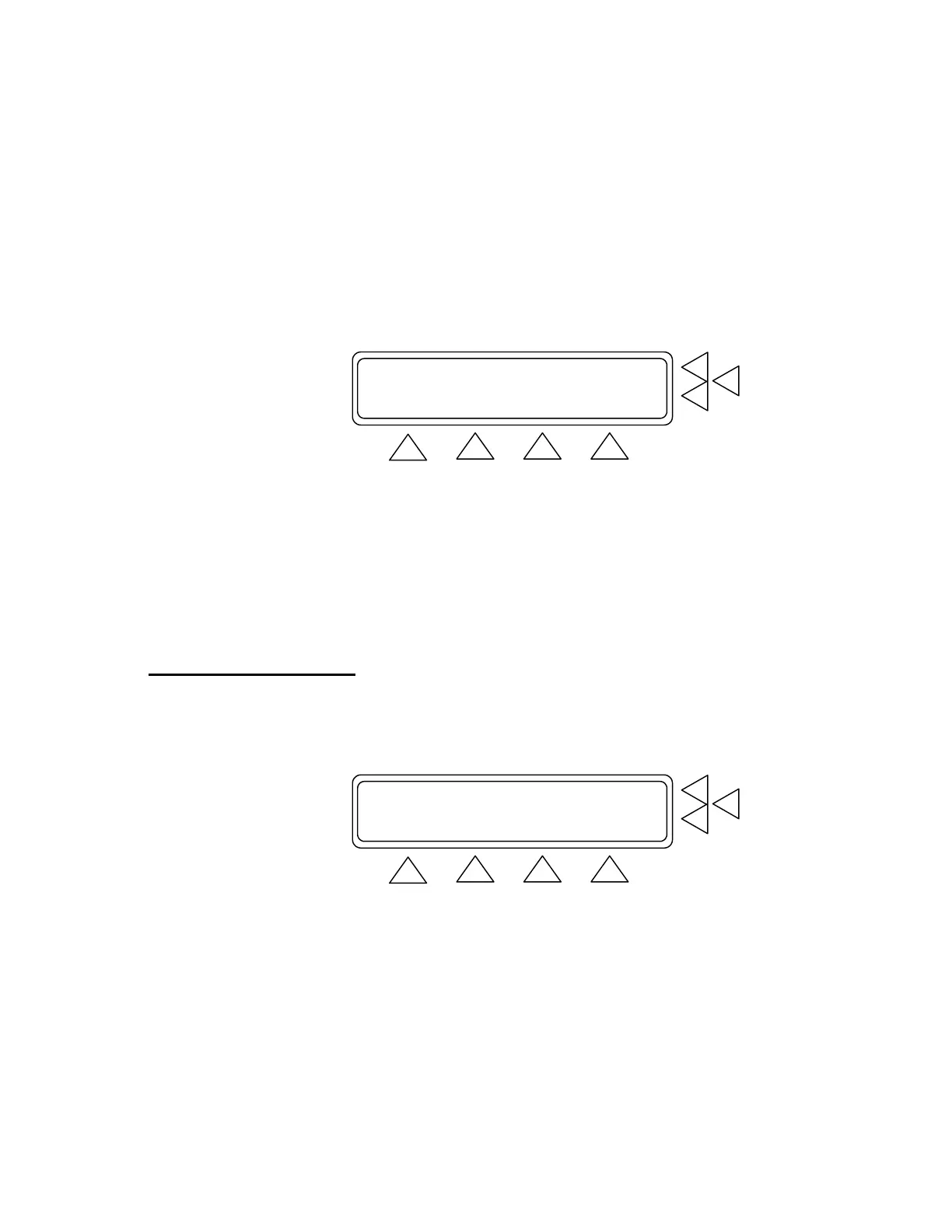
Main Menu Screen 1 (above) contains the following settings:
• Press Equipment Code (F7) to enter the facility code for
equipment being tested. Then press Enter to save.
• Press Leak Test (F6) to advance to the Leak Test screen.
• Press BP Test (F5) to advance to the BP Test screens.
• Press MORE (F1) to advance to Main Menu Screen 2. (See be-
low).
Over-Pressure Cut-Off Test ............> F7
Manometer ............................> F6
Print header/footer ...................> F5
GO BACK SET UP
F1 F2 F3 F4
• Press Over-Pressure Cut-Off Test/Manometer (F7) to advance
to that test’s screen.
• Press Manometer (F6) to advance to that test’s screen.
• Press Print Header / footer (F6) to advance to the Print Screen
(see paragraph 3.6 below).
• Press GO BACK (F2) to return to Main Menu Screen 1, SETUP
(F3) to advance to the Set Up Screen 1.
3.5 Configuring QA-1290
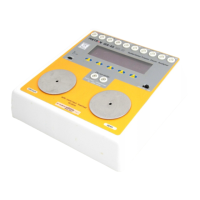
Pressing SETUP (F3) in either Main Menu Screen advances you to a
series of screens that allow you to configure QA-1290 settings and
store them for use in all testing. There are three Setup Screens.
SYSTEM SETUP F7
Operator :.........................> F6
Establishment:.........................> F5
MORE STORE MAIN MENU
F1 F2 F3 F4
Setup Screen 1. This screen (above) contains the following settings:
• Press Operator (F6). Use the alphanumeric keys to enter the
test operator’s name or other identifying data. Press Enter to
save.
3-4


 To Next Page