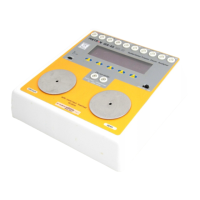
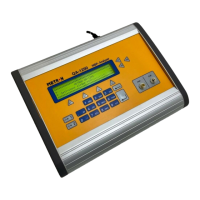
5.2 Over-Pressure Cut-Off
Test
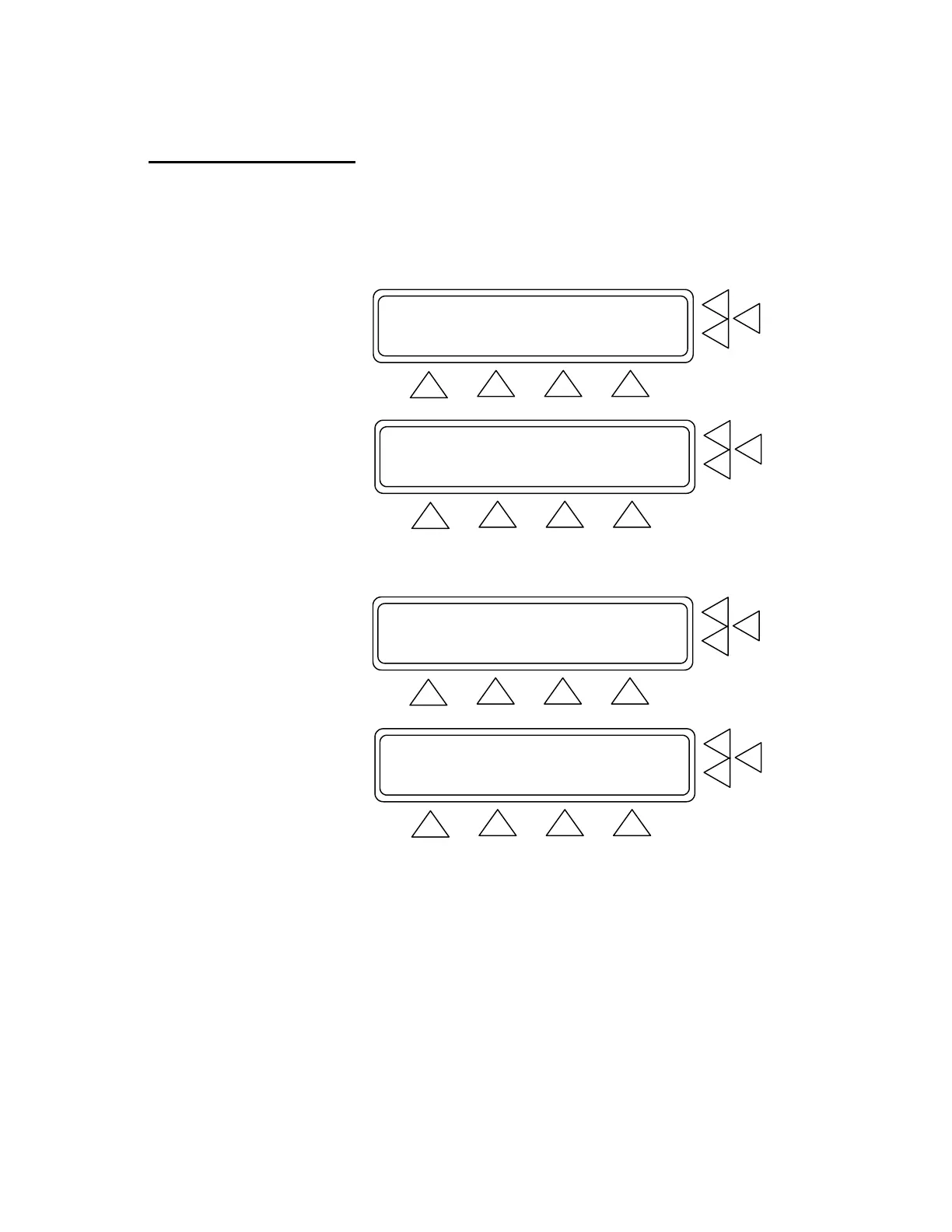
1. Advance to Main Menu Screen 2. From this screen press Over-
Pressure Cut-Off Test (F7). This advances you to the test
screen.
Equipment Code : ......................> F7
Leak Test .............................> F6
BP Test ...............................> F5
MORE SET UP
F1 F2 F3 F4
Over-Pressure Cut-Off Test ............> F7
Manometer .............................> F6
Print header/footer ...................> F5
GO BACK SET UP
F1 F2 F3 F4
2. Press SET UP (F3). This advances you to the Inflate Pressure
Screen. (See below).
Manometer: 0 mmHg ZERO PRESSURE.> F7
Peak: 0 mmHg RESET PEAK ...> F6
PRINT ........> F5
INFLATE SET UP MAIN MENU
F1 F2 F3 F4
Inflate Pressure:XXX mmHg F7
F6
F5
STORE GO BACK MAIN MENU
F1 F2 F3 F4
3. The Inflate Pressure (F7) value must be entered. Otherwise the
test will fail. Use the alphanumeric keys to enter the pressure set-
ting to between 0 and 500 mmHg. Press the Enter key to save
the new setting(s). Use the Delete key to clear the current setting.
4. Press:
• STORE (F1) to store the settings in flash memory.
• GO BACK (F2) to return to the Over-Pressure Cut-Off Test
Screen.
5-3


 To Next Page