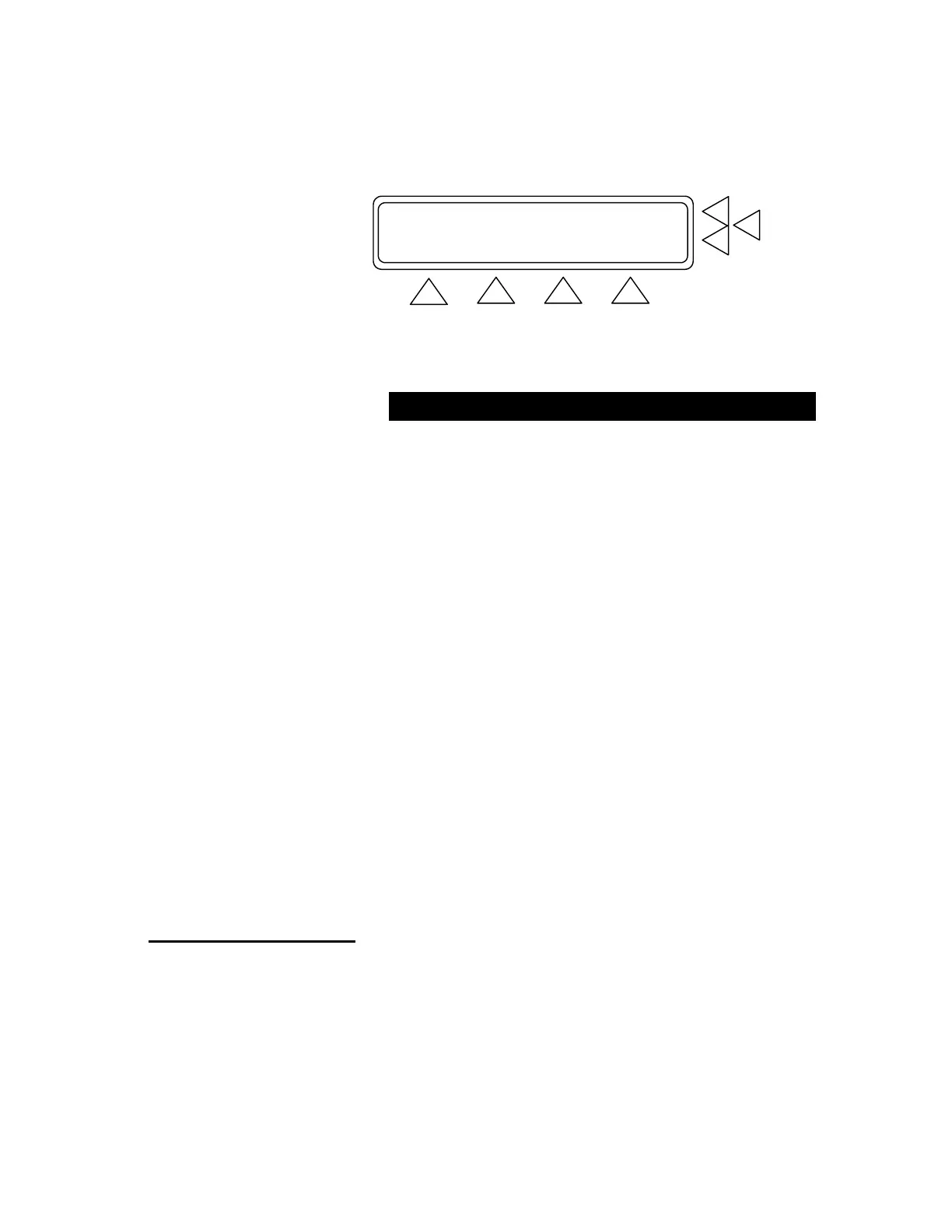
CHOOSE ADULT/NEONATE F7
Bradycardia PP=2.50 mmHg F6
NEONATE .> F5
GO BACK START MAIN MENU
F1 F2 F3 F4
Below are the preset selections in the Artifact Simulation Screens.
Artifact Simulation Selections
Condition Sys./Dia.
(mmHg)
MAP
(mmHg)
HR
(BPM)
PP (mmHg)
Adult Neonate
Bradycardia 120 / 60 80 45 2.50 1.25
Tachycardia 60 / 30 40 80 0.80 0.40
Geriatric subject 150 / 110 123 95 1.00 0.50
Obese subject 120 / 80 93 90 1.00 0.50
Strenuous exercise 140 / 90 106 160 3.00 1.50
Mild exercise 140 / 90 106 120 2.50 1.25
Weak pulse 110 / 80 89 95 0.80 0.40
In the Artifact Simulations Screen Menus press:
• MORE (F1) to advance to the next simulation screen.
• GO BACK (F2) to return to the previous simulation screen.
• START (F3) to advance to the BP Test Screen.
• MAIN MENU (F4) to return to Main Menu Screen 1.
• ADULT / NEONATE (F5) to select adult or neonate set-
tings for the condition displayed. Note: When NEONATE
shows at F5, the current setting is “Adult”. When showing
ADULT at F5, the current setting is “Neonate”.
4.24 Custom Patient Pattern Mode (F5). This is the fourth test pa-
rameter, and is used for the downloading of arbitrary patient patterns
via Ansur QA-1290 Plug-in software.
4.3 Running BP Tests
From Main Menu Screen 1 press BP Test (F5). This advances you to
the BP Test Index Screen. Press Adult Preset Simulations(F6) and
(F3) to start the test.
4-6


 To Next Page