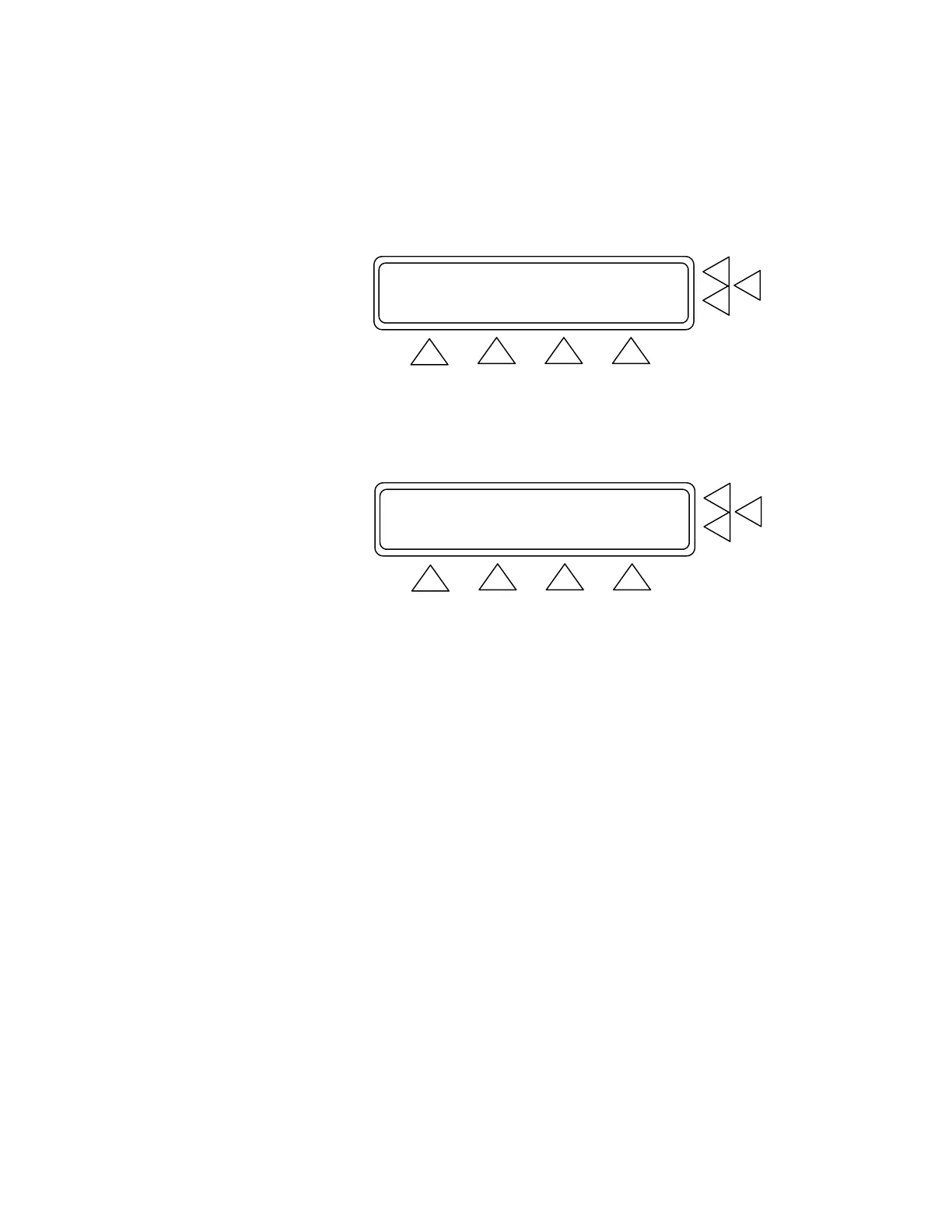
4.23 Artifact Simulations (F6). Pressing this advances you to a se-
ries of three screens, in which you select the desired artifact to use
in the BP testing. To get to this Menu press BP TEST(F5) from the
Main Menu and then more (F1)
Independent Test Parameters ...........> F7
Artifact Simulations ..........> F6
Custom Patient Pattern Mode............> F5
GO BACK MAIN MENU
F1 F2 F3 F4
Each of these Artifact Simulation Screens contains the simulated
condition, along with the preset diastolic/systolic pressures, mean
arterial pressure (MAP), and heart rate (HR). (See the first screen
in the sequence below).
Bradycardia 120/60 (80) HR:45 .> F7
Tachycardia 60/30 (40) HR:140.> F6
Geriatric subject 150/110 (123) HR:95 .> F5
MORE GO BACK MAIN MENU
F1 F2 F3 F4
To select the desired preset use the F5, F6 or F7 key. When
pressed you advance to another screen, indicating the condition’s
pulse pressure (PP). You also have the option at this point of se-
lecting between adult or neonate settings for this condition. (See
the Bradycardia Artifact Screen in the sequence below).
4-5


 To Next Page