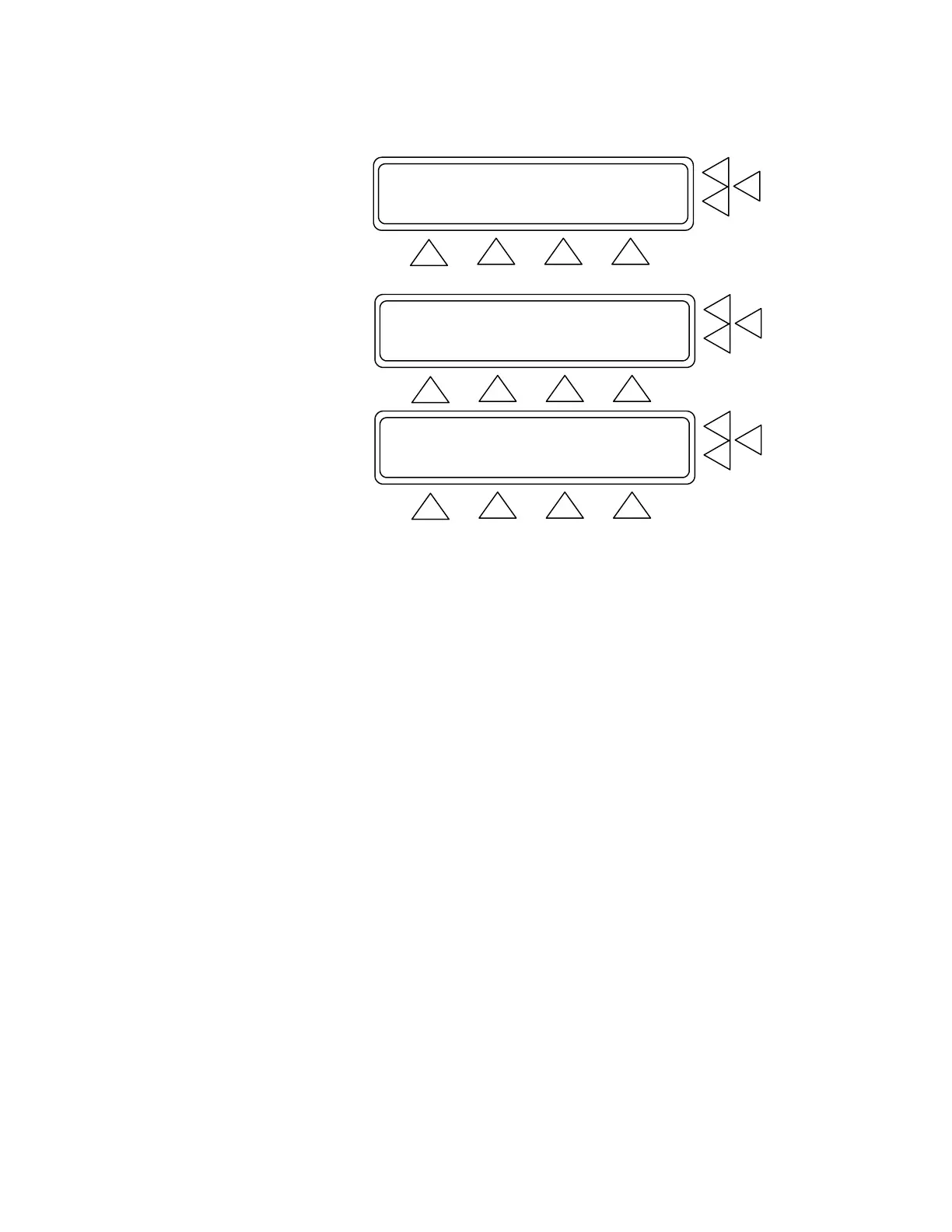
Measure Cuff Volume ...................> F7
Adult Preset Simulations...............> F6
Neonate Preset Simulations.............> F5
MORE GO BACK START MAIN MENU
F1 F2 F3 F4
Independent Test Parameters............> F7
Artifact Simulations ...........> F6
Custom Patient Pattern Mode............> F5
GO BACK MAIN MENU
F1 F2 F3 F4
INDEPENDANT TEST PARAMETER F7
Sys: 120 Dia: 80 HR: 80 PP:3.00 ..> F6
Arrhythmia Simulations: Off ..> F5
STORE GO BACK START MAIN MENU
F1 F2 F3 F4
Press the F6 key to enter the desired pressure and heart rate set-
tings. Once F6 is pressed a cursor appears in the setting that is to
be changed. Use the alphanumeric keys to enter the following set-
ting(s):
• Systolic pressure (Sys) setting, between 20 and 255 mmHg.
• Diastolic pressure (Sys) setting, between 5 and 220 mmHg.
• Heart rate (HR) setting, between 10 and 200 BPM.
• Pulse pressure (PP) setting, between .05 and 5.00 mmHg.
Press the STORE F1 key to save the new setting(s).
Press the F5 key to scroll through the arrhythmia simulations.
Available selections, in sequence, are: Off, PAC, AFIB, 2-BLK
II, PVC STD, and Artifact. When scrolling, each simulation
flashes intermittently to indicate that it is not yet entered as a pre-
set. Press the Enter key to set the desired simulation. Once set,
the intermittent flashing stops.
In the Independent Test Parameter Screen Menu press:
• STORE (F1) to store the settings in flash memory.
• GO BACK (F2) to return to the BP Test Parameters Index.
• START (F3) to advance to the BP Test Screen.
• MAIN MENU (F4) to return to Main Menu 1.
4-4


 To Next Page