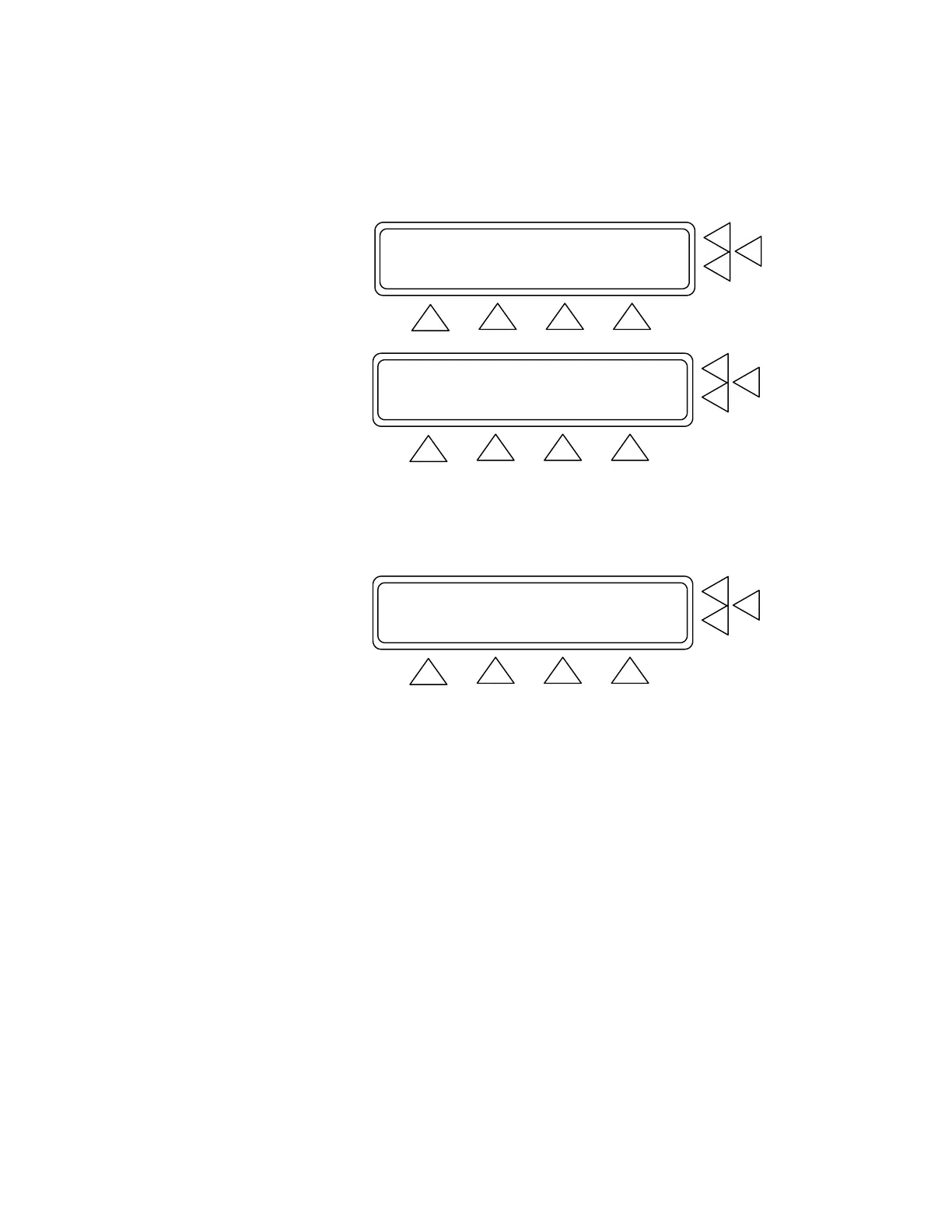
2. Press SET UP (F3). This advances you to the Inflate Pressure
Screen. (See below).
Manometer: 0 mmHg ZERO PR.> F7
PRINT...> F6
Set Pressure: 300 mmHg ...............> F5
REGULATE SET UP MAIN MENU
F1 F2 F3 F4
Test object: Monitor ................> F7
F6
F5
STORE GO BACK MAIN MENU
F1 F2 F3 F4
3. Press Test object (F7). This allows you to select between Moni-
tor and Cuff and Monitor as the port being used.
4. Press STORE (F1) to save the settings then press GO BACK
(F2) to return to the manometer test.
Manometer: 0 mmHg ZERO PR.> F7
PRINT...> F6
Set Pressure: 300 mmHg ..............> F5
REGULATE SET UP MAIN MENU
F1 F2 F3 F4
5. To reset the manometer to 0 mmHg, press ZERO PR (F7).
6. If you want to print the test results, press PRINT (F6) to advance
to the Print Screen.
7. Press Set Pressure (F5) to key in the pressure that you wish the
QA-1290 to maintain.
8. Once you have completed your setup press REGULATE (F2) to
begin pressure regulation.
Note: It is possible to change the pressure units for the Leak,
Manometer and OverPressure tests. From the Main Menu press
(F3) setup and more (F1) 3 times until the menu item is dis-
played.
Pressure Unit: mmHg………………………> F7
Press F7 for the desired pressure units. mmHg, cmH20, inH20,
PSI, kPa, or mBar.
5-5


 To Next Page