MFJ-223 Vector Impedance Antenna Analyzer
MFJ Enterprises, Inc
9 Version 1
to round off the existing frequency before entering a new larger
increment. For example, you might tune from 3.920 up to 4.000
MHz first, then switch to the 1-MHz step. Now the analyzer will
step from 4.000 to 5.000 > 6.000 > 7.000...etc. Rounding off
isn't mandatory, but some users find it helpful.
3.3 Practicing Entry:
If DDS tuning is a new experience,
we recommend spending a few minutes practicing step-size
selection and frequency entry before heading out into the field
to make antenna measurements. Most users develop a feel for
DDS tuning quickly and enjoy its seamless mobility.
4.0 Single-Frequency Test Mode
4.1 Single-Frequency Screen Layout:
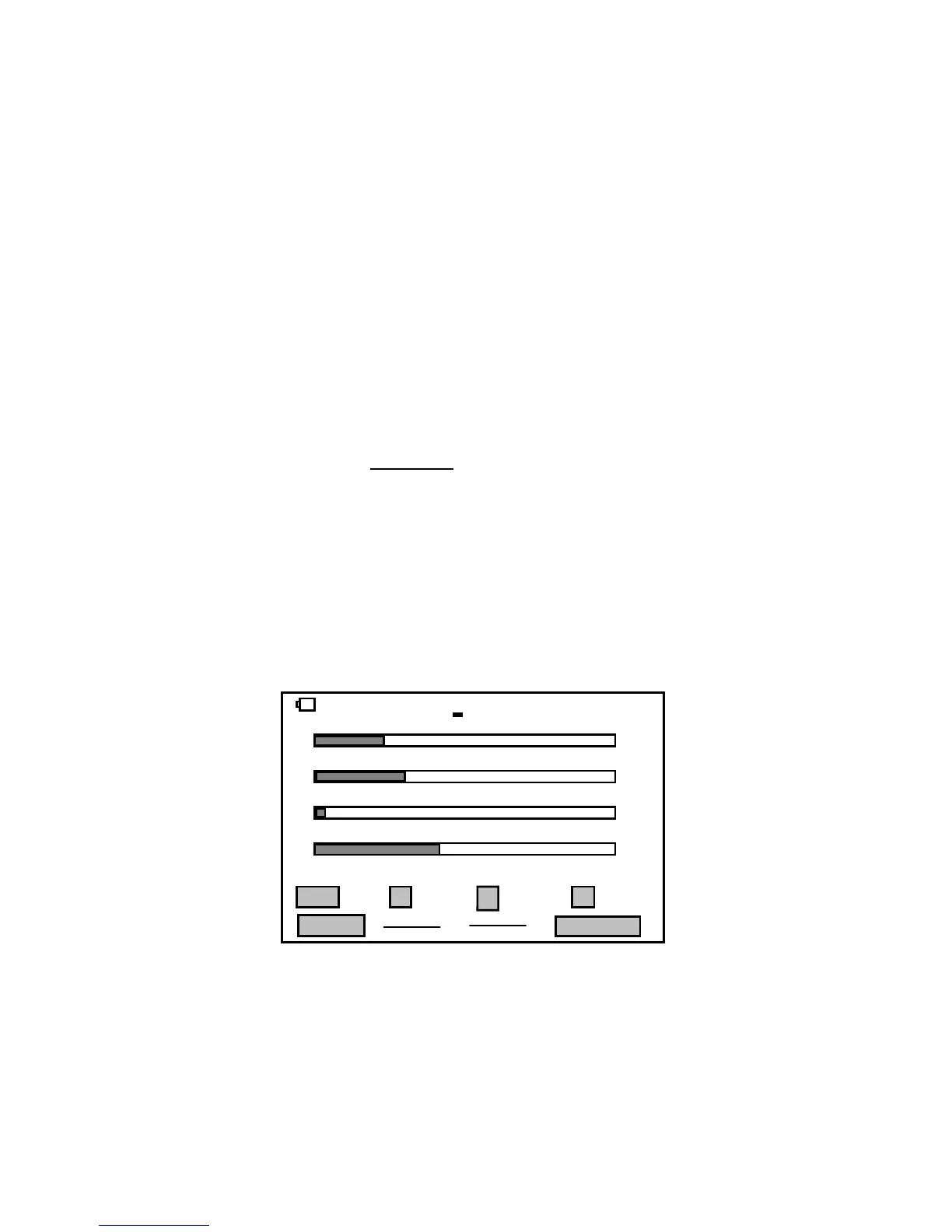
In single-frequency
mode, pressing the Run/Stop key sends a steady CW carrier to
the antenna under test. The analyzer's directional coupler then
samples the incident (forward) and reflected (reverse) power
values and sends this data to the processor for conversion into
a visual display. The three top analog bars display approximate
SWR, Resistance (R) and Reactance (X). More precise
numerical values for SWR, R, X -- and also Impedance
Magnitude (Z) -- appear at the bottom of the screen (see
below).
Single Fre 14.0000MHz 00:05:00
SWR
Resistance
Reactance
S-Antenna
Run/Stop
Return
9.9
300
300
+30
1.0
0
0
0
1.5 2.0 3.0 4.0
100 200
100 200
6 9
+10
SWR 1.52 Z 75.1 R 75.5 X 1.3
With the generator running, you may change frequency on the
fly using the Encoder while watching the display for key points
of interest such as resonance (X = 0), minimum SWR, and the
antenna's 2:1 bandwidth limits. You may also use the analog
bars to provide continuous feedback when adjusting tunable


 To Next Page