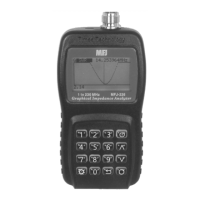
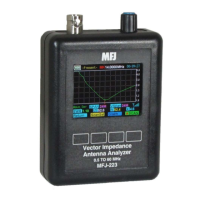
MFJ-223 Vector Impedance Antenna Analyzer
MFJ Enterprises, Inc
5 Version 1
2.0 Power Source and Initial Setup
2.1 Charging the Battery:
The MFJ-223 is powered by a
3.7-V 1800-mAH Lithium Polymer battery that comes pre-
installed. To recharge, use a micro-USB-to-standard-USB
patch cable (MFJ-5431 or equivalent). The analyzer can be
recharged from any standard computer USB slot capable of
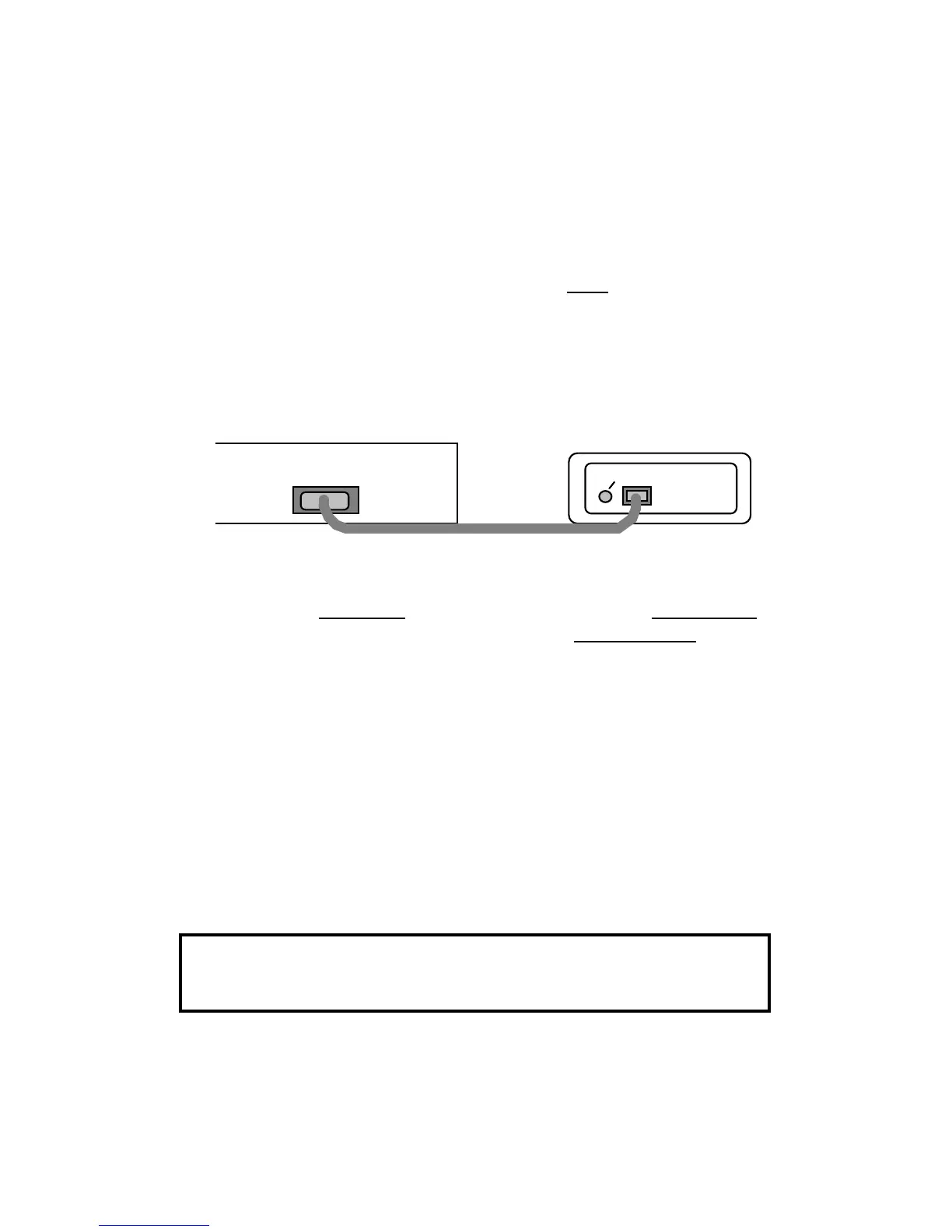
delivering 5.0 volts at 500 mA. The analyzer's Micro-USB
charging jack is located on the bottom of the unit. Be sure to
charge the battery fully before turning on and operating your
analyzer for the first time.
USB
Micro-USB
Charge LED
Computer
To monitor the charge cycle, check the status LED located to
the left of the charging jack (LED not visible unless charging is
in progress). Red LED signals normal charging, Green LED
indicates when charging is complete, and Flashing LED warns
of a charging fault (battery or power-source problem).
During the charge, a built-in smart-controller monitors battery
condition and sets the best charge mode and rate. If the battery
is depleted below 2.9 volts, the charger supplies a 50-ma
trickle-charge until the 2.9-volt threshold is restored. It then
increases to a 500-ma constant-current rate until the level
reaches 4.2 volts. At that point, the controller switches into the
constant voltage mode and tapers the charge down to shutoff.
If your analyzer is being stored and not in regular use, recharge
it every 2-3 months to maintain battery health. Also, charge
fully before putting it away for extended periods.
Important Charging Note: Charge the battery before
operating your analyzer for the first time, before storing, and at
2-3 month intervals while in storage.
2.2 Processor Reset:
The MFJ-223 operating system is
immune to disruption from most glitches and EMP interference.
However, in the unlikely event of a system crash, you can reset


 To Next Page