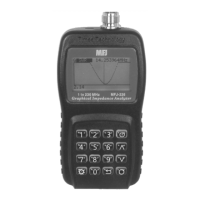
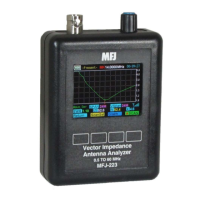
MFJ-223 Vector Impedance Antenna Analyzer
MFJ Enterprises, Inc
18 Version 1
8.0 Quick Start and Review of Analyzer
Functions:
Charging: Accepts micro-USB plug on base of unit.
Connect to USB port, charge until red LED turns green.
Charge fully before first use.
Turn On/Off: Press Encoder Knob down, wait for
beep, and release. Turn off the same way. Boot
Screen must be selected when turning off.
00:20:08
Help System Single
Scan
90
MFJ K5MFJ
Vector Impedance Analyzer
BAND: 0.5-60 MHz
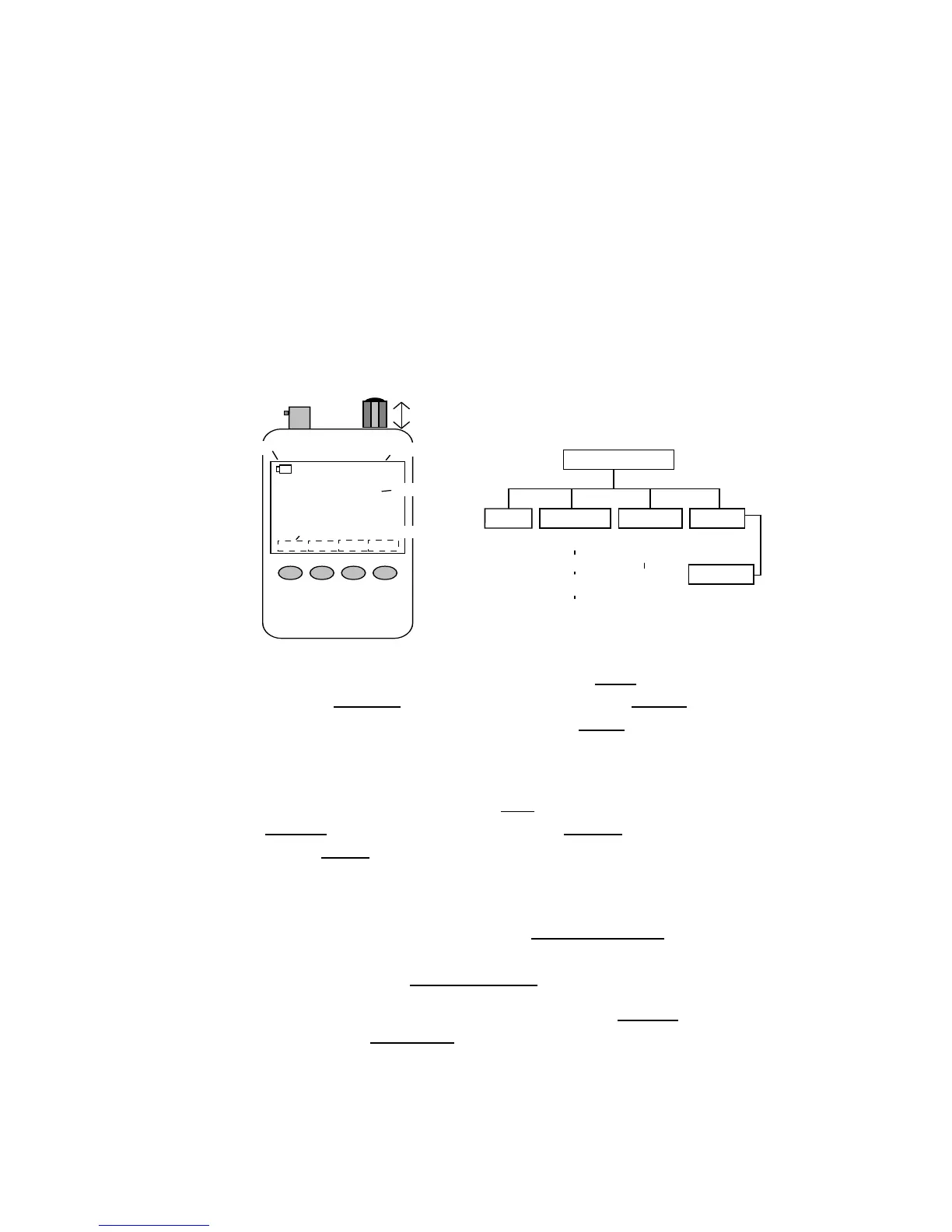
1. RF Connector
2. Rotary Encoder
4. Battery Status
5. Elapsed Time
6. Personalized ID
7. Soft-key Switch Labels
3. Control Switch
8. Membrane Control
Switches
Boot Screen
Help
System
Single
Scan
Present
(8-Pages)
Help
Files
Enter
Call
Auto-Off
Enable
Battery
DVM
Boot
Counter
Single
Frequency
VNA
Set Up
Scanned
Plots
View
Scanned
Plots
Signal
Gen
Commands from Boot Screen: Help opens help
index. System opens System page. Single opens
Single-Frequency test functions. Scan opens Scan-
Frequency set-up and presentation functions (see
chart above).
Help Menu Commands: Exit returns to Boot Screen.
S-Prev scrolls to previous page, S-next scrolls to next
page, Enter brings up highlighted page. Once a page is
selected, keys can scroll pages without returning to
index.
Frequency Control: Press Encoder Knob to select
tuning step (step size indicated by bar under frequency
display). Rotate Encoder Knob to change frequency.
Single-Frequency Command Keys: Return exits to
Boot Page. Run/Stop starts and stops RF generator. S-
Antenna scale warns of interference.


 To Next Page