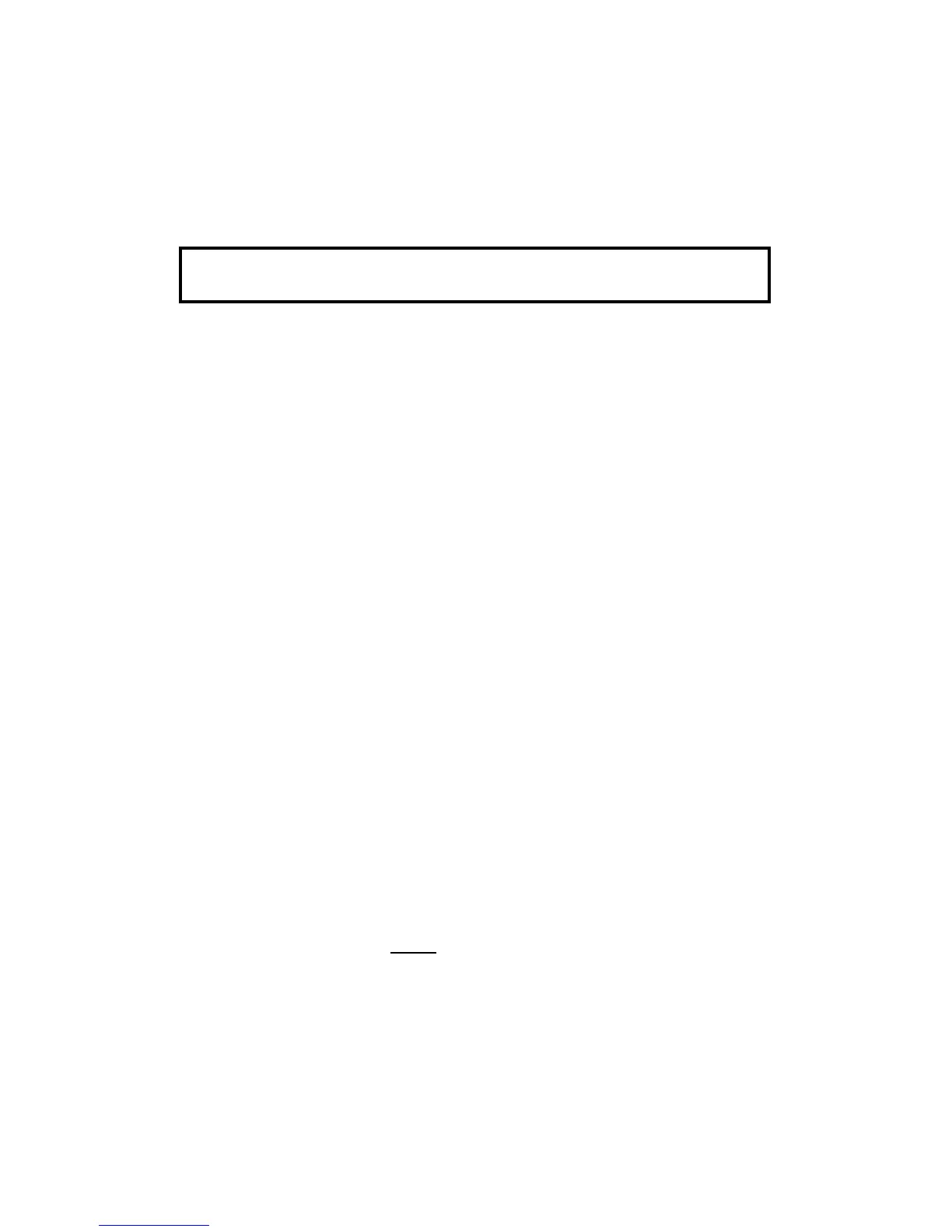
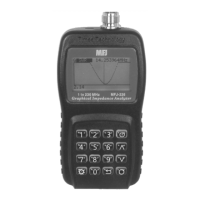
MFJ-223 Vector Impedance Antenna Analyzer
MFJ Enterprises, Inc
11 Version 1
activated, a test signal will be generated. Note that the +5 dBm
power level may be too high for some sensitive preamplifier or
mixer stages and could damage them. The use of a wide-range
step attenuator is strongly recommended when using the
analyzer for any alignment procedure.
Important Signal Generating Warning: Avoid overdriving
sensitive circuitry with the analyzer's stimulus generator.
5.0 Scan-Frequency Mode
5.1 Scan Overview:
In Scan-Set mode, the DDS generator
steps rapidly across a preset range of frequencies and samples
reflected power at each stop. The scan's Center Frequency
and Tuning Step are entered the same way as they are for a
single-frequency test, via the Encoder. Along with Center
Frequency, you'll program in a Scan Width. Scan Width
determines the span of frequencies covered during the test. A
choice of eight scan widths are available, ranging from 300 Hz
to 48 MHz. Narrow scans are best for plotting low-frequency
mono-band antennas while wider scans are more useful for
broadband high-frequency antennas and multi-band arrays.
Each scan is initiated manually and takes roughly 3-5 seconds
to complete. When done, the analyzer switches from Scan-Set
mode to Present mode. In Present mode, four graphic plot files
are available for viewing (wave.SWR, wave.Z, wave.R, and
wave.X). Numerical data gathered at each sample frequency
can also be viewed using the analyzer's tunable marker
function to tune back and forth across the plot.
5.2 Screen Layout:
Before going through the specific setup
instructions for conducting a test, take a moment to look over
the scan-mode screen's general layout. Being familiar with the
location and color-coding scheme for the various display
elements will help you to locate specific features more quickly.
To bring up the Scan-Set screen from the Boot Screen for
inspection, press the Scan command key. The screen is also
shown in the figure shown below:


 To Next Page