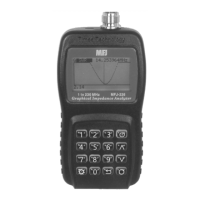
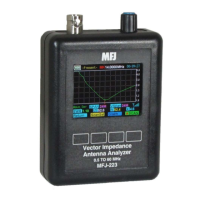
MFJ-223 Vector Impedance Antenna Analyzer
MFJ Enterprises, Inc
14 Version 1
Choose a convenient Tuning Step using the Encoder
Switch.
Set your desired Center Frequency (CF) using the
Rotary Encoder.
Scroll with the SPAN key while watching the SPAN box
to select a scan width.
To initiate the scan, press the SCAN command key.
When you press Scan, the soft-menu label turns red while the
scan is in progress. Allow it to finish -- when complete, the label
turns back to green. Any previous scan data is overwritten by
the new scan data and the analyzer switches automatically
from Scan-Set to Present mode. Note that the Encoder
becomes assigned to the Marker (MK) function in Present
mode.
5.5 Present Procedures:
In Present mode, the four command keys are assigned the
following functions:
[Return] Returns to the Boot Screen.
[Scan Set] Returns to Scan-Set so you may enter new setup
information.
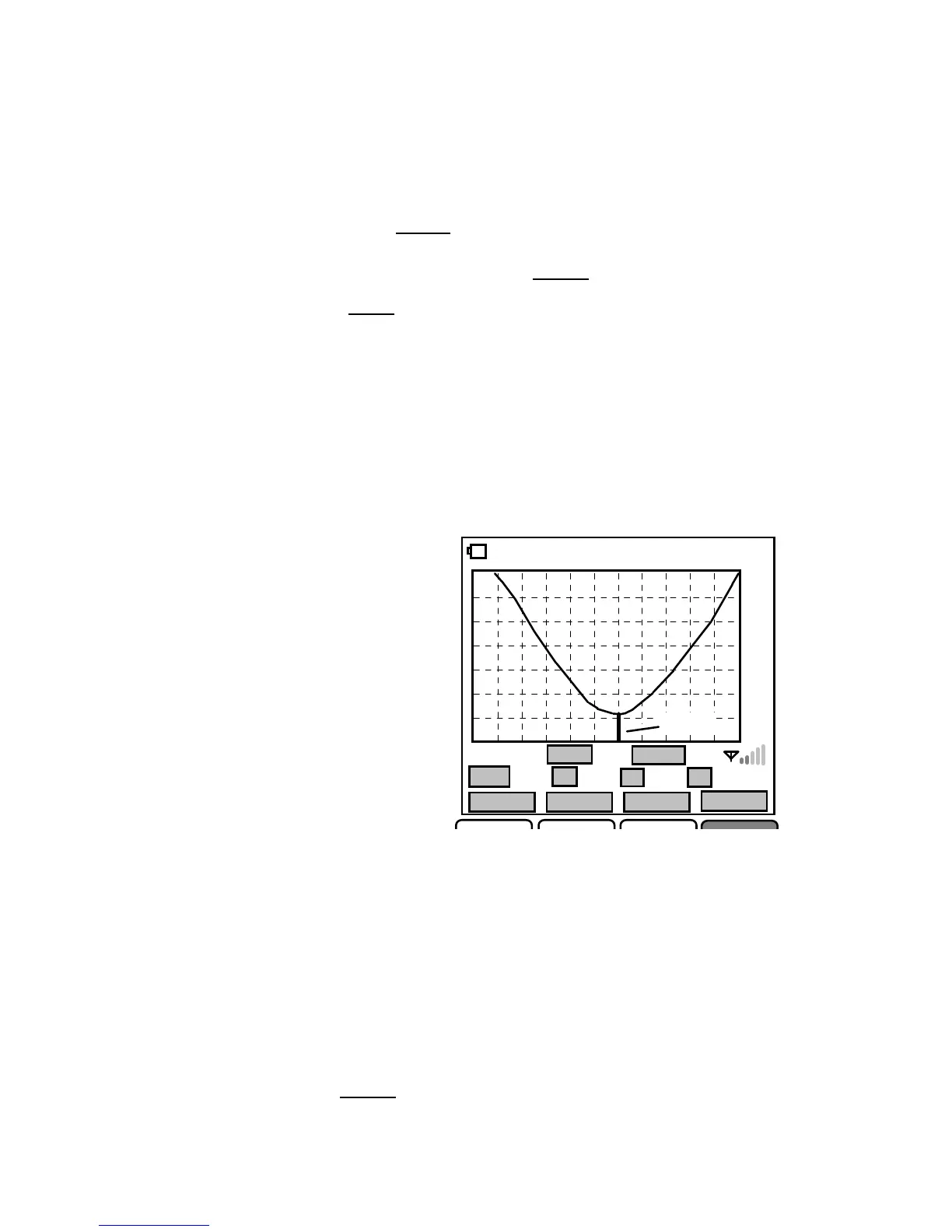
[Graph] Scrolls through graphic plots for SWR, Z, R, and X
(wave. files).
[Scan] Initiates a re-scan using the current analyzer setup.
To view SWR, Z, R, and X plots in sequence, scroll
with the Graph key
-Present- MK 14.0000MHz 00:02:30
1.0
1.5
2.0
3.0
9.9
Wave.SWR
SPAN
300K
VSPan 300K
SWR
1.24 Z 59.3
R
56.3
X
8.2
Return
ScanSet Graph ^ SCAN
Marker


 To Next Page