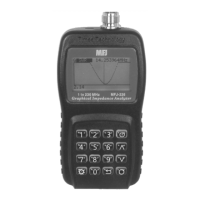
MFJ-223 Vector Impedance Antenna Analyzer
MFJ Enterprises, Inc
12 Version 1
-Scan Set-
CF 14.0000MHz
00:02:30
1.0
1.5
2.0
3.0
9.9
Wave.SWR
SPAN
1.2M
VSPan 1.2M
SWR
Z
R X
Return
Present Graph SCAN
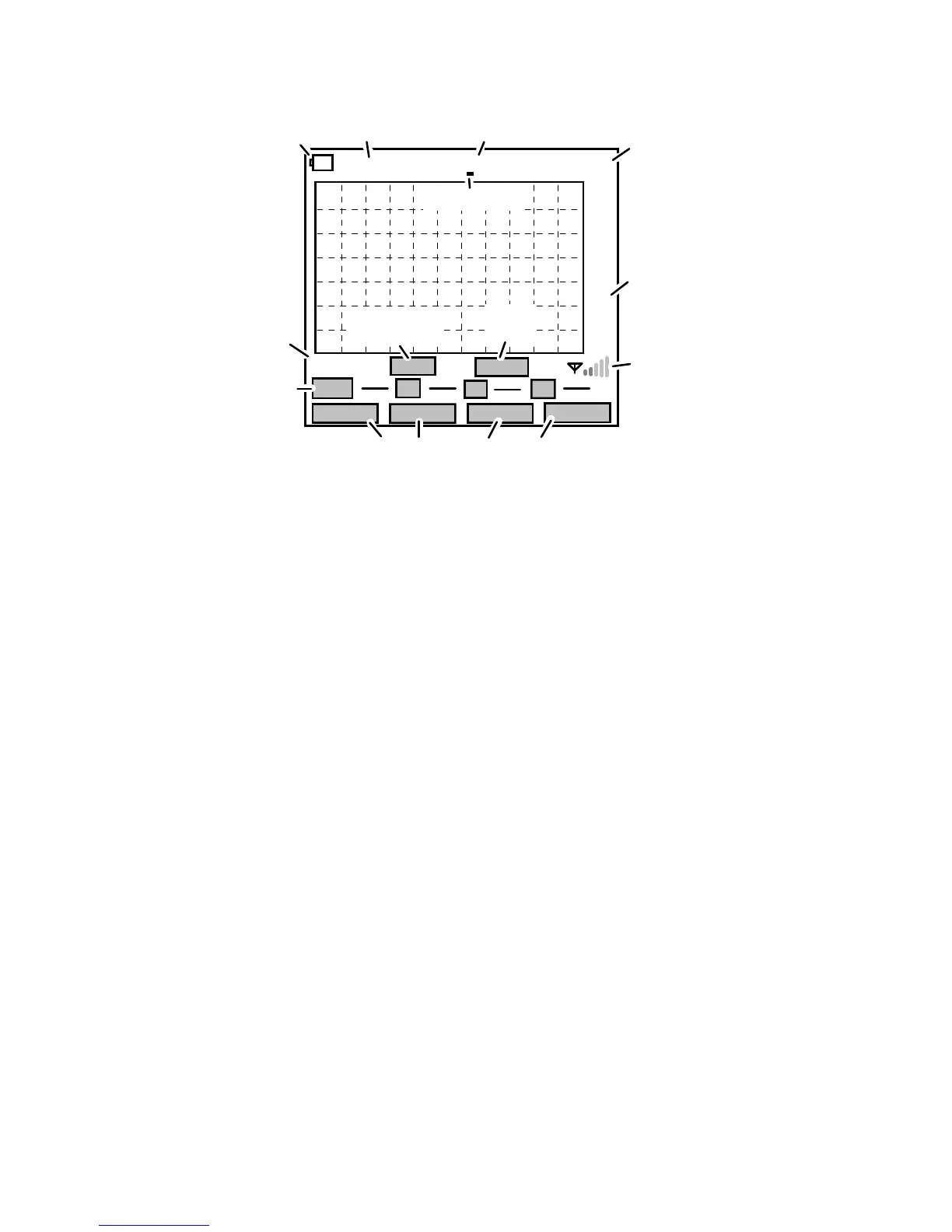
90
Center Frequency
Elapsed
Measurement
Graph
Page
Results
Interference
Detector
Command-Key Soft-Menu Labels
Numerical
Tuning Step
Time Meter
Scale
Current
Span
Last
Span
Battery Status
Mode
Top Line: The analyzer's current operating mode
(either Scan-Set or Present) appears between the
battery status and digital frequency display. Scan-Set
is used for setting up and initiating scans, while
Present is used to display results. In set-up mode, the
frequency display shows center frequency (CF), and in
presentation mode it shows the tunable-marker
frequency (MK).
Grid: This is the visual presentation area for plot files.
Note the calibrated measurement scale that appears to
the right of the grid.
First Line Under Screen: The Graph page (or wave-
file) designator shows which plot is currently selected
for display (SWR, Z, R, or X). The SPAN box next to it
shows the currently entered Scan-Width (this value can
be reset). VSPan shows the width used for the
previous scan (can't be reset). The Interference
Detector on the right side warns of strong interfering
signals (see 5.3).
Middle Line Under Screen: Displays numerical data
for SWR, Z, R, and X in Present mode. These fields
are normally blank in setup mode.
Bottom Line: Shows soft-menu labels for command
keys. Labels change for Scan-Set and Present modes
-- see specific instructions in 5.5 and 5.6.


 To Next Page