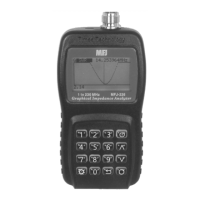
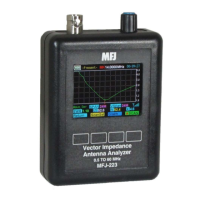
MFJ-223 Vector Impedance Antenna Analyzer
MFJ Enterprises, Inc
19 Version 1
Scan-Set Command Keys: Return exits to Boot Page.
Present toggles analyzer to Present mode (shows
data from the last scan completed). Span scrolls
through available scan widths (see SPAN box for
current selection). Scan activates the RF-generator
sweep. When scan complete, analyzer switches to
Presentation mode automatically and activates tunable
marker function (MK). Small bar-graph at lower right of
screen warns of interference.
Present Command Keys: Return exits to Boot
Screen. ScanSet returns analyzer to Scan-Set mode to
accept a new scan setup. Graph scrolls through four
"wave" plot files (SWR, Z, R, and X ). See lower left
side of the screen for the current wave file. ^Scan
repeats the scan with current setup entries. Rotary
Encoder tunes marker (MK) across display to recover
numerical data for SWR, Z, X, and R at any point along
the plot.


 To Next Page